Mitel 6940 SIP Phone User Guide
Headset
The
Headset
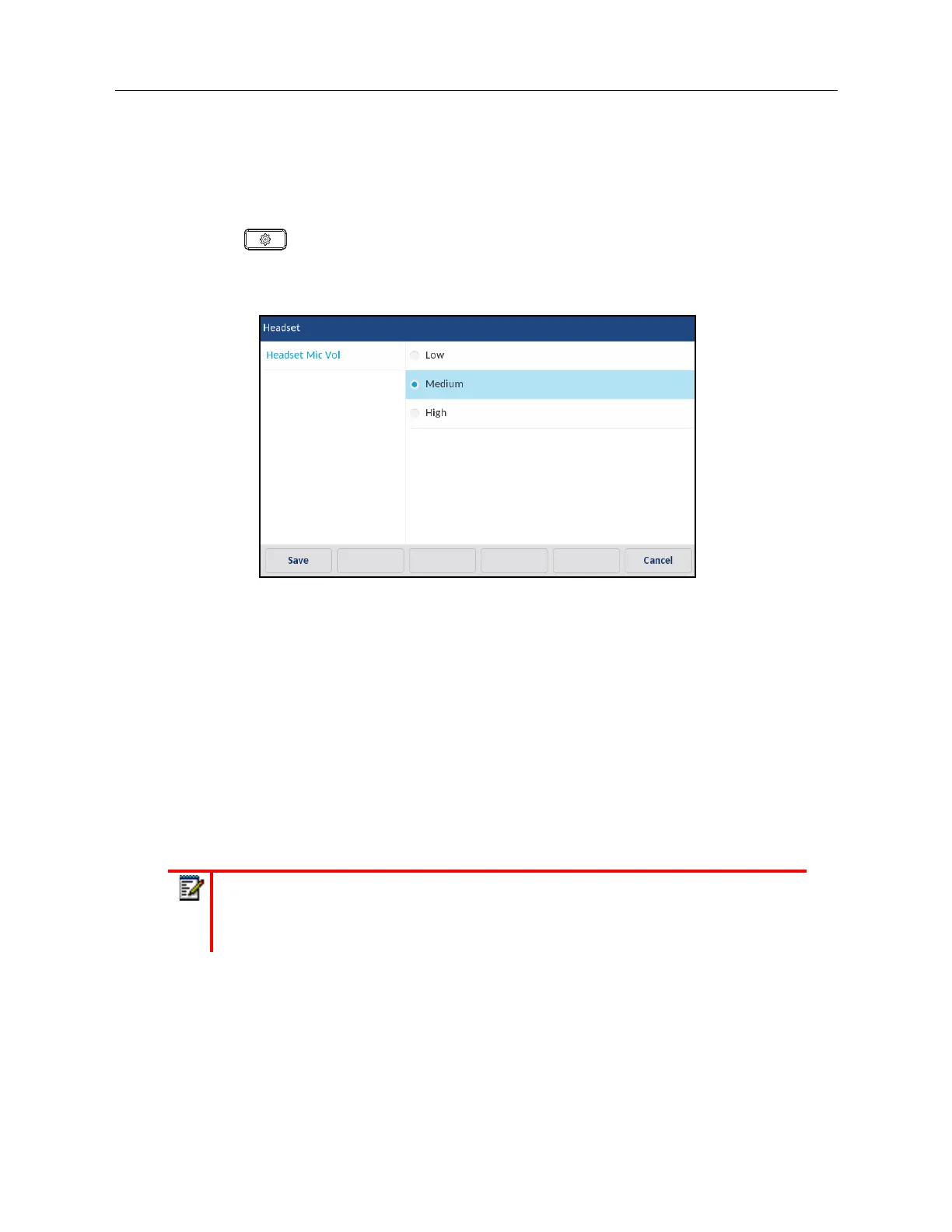
option allows you to set the volume level for the headset microphone (if supported).
Configuring Headset Mic Volume Using the IP Phone UI
1.
Press on the phone to enter the Options List.
2.
Press the
Audio
icon.
3.
Press the
Headset
icon.
4.
Choose the desired volume setting. Valid values are:
•Low
• Medium (default)
•High
5.
Press the
Save
softkey to save your changes.
Ring Tones and Tone Sets
There are several distinct ring tones a user can select to set on the IP phones. In addition to the 15
pre-installed ringtones, custom ring tones can be manually installed through the Web UI and selected
for use (if enabled by your Administrator). You can enable/disable these ring tones on a global or
per-line basis.
The following table identifies the valid settings and default values for each type of configuration
method.
Note:
Individual contact ring tones are also supported on the 6940. Individual contact
ring tones can be used during incoming calls to help users identify the party calling. For
more information on individual contact ring tones, see “Local Directory Features” on
page clxvi.



 To Next Page