Mitel 6940 SIP Phone User Guide
- Daylight Savings
- Date Format
•Time Zone
• Set Date and Time:
- Use Network Time (configure time servers)
- Enter Time and Date
Settings
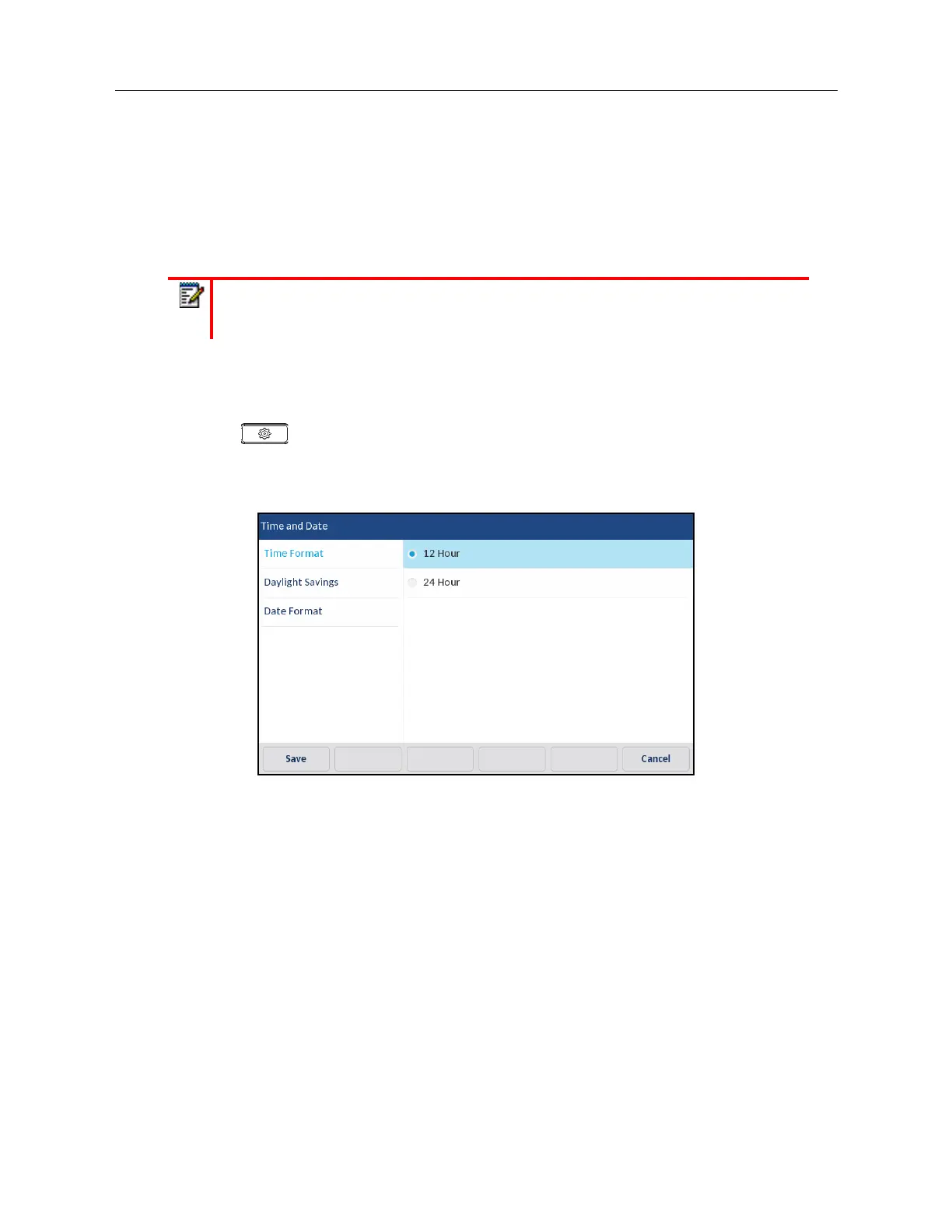
Configuring the Time Format, Daylight Savings, and Date Format Using the IP Phone UI
1.
Press on the phone to enter the Options List.
2.
Press the
Time and Date
icon.
3.
Press the
Settings
icon.
4.
Choose the desired time format. Valid values are 12 Hour and 24 Hour (the default is 12 Hour).
Note:
All time and date settings can be configured using the IP phone UI. Time/Date
Formats and Time Servers are the only two time and date settings that can be configured
using the Mitel Web UI.



 To Next Page