The
Detailed-View Call
screen encompasses the picture ID of the remote party (if available), a call
timer indicating the duration of the call in focus (in minutes and seconds), the caller ID (name and
number), and call status and feature indicators.
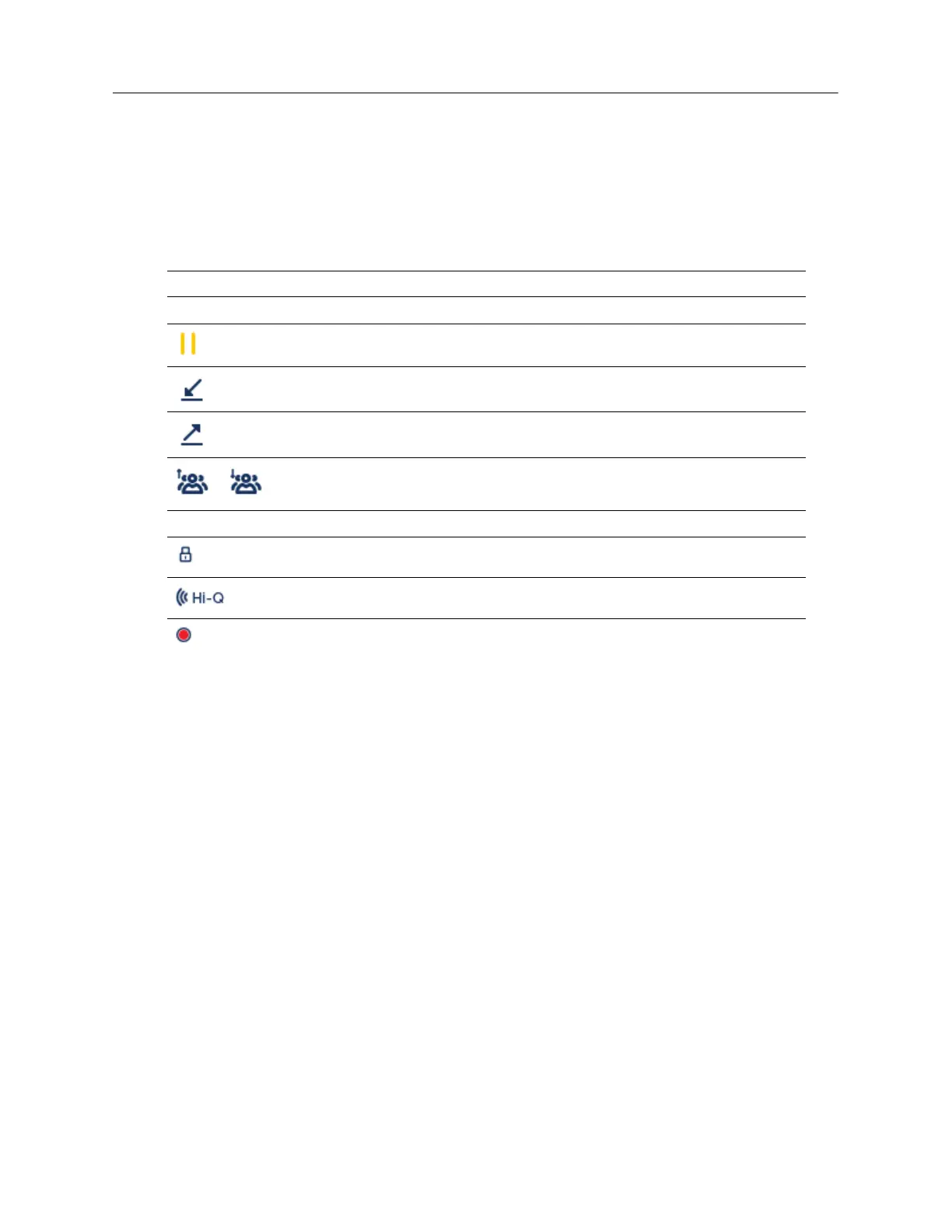
The following table identifies and describes the call status and call feature indicators on the
Detailed-View Call
screen.
Multi-View Call Screen
The
Multi-View Call
screen allows you to manage your calls more efficiently when you have more
than one call in progress. It is particularly useful in transfer and conference scenarios. All pertinent
Indicator/Icon Description
Call Status Indicators
N/A No icon denotes that the call is connected and in progress.
Indicates the call is on hold.
Indicates the call is an incoming call.
Indicates the call is an outgoing call.
Indicates the party is a conference call participant. The direction of the arrow
denotes where the other conference call participant is in the list of calls.
Call Feature Indicators
Indicates the call is secured using TLS/SRTP encryption.
Indicates the call is using Mitel Hi-Q™ audio.
Indicates active VoIP recording is enabled and the call is being recorded.



 To Next Page