Mitel 6940 SIP Phone User Guide
Phone Status
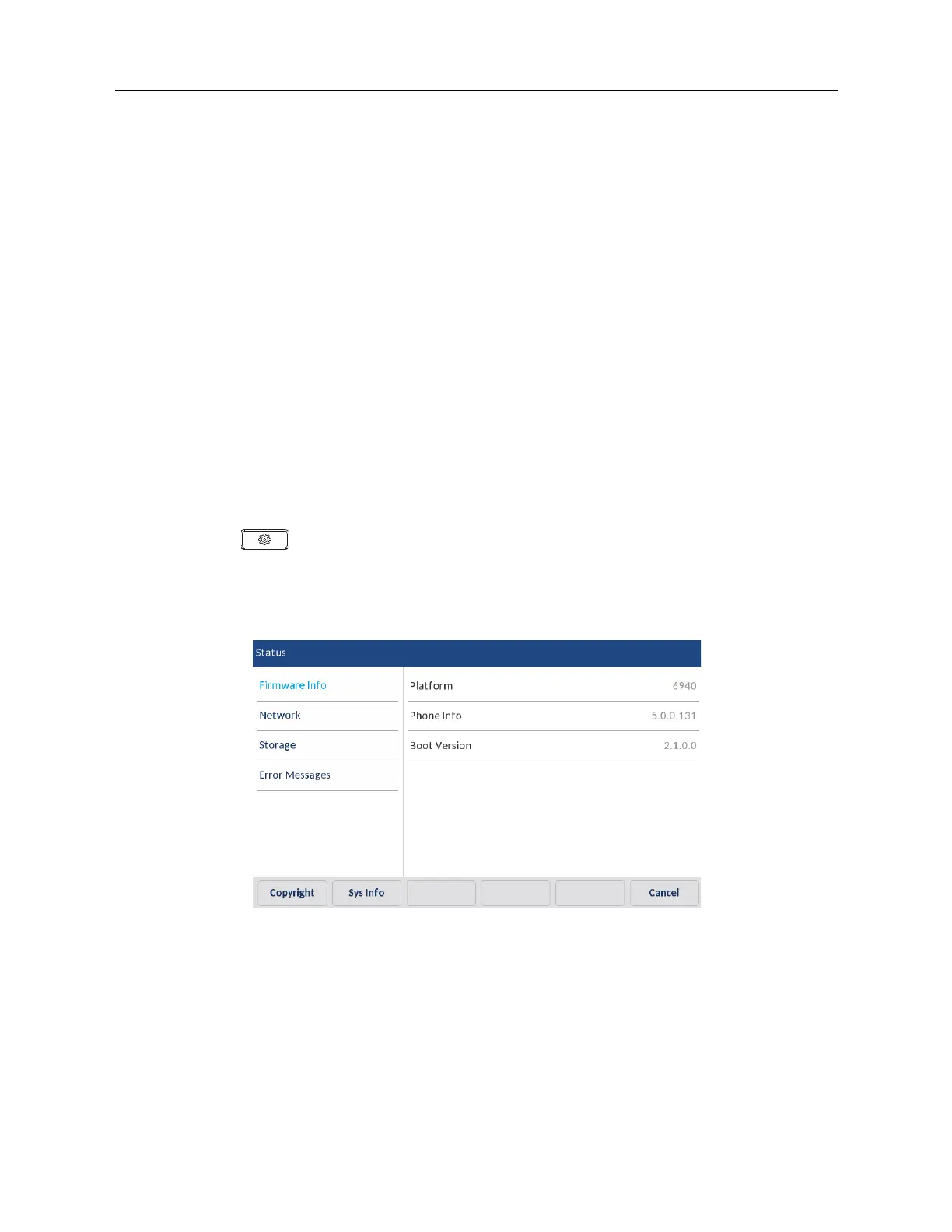
You can view the status of your phone using the IP phone UI or the Mitel Web UI.
Phone Status through IP Phone UI
The
Status
option on the IP phone displays the status of your phone to the LCD display.
This option allows you to view your phone’s:
• Firmware information including platform, firmware version, and boot version
• Network status including your phone’s IP, MAC address, and LAN/PC port information
• Storage information including how many records are stored in your Local Directory, Received
Callers, and Outgoing Redial lists
• Error messages from the last reboot or startup
• Copyright information
To view the status of your phone through IP phone UI
1.
Press on the phone to enter the Options List.
2.
Press the
Status
icon.
3.
Press the status item to view details. The following status items are available:
• Firmware Info



 To Next Page