Methods of Customizing Your Phone
Using the IP Phone UI
1.
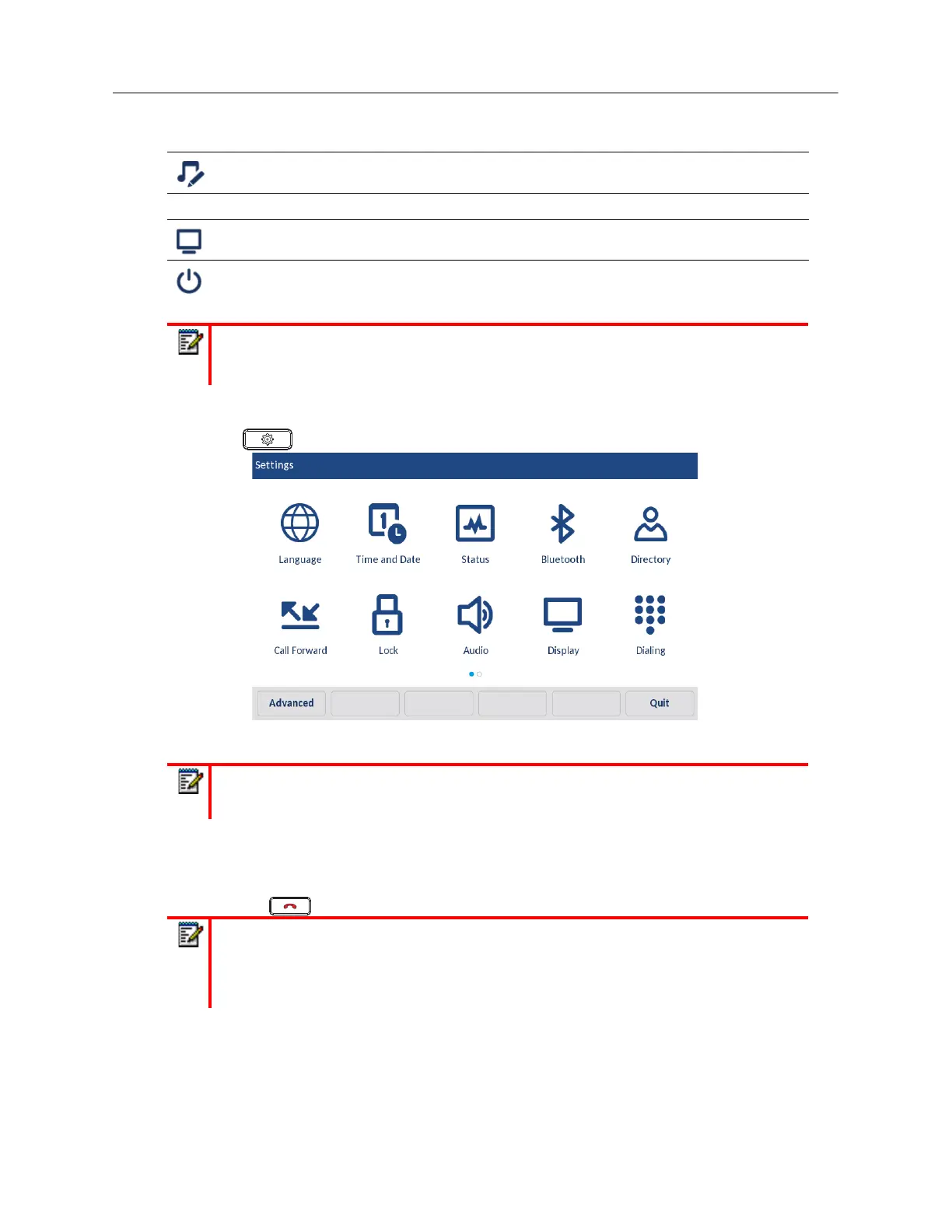
Press on the phone to enter the Options List.
2.
Press on the icon to access an option menu.
3.
Swipe up and down to scroll through any lists and press on an item to make any desired changes.
4.
Press the
Save
softkey to save your changes.
5.
Press the button or the
Quit
softkey at any time to exit without saving changes.
• Tone Set
Display
Restart
Note:
The
Advanced
options are Administrator-level functions only, and are not
accessible by the user. These options should only be set up and changed by your System
Administrator.
Note:
Swipe left or right to switch pages in the Options List.
Notes:
1.
For more information about customizing your phone using the available options from
the IP phone UI, see “Customizing Your Phone” on page xliii.
2.
For more information about
Advanced
options, contact your System Administrator.
Icon Option



 To Next Page