•
MWI LED off if current account in focus has DND off.
Configuring a DND Key
The following describes the process of configuring DND on your phone. To configure a DND key,
see “Do Not Disturb (DND) Key” on page civ.
Configuring DND Using the Mitel Web UI
1.
Click on
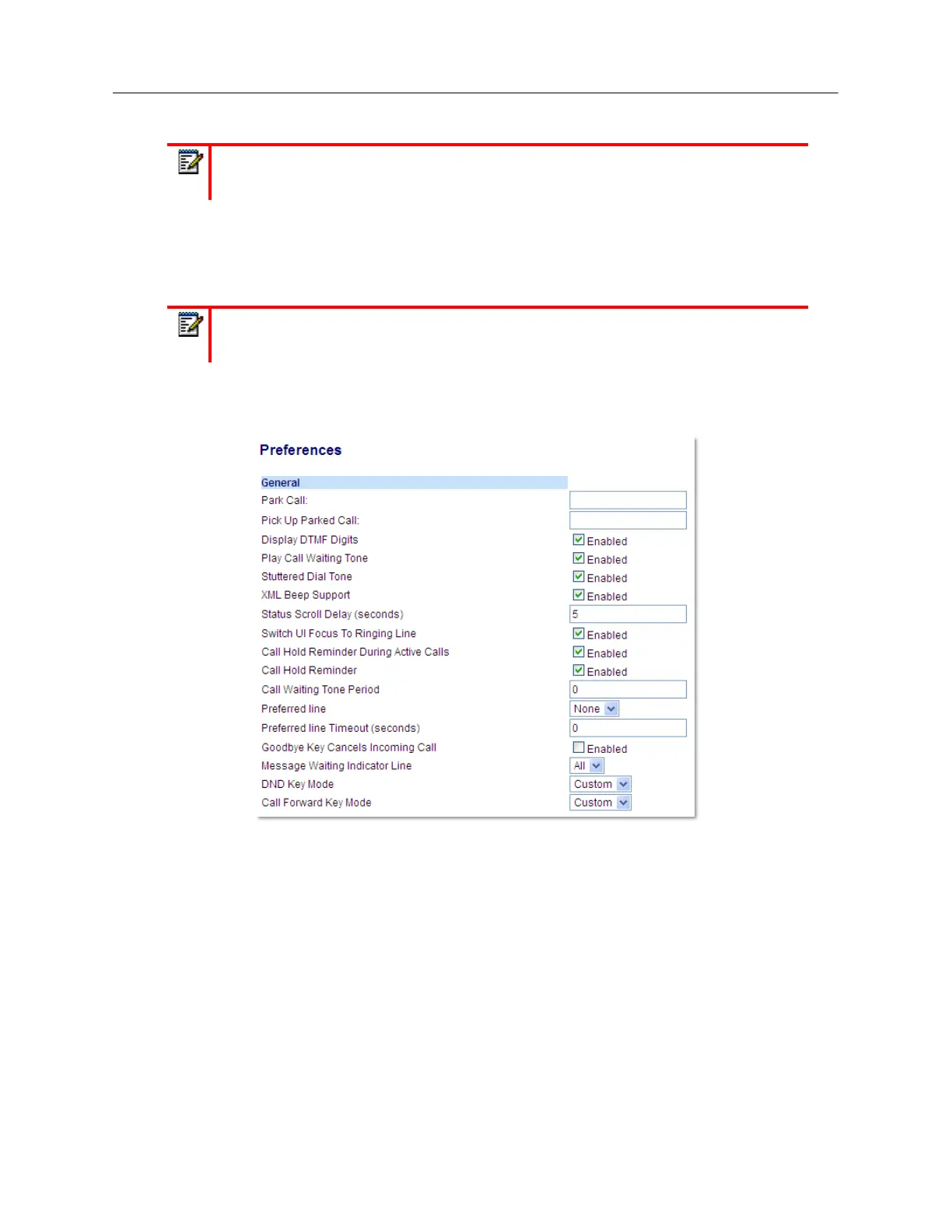
Basic Settings > Preferences > General
.
2.
In the
DND Key Mode
field, select a DND mode to use on the phone.
• Account: Sets DND for a specific account. DND key toggles the account in focus on the
phone to on or off.
• Phone (default): Sets DND on for all accounts on the phone. DND key toggles all accounts
on the phone to on or off.
• Custom: Sets the phone to display custom screens after pressing the DND key that list the
account(s) on the phone.
Note:
If you make changes to the configuration for DND through the IP phone UI, you
must refresh the Mitel Web UI screen to see the changes.
Note:
If there is no DND key configured or if it has been removed, DND is disabled on
the IP phone.



 To Next Page