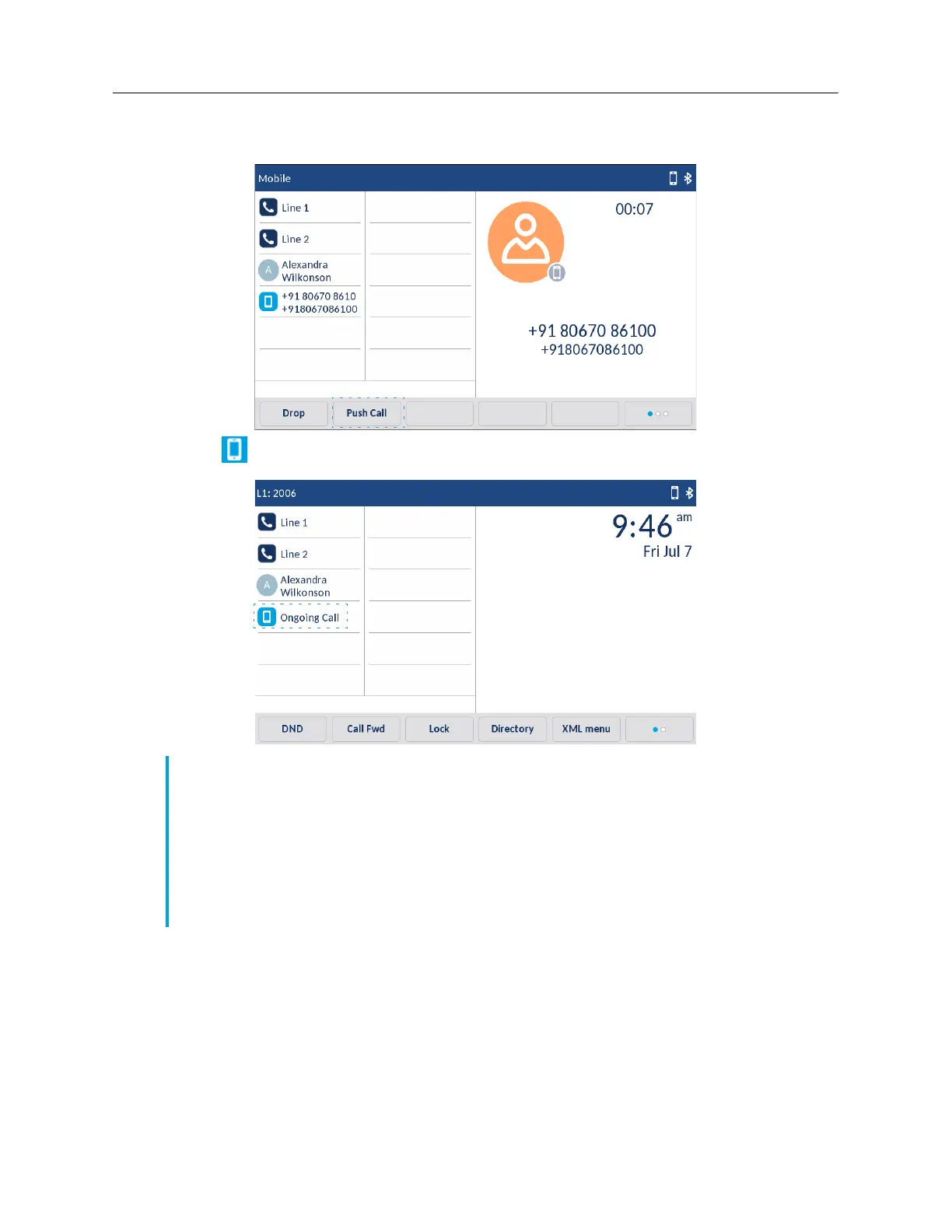
Tap the
Push call
softkey to push the mobile call audio from your Mitel 6940 IP Phone to your mobile
phone.
Tap the
Mobile Line
key to pull the mobile call audio from your mobile phone to the Mitel 6940
IP Phone.
Mute and Hold Call
When mobile phones are paired and integrated with Mitel desktop phones, control and operations
are seamless and optimized by using the control function of Mitel phones. However certain individual
mobile device functions such as transfer of audio or hold cell phone call might not be always
processed by Mitel phones and can lead to unhandled states on Mitel phones.
Note:
When an incoming call on a Bluetooth connected mobile is answered by either pressing the
speaker or mobile softkey on the SIP IP phone, the audio goes to the preferred device.
For example, when the audio mode is in speaker/headset mode and a Bluetooth mobile call
is answered, by preferred mode the audio goes to the speaker. If the user changes the audio
mode to headset, consecutive pull and push call action from/to the mobile phone retains audio
with the headset and does not change to the speaker mode each time the mobile softkey is
pressed on the SIP IP phone.



 To Next Page