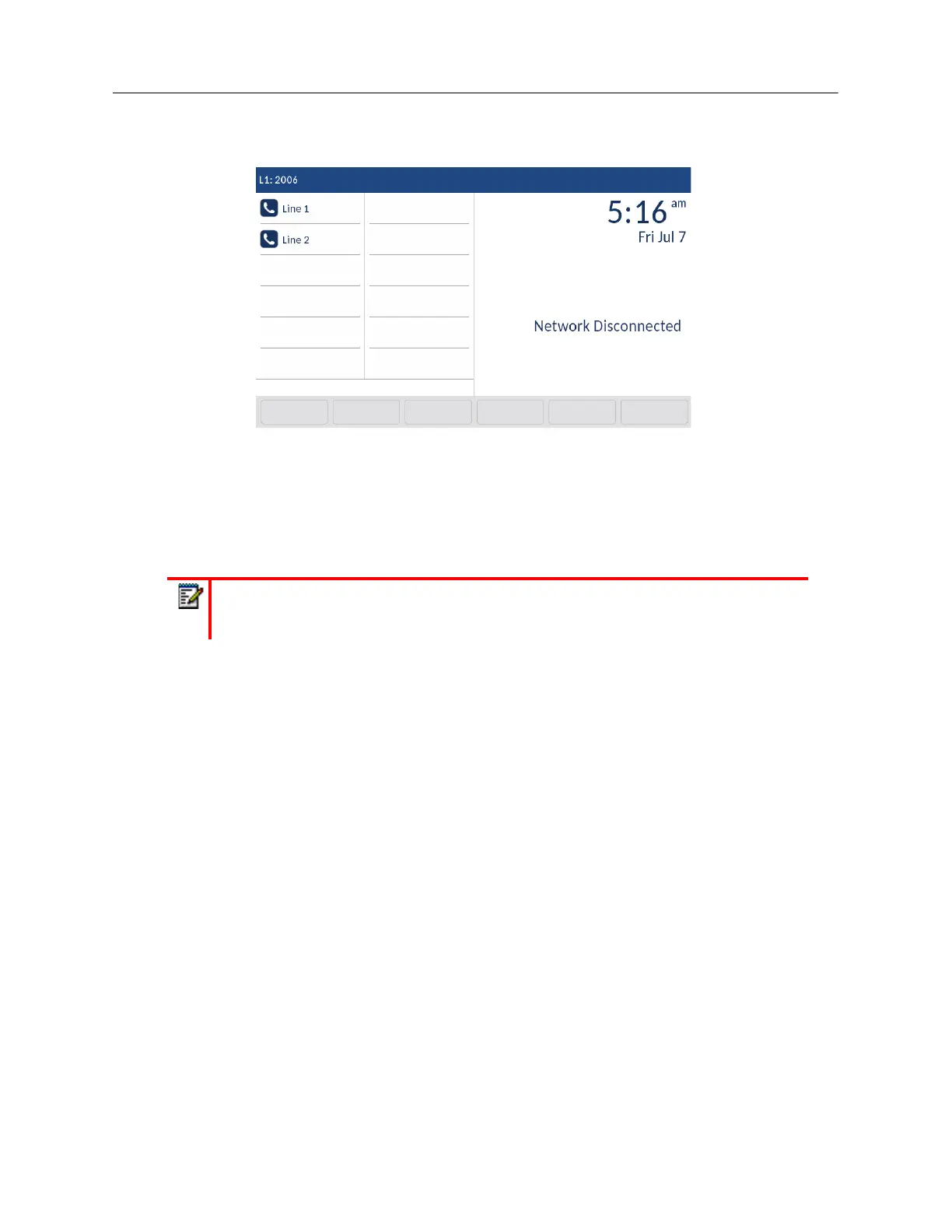
If your phone did not successfully connect to the network, the
Network Disconnected
prompt
appears on the display and the telephone status light turns on.
Check that the cables are tightly connected to the phone and to the wall jack. The phone should
automatically detect when it is reconnected and remove the
Network Disconnected
prompt from
the screen. However, if changes have been made to your phone’s network settings, you may need
to restart your phone. Check with your System or Network Administrator for assistance.
For more information about connecting your phone, see the
Mitel 6940 IP Phone Installation Guide.
UI Overview
Home Screen
When the phone has successfully updated the configuration and connected to the network, the
phone displays the
Home
screen. The
Home
screen displays the current line, your name (SIP screen
name), the date and time, and various important status messages. It is the default screen displayed
when the phone is in idle state.
Note:
If the phone displays a
No Service
status message you can still use the phone
but note that it is not registered with the Registrar. For more information about registering
your phone, contact your System Administrator.



 To Next Page