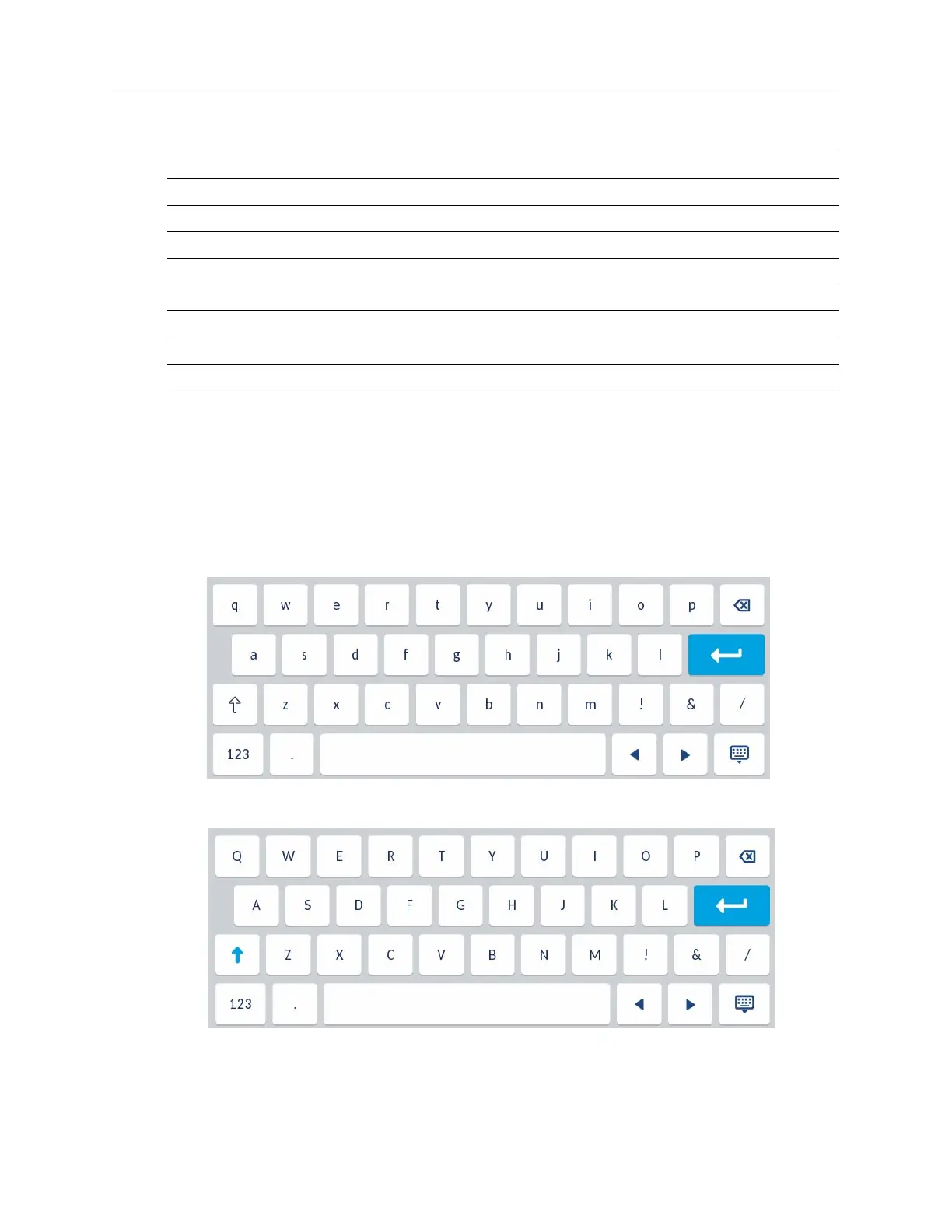
On-screen keyboard
In addition to the Mitel 6940 SIP IP phone’s dialpad keys, an on-screen international keyboard is
available for character input. The on-screen international keyboard automatically displays in various
applications when character input is required.
The lower case layout of the on-screen international keyboard is as follows:
The upper case layout of the on-screen international keyboard is as follows:
2 A B C 2 a b c 2
3 D E F 3 d e f 3
4 G H I 4 g h i 4
5 J K L 5 j k l 5
6 M NO 6 m n o 6
7 P Q R S 7 p q r s 7
8 T U V 8 t u v 8
9 W X Y Z 9 w x y z 9
* * <SPACE> * <SPACE>
# # / \ @ # / \ @
Key Uppercase Characters Lowercase Characters



 To Next Page