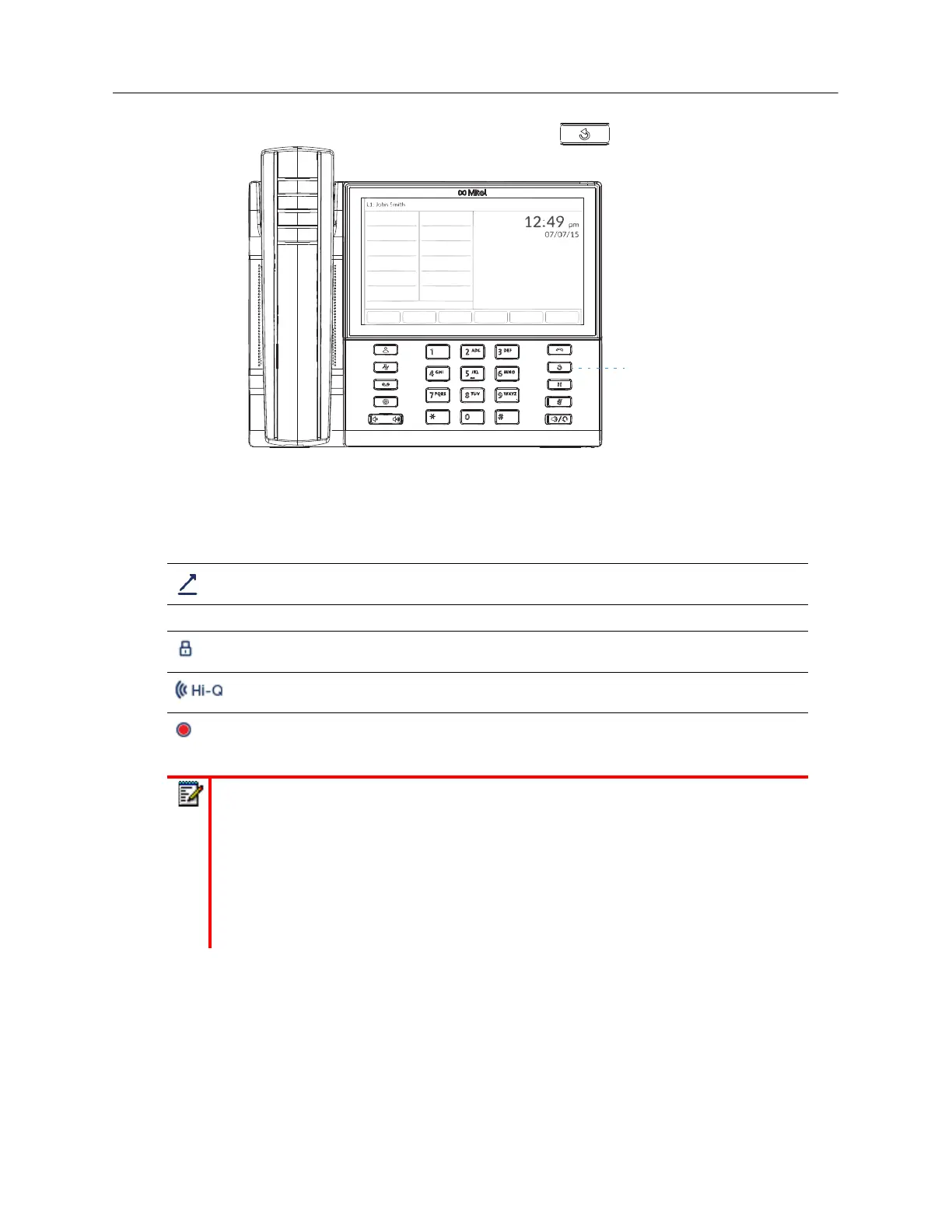
On the 6940, you access the Outgoing Redial List by the
key.
The following table identifies and describes the various icons displayed in the Outgoing Redial List.
Icon Description
Indicates an outgoing call that was answered.
Call Feature Indicators (in detailed view only)
Indicates the call was secured using TLS/SRTP encryption.
Indicates the call was using Mitel Hi-Q™ audio.
Indicates active VoIP recording was enabled and the call was recorded.
Notes:
1.
When the Outgoing Redial List is full, the oldest call records are deleted to
accommodate the information of new called parties.
2.
If the telephone number of an incoming or outgoing call matches a number that you
have programmed with a name in a softkey or the Directory, the Outgoing Redial
List display the same name and number.
3.
For details on the total number of Outgoing Redial List entries currently stored on
your phone, see “Phone Status through IP Phone UI” on page xxxviii.



 To Next Page