If a match is not found or if a contact ringtone is not assigned, the standard ring tone for the line
being used to field the incoming call is played.
Using the IP phone UI you can perform the following actions with regards to the Local Directory:
• Add new contacts to the Local Directory
• Edit entries in the Local Directory
• Delete all entries from the Local Directory
• Delete individual entries from the Local Directory
Adding New Entries to the Local Directory
1.
Press the (
Directory
) key or a softkey configured with Directory functionality to enter
the Directory.
2.
If no external sources are configured, simply press the
Add New
softkey.
or
If external Directory sources are configured/enabled and if the Local Directory contains contacts,
press an entry in the list and press the
Add New
softkey.
3.
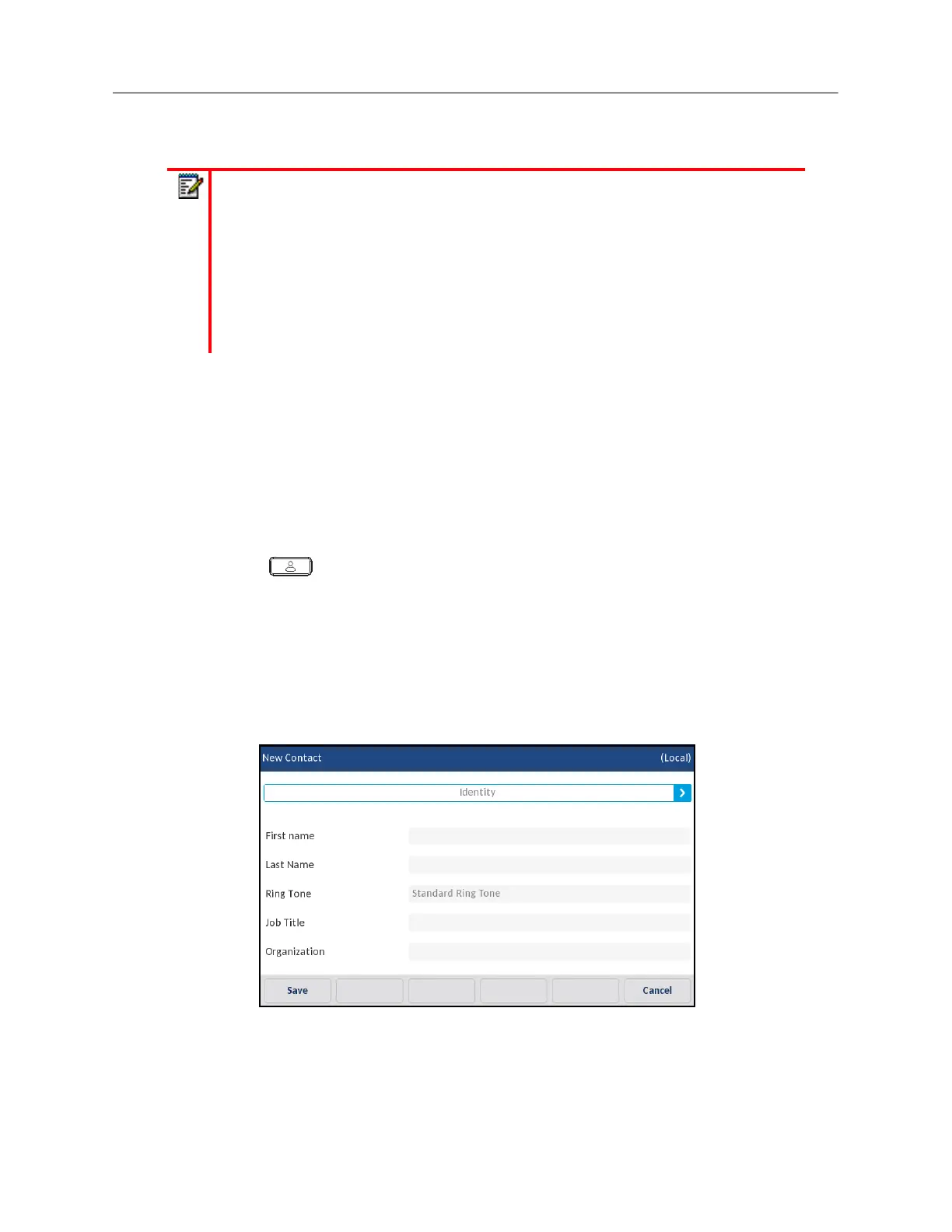
Under the
Identity
tab, press the desired field and using the on-screen keyboard input the first
name, last name, job title, and organization of the respective contact.
4.
(Optional) Press the
Ring Tone
field and press the left and right arrow buttons to select the
desired ring tone for the respective contact.
5.
Press the
Identity
tab and press the right arrow button to switch to the
Numbers
tab.
Notes:
1.
In instances where a custom ring tone is selected as the individual contact ring tone
for a Local Directory contact and subsequently the custom ring tone is deleted, the
standard ring tone will be played.
2.
Individual contact ring tone support is applicable to the Local Directory only. If you
would like to apply a ring tone for a contact in an external directory source (e.g.
CSV-based directories, Exchange Contacts, and LDAP directories) or Incoming
Callers List/Outgoing Redial List, you must first copy the desired contact to the Local
Directory.



 To Next Page