Mitel 6940 SIP Phone User Guide
name/number of the caller, when they last called, and if the call was answered or missed. Additional
information such as the duration of the call, line used, and call features utilized during the call can
also be viewed.
You can view, scroll, and delete line items in the Received Callers List from the IP phone UI as wells
as copy selected entries to the Local Directory. You can also dial out directly using a displayed entry
in the Received Callers List.
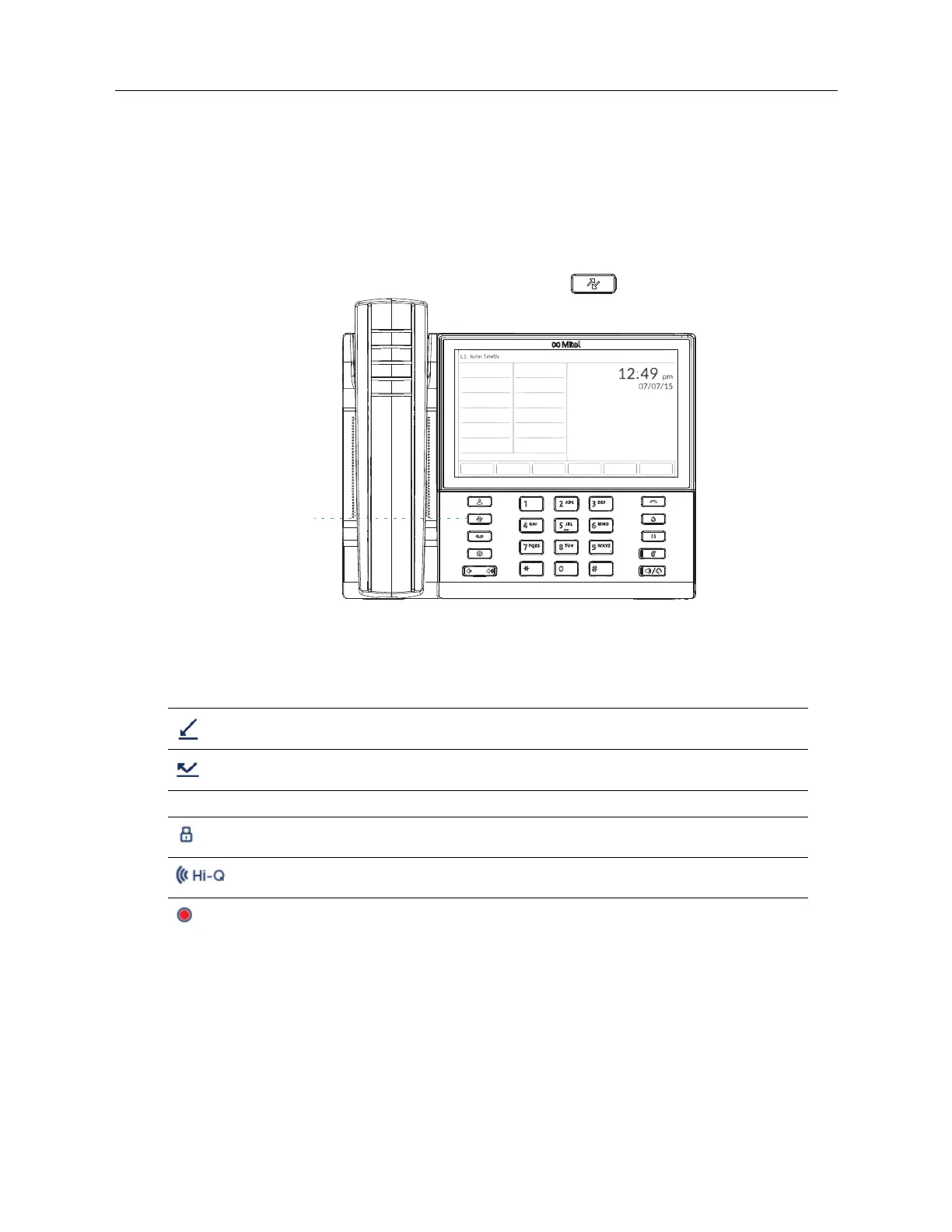
On the 6940, you access the Received Callers List by the
key.
The following table identifies and describes the various icons displayed in the Received Callers List.
Icon Description
Indicates an incoming call.
Indicates an incoming call that was not answered.
Call Feature Indicators (in detailed view only)
Indicates the call was secured using TLS/SRTP encryption.
Indicates the call was using Mitel Hi-Q™ audio.
Indicates active VoIP recording was enabled and the call was recorded.



 To Next Page