3.
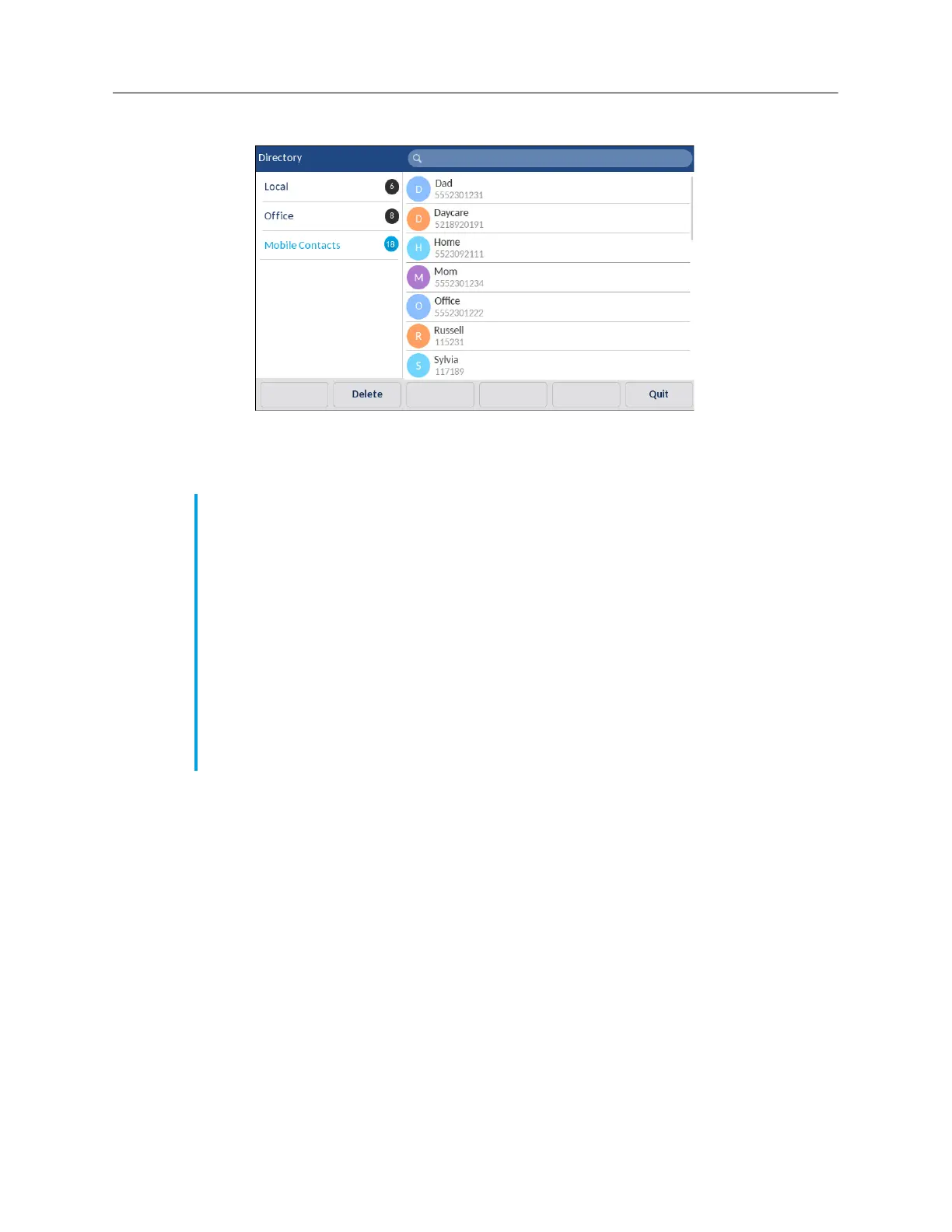
Tap the
Mobile
contacts folder.
Tap the
Update
softkey.
The Mitel 6940 IP phone attempts to re-synchronize and update your mobile contacts.
Notes:
1.
You may need to acknowledge the request on your mobile phone.
2.
If the update fails, a failed to retrieve contacts message displays on screen. Tap
Retry
to
attempt to update again, or
Cancel
to cancel the attempt.
3.
Some mobile phones will only sync contacts stored on the phone’s flash memory. Contacts
stored on the phone’s SIM card may not sync with the Mitel 6940 IP phone.
4.
Mobile contacts are cleared from the
Directory
application when the phone’s firmware
has been upgraded. If your mobile device is configured to allow for automatic
re-synchronization, the Mitel 6940 SIP IP phone will synchronize the contacts again the
next time your mobile device connects to your IP phone. If your mobile device is not
configure for automatic re-synchronization, you must manually synchronize your mobile
contacts.
5.
For more information on the
Directory
application, see “Directory” on page lxx.



 To Next Page