When the proximity lock and unlock feature is enabled, users and administrators can perform the
following configurations on the phones supporting mobile integration:
• Automatically lock the phone when a connected mobile is disconnected after a configurable
delay.
• Automatically unlock the phone when a paired mobile is reconnected after a configurable
delay.
• Define different configuration and delay time for phone auto-lock and unlock.
Enabling or Disabling the Phone Automatic Lock and Unlock on Mobile Proximity Using TUI
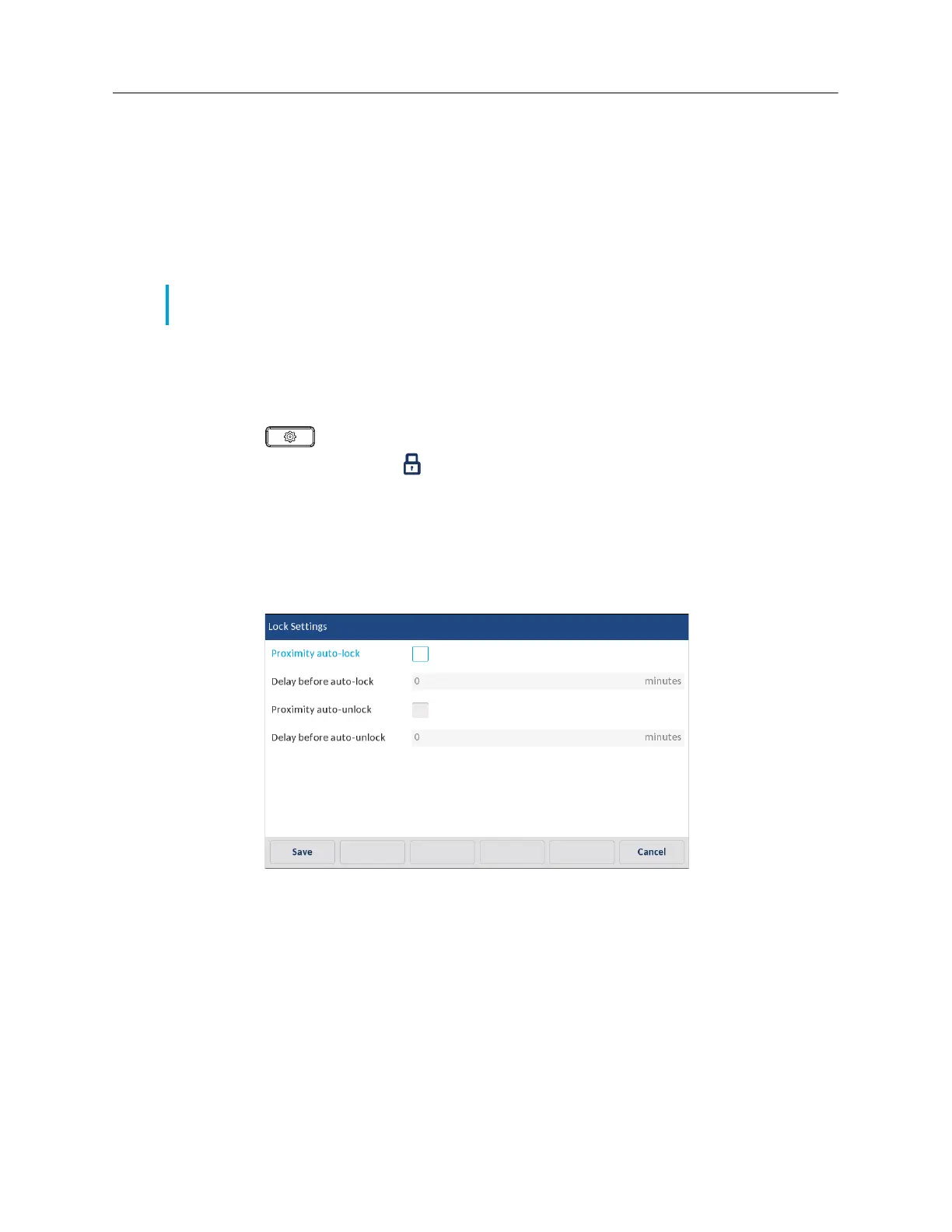
Use the following procedure to enable or disable the proximity lock and unlock feature on the 6940
phone using the TUI.
1.
Press on the phone to view the Options list.
2.
Navigate to the Lock icon and tap
Settings
.
3.
Enable or disable the
Proximity auto-lock
and
Proximity auto-unlock
fields using the
checkbox.
4.
Enter the required delay time (minutes) in the
Delay before auto-lock
and
Delay before
auto-unlock
fields.
5.
Tap
Save
to save your changes.
Enabling or Disabling the Phone Automatic Lock and Unlock on Mobile Proximity Using
Mitel WebUI
Use the following procedure to enable or disable the proximity lock and unlock feature on the 6940
phone using the WebUI.
1.
Click on
Operation > Phone Lock
.
2.
Enable or disable the
Proximity auto-lock
and
Proximity auto-unlock
fields using the
checkbox.
3.
Enter the required delay time (minutes) in the
Delay before auto-lock
and
Delay before
auto-unlock
fields.
Note:
This feature does not function when the user disables the Bluetooth connection or manually
connects, disconnects or unpairs the mobile phone from the TUI.



 To Next Page