3.
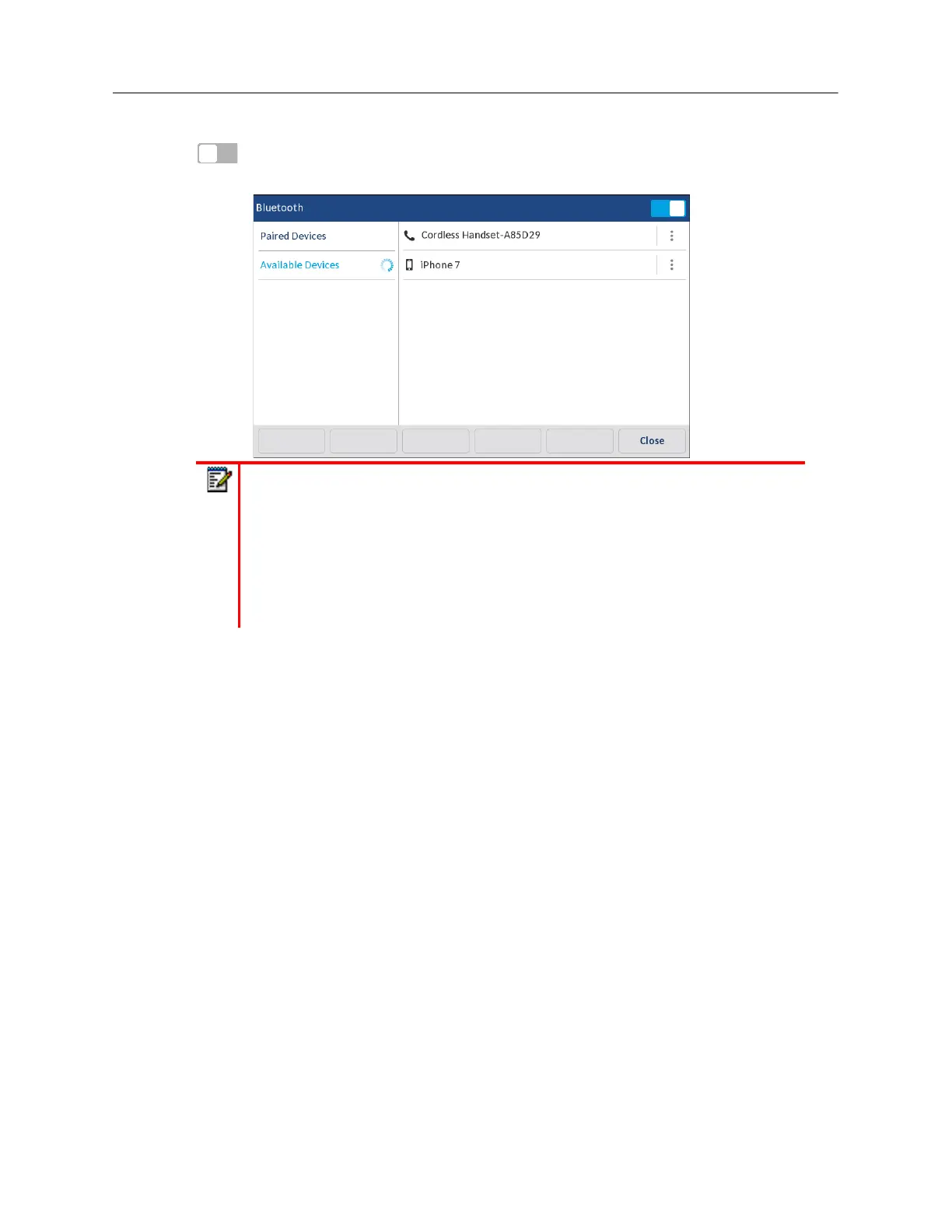
Ensure Bluetooth functionality is enabled. If it is not enabled, swipe the Bluetooth toggle switch
to the right.
4.
Press
Available Devices
.
Note:
1.
The Mitel 6940 SIP IP phone scans for supported Bluetooth devices when
viewing the list of available devices. Refer to the respective Bluetooth device
documentation for discovery and pairing procedures that must be performed on
your Bluetooth device.
2.
When attempting to pair a Mitel cordless Bluetooth handset with the Mitel 6940
SIP IP phone, the device name will appear in the available devices list as
"Cordless Handset" followed by the last six digits of the handset’s MAC address.



 To Next Page