more information about configuring a Lock/Unlock key on your phone, see “Phone Lock Key” on
page cxxx.
Locking the Phone Using the IP Phone UI
1.
Press on the phone to enter the Options List
.
2.
Press the
Lock
icon.
3.
Press the
Phone Lock
icon.
4.
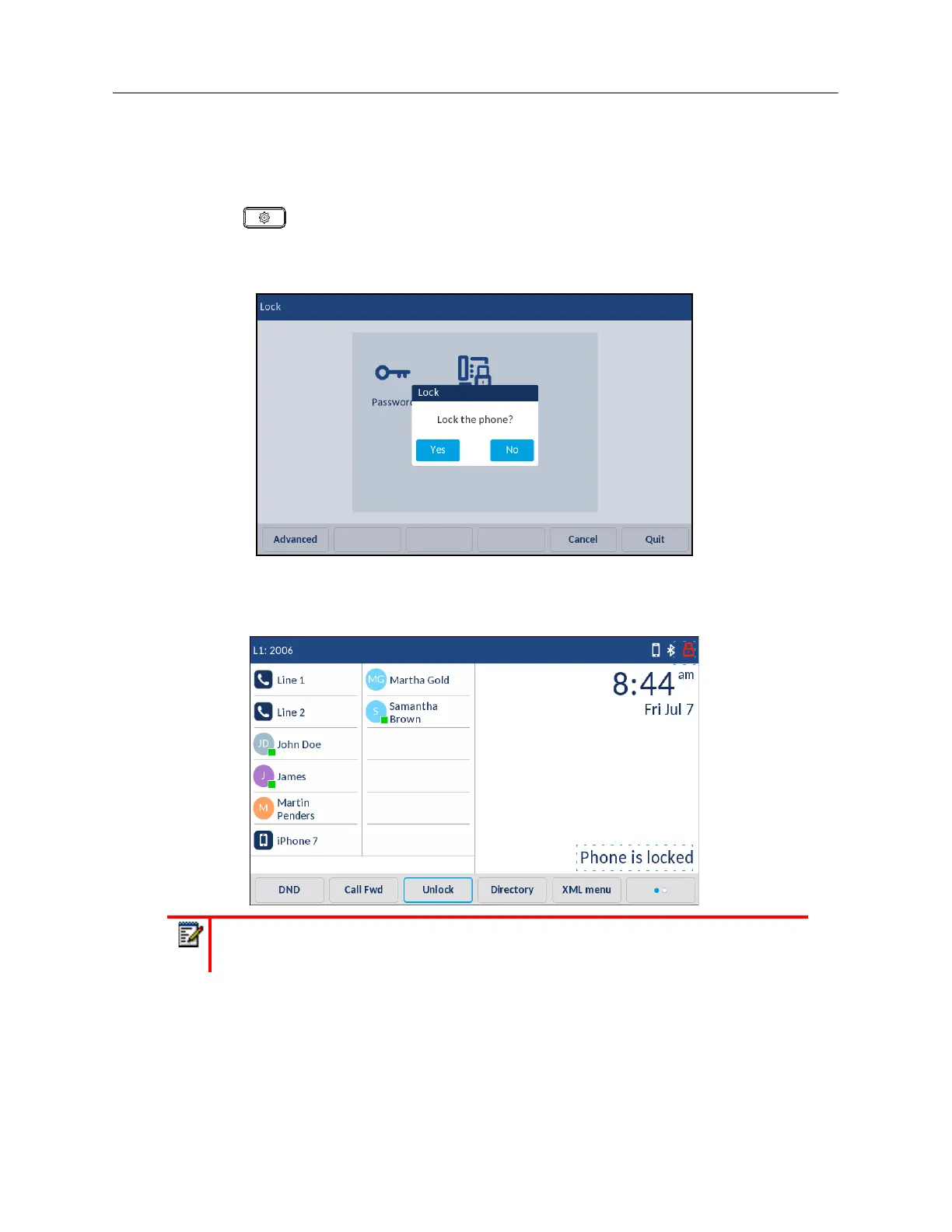
At the
Lock the phone?
prompt, press
Yes
.
The message
Phone is locked
and a lock icon displays on the
Home
screen. Additionally the
Message Waiting Indicator (MWI) will turn on.
Note:
Alternatively, if configured, you can lock the phone by simply pressing a
Lock
softkey.



 To Next Page