Resetting a User Password
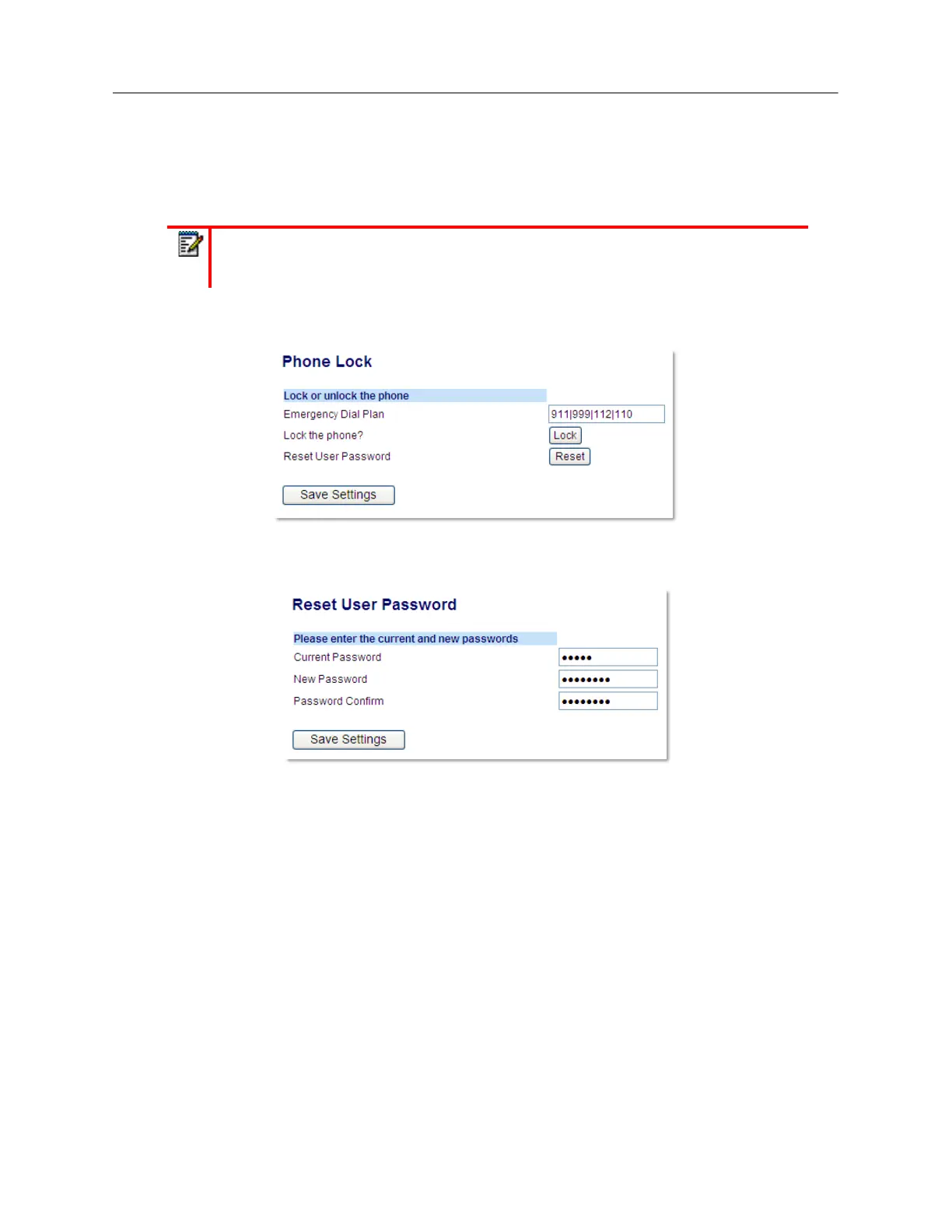
If you forget your password, you can reset it and enter a new password. The reset user password
feature resets the password to the factory default which is blank (no password). You can reset a
user password using the Mitel Web UI only.
1.
Click on
Operation > Phone Lock
.
2.
In the
Reset User Password
field, click
Reset
.
The following screen displays.
3.
In the
Current Password
field, leave this blank.
4.
In the
New Password
field, enter a new password.
5.
In the
Password Confirm
field, re-enter your new user password.
6.
Click
Save Settings
.
Note:
Valid values when creating or changing a password are 0 to 4294967295 (integers
only; symbols and alpha characters are not allowed). The default password is an empty
string (i.e. leave the field blank).



 To Next Page