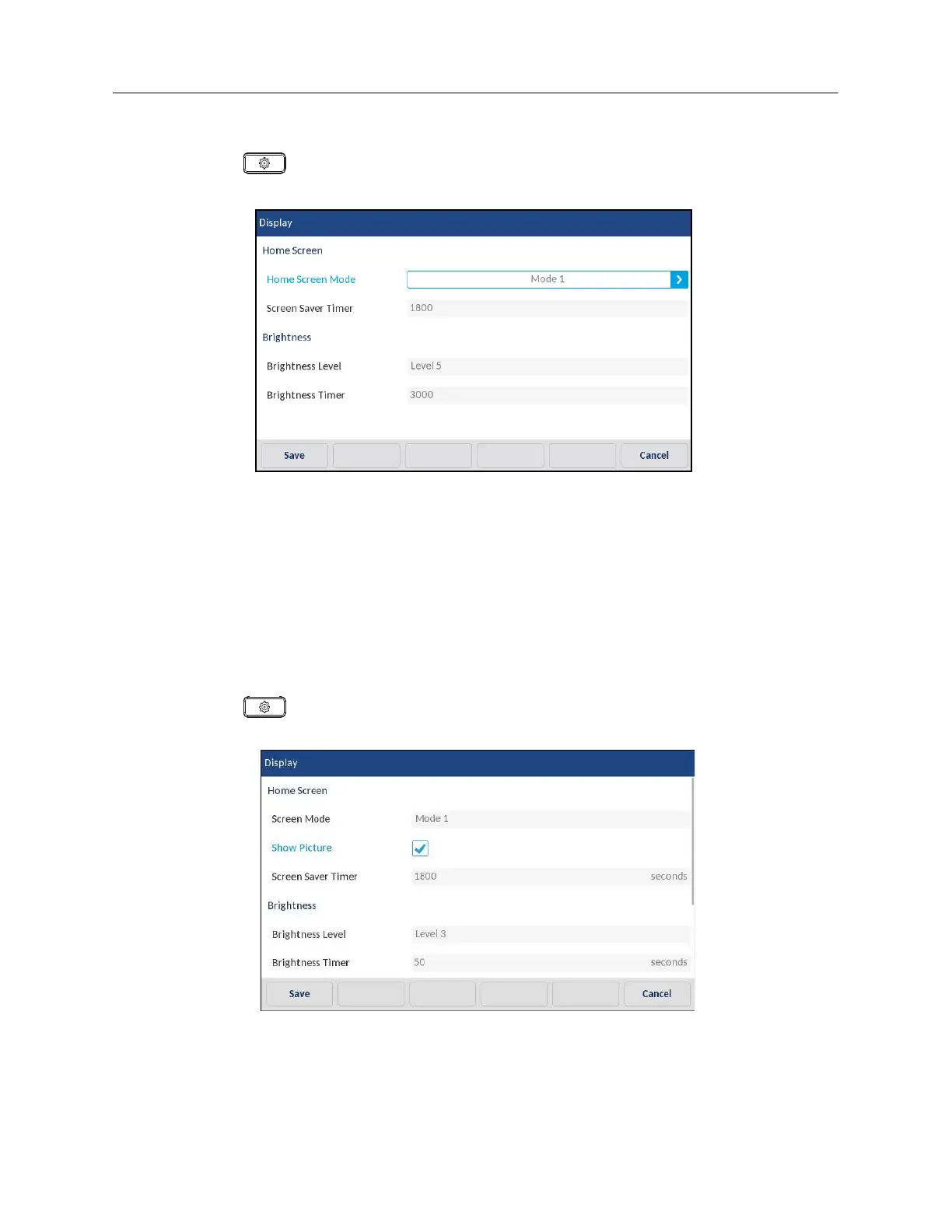
Configuring the Home Screen Mode and Screen Saver Timer
1.
Press on the phone to enter the Options List.
2.
Tap the
Display
icon.
3.
Swipe the left and right arrow buttons in the
Home Screen Mode
field to change the desired
home screen mode.
4.
Tap
Screen Saver Timer
field.
5.
Enter a value, in seconds, using the on-screen keyboard. You can set the timer from 0 (disabled)
to 7200 seconds. Default is 1800 (30 minutes).
6.
Tap the
Save
softkey
to save your changes.
Enable or Disable Self-Avatar Display (Only if configured by Administrator)
1.
Press on the phone to enter the Options List.
2.
Tap the
Display
icon.
3.
Tap the
Show Picture
checkbox.
4.
Tap the
Save
softkey
to save your changes.



 To Next Page