Chapter 5: Installation
Procedure: Upgrading the System to Version 2.4
Page 5-150 Inter-Tel
®
5000 Installation Manual – Issue 2.4, May 2008
2. Perform a Database backup using DB Programming. You can also back up the database
using the LCD panel.
A database backup using DB Programming saves the database to the system. However,
also perform a Database Save to save a copy on your PC or other location you can
access. You can use this PC copy should the system copy not work or not be available.
3. Perform a voice mail backup. For Basic Voice Mail, connect a USB flash drive (2.0
compatible) to the USB-A port on the front of the Inter-Tel 5000 Base Server chassis. If
using an external voice mail system, refer to the Inter-Tel 5000 Features and
Programming Guide (part no: 580.8006) for details.
4. Transfer the v2.4 software and firmware files to a location accessible by your TFTP
server, so they are available for the upgrade. Make sure the system upgrade TFTP
server information (not the onboard TFTP server used for endpoints) is configured in DB
Programming. The Inter-Tel CS-5200, CS-5400, or CS-5600 system Admin Web
Session application will access this TFTP server IP address and path information to look
for upgrade files. With this information in DB Programming, you will not need to enter it
in the Admin Web Session upgrade page each time you want to access the TFTP
server. Also, see “TFTP Server Configuration Example” on page 5-142 for a TFTP
server setup example.
5. From an Internet Explorer (IE) window, access the Inter-Tel edGe
®
TechCentral Software
Downloads (www.inter-tel.com/software) Web site, and download the upgrade files to the
computer running the TFTP server configured in step 3a on page 5-138 (for example, a
laptop computer). These files may need to be unzipped to the root directory specified in
the TFTP server and placed in the appropriate directories you set up, if applicable.
6. In IE, type the URL to access the Administrative Web Session interface on the Inter-Tel
5000 platform you want to upgrade.
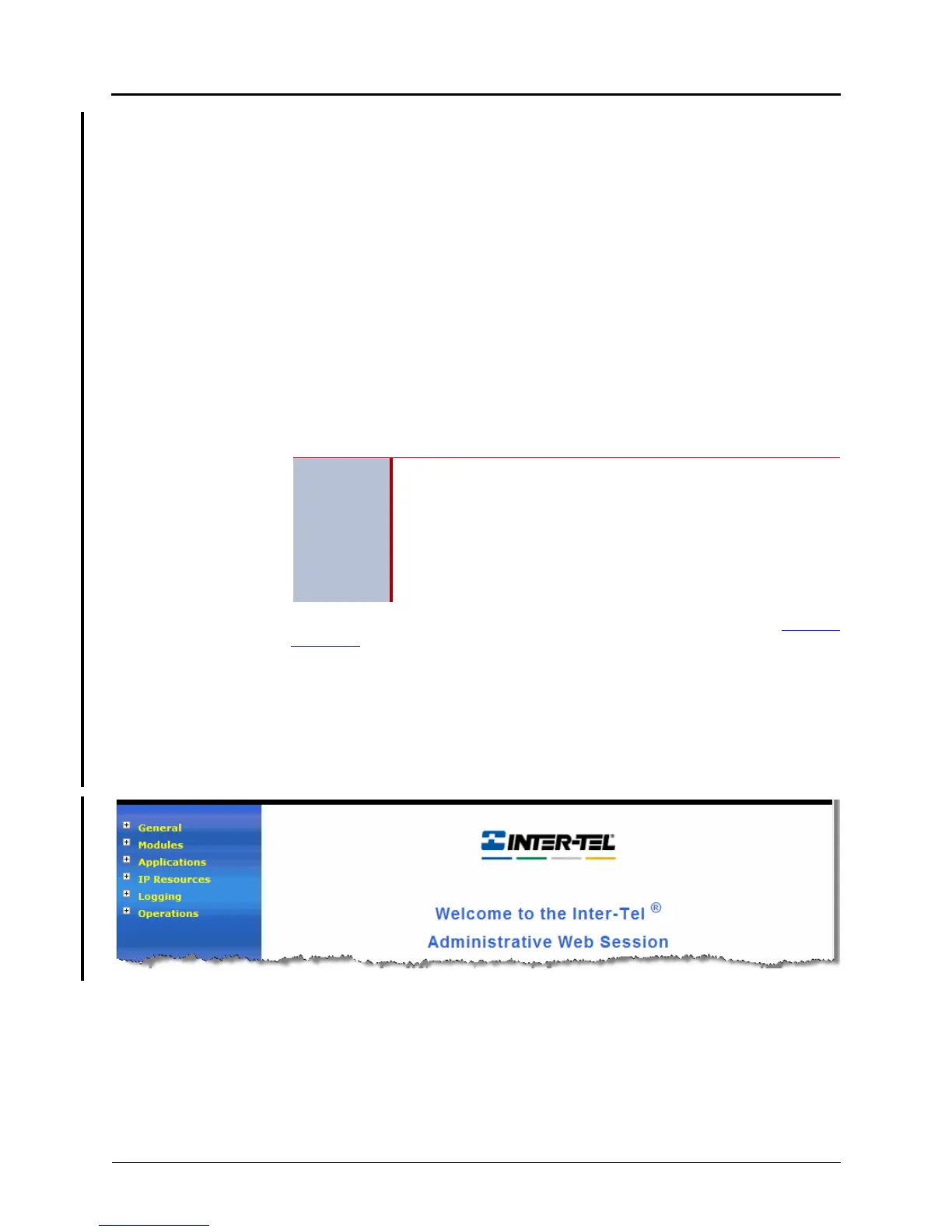
7. Type the Inter-Tel 5000 platform username and password to log on. The default
username is it5k and the default password is itpassw. The following screen appears.
IMPORTANT
Perform a Backup Database Save after setting the TFTP Pathname
and TFTP IP Address fields. Since the upgrade could restart call
processing (CP), the TFTP address/path change will most likely be
lost when CP restarts. When CP restarts with a new version it does
not use the database stored in persistent memory, instead it uses the
backup database and does any conversions necessary for the new
version. By performing a backup database save, all recent changes
including the TFTP address/path will be preserved.



 To Next Page