Chapter 5: Installation
Procedure: Upgrading the System to Version 2.4
Inter-Tel
®
5000 Installation Manual – Issue 2.4, May 2008 Page 5-151
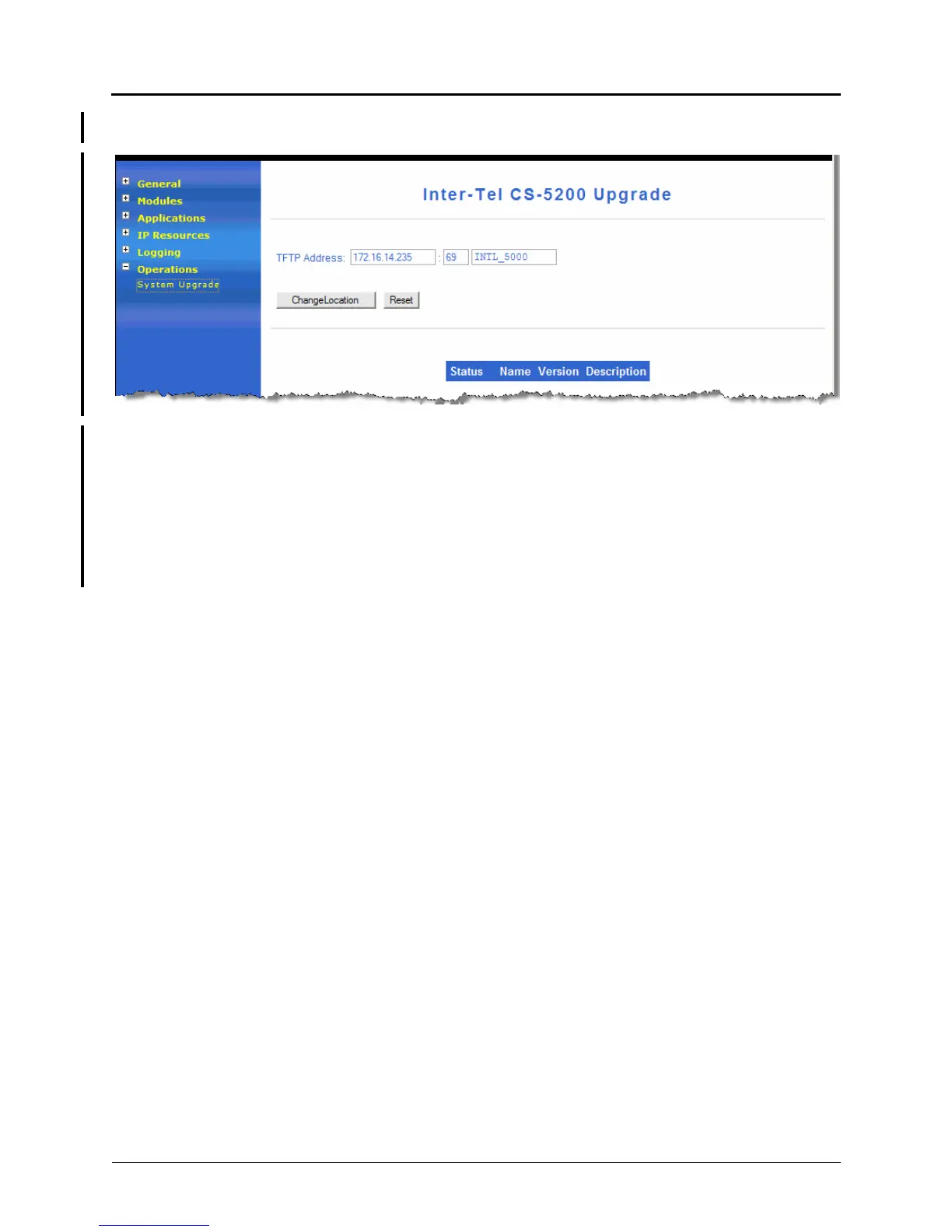
8. In the navigation panel, click Operations, and then click System Upgrade. The
following screen appears.
9. Do the following:
a. TFTP Address: Type the IP address of the TFTP server holding the v2.4 upgrade
files.
Make sure this IP address setting points to a separate TFTP server—not to the
onboard TFTP server on the Inter-Tel 5000.
b. Click Change Location.
10. Click Update at the bottom of the page to see a list of available packages and
applications. An example is shown on the next page.



 To Next Page