OPERATION
© 2014 Mold-Masters (2007) Limited. All Rights Reserved.
Revised 1 Oct, 2014
6-33
6.23 Back up tool settings
Backing up tools is a means of saving tool settings to an external
media which may be kept in a safe place for secure recovery or trans-
ferred to another controller for use elsewhere.
NOTE: If the particular tool has an EasyView image and EasyView
page associated with it, then the Mini-panel conguration is saved
within this Backup procedure. However, you should save the same
picture and keep the Picture and Tool les together if you wish to re-
use them at a later date.
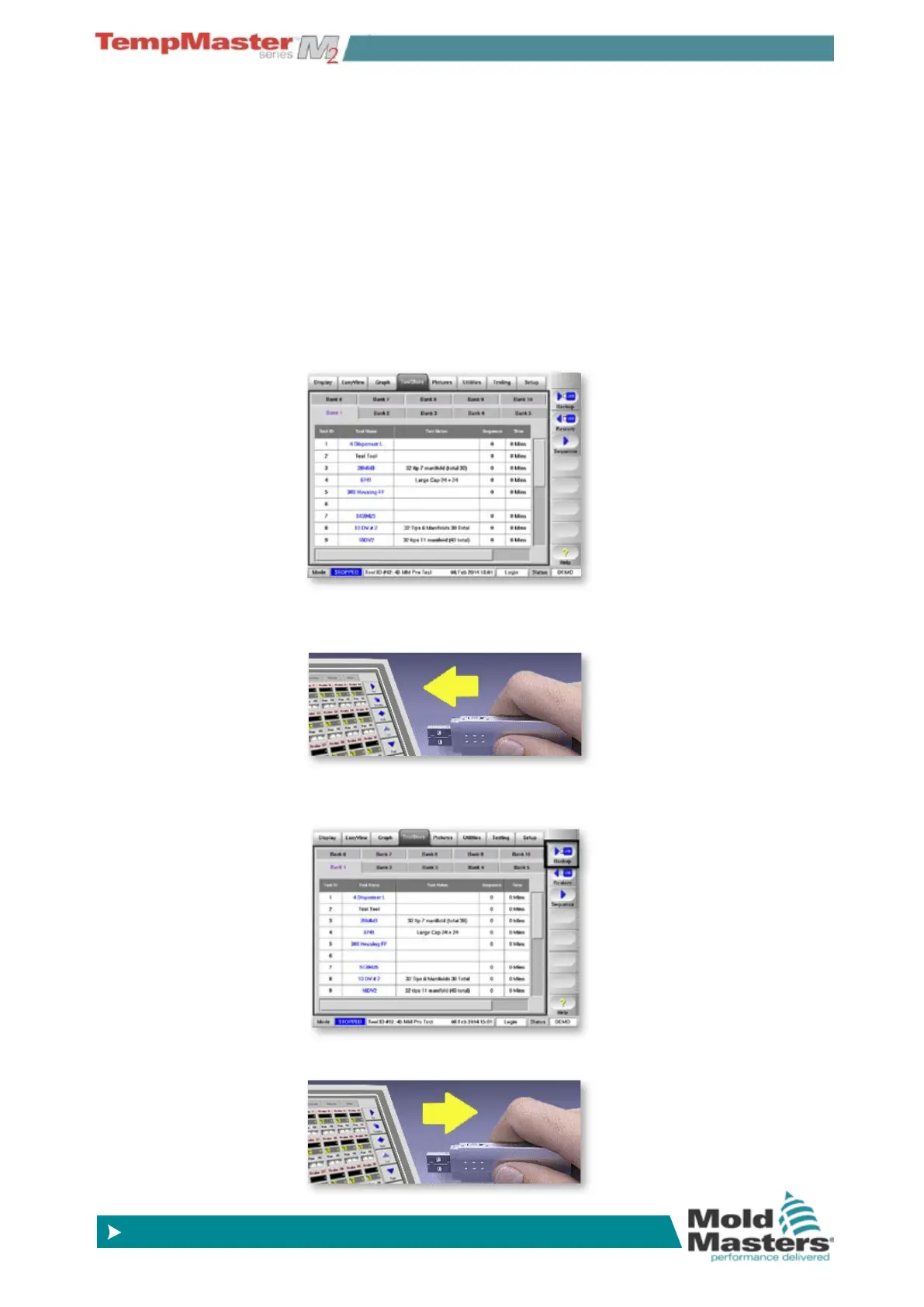
6.23.1 To save (backup) all the tools:
1. Open the ToolStore page.
2. Insert storage media then wait about 10 seconds until the USB
Memory is ready to use.
3. Choose [Backup]. The tool is saved to the memory stick along
with “Tool Name” and “Tool Notes”.
4. Wait about 10 seconds then remove storage medium.



 To Next Page