OVERVIEW
© 2014 Mold-Masters (2007) Limited. All Rights Reserved.
Revised 1 Oct, 2014
4-17
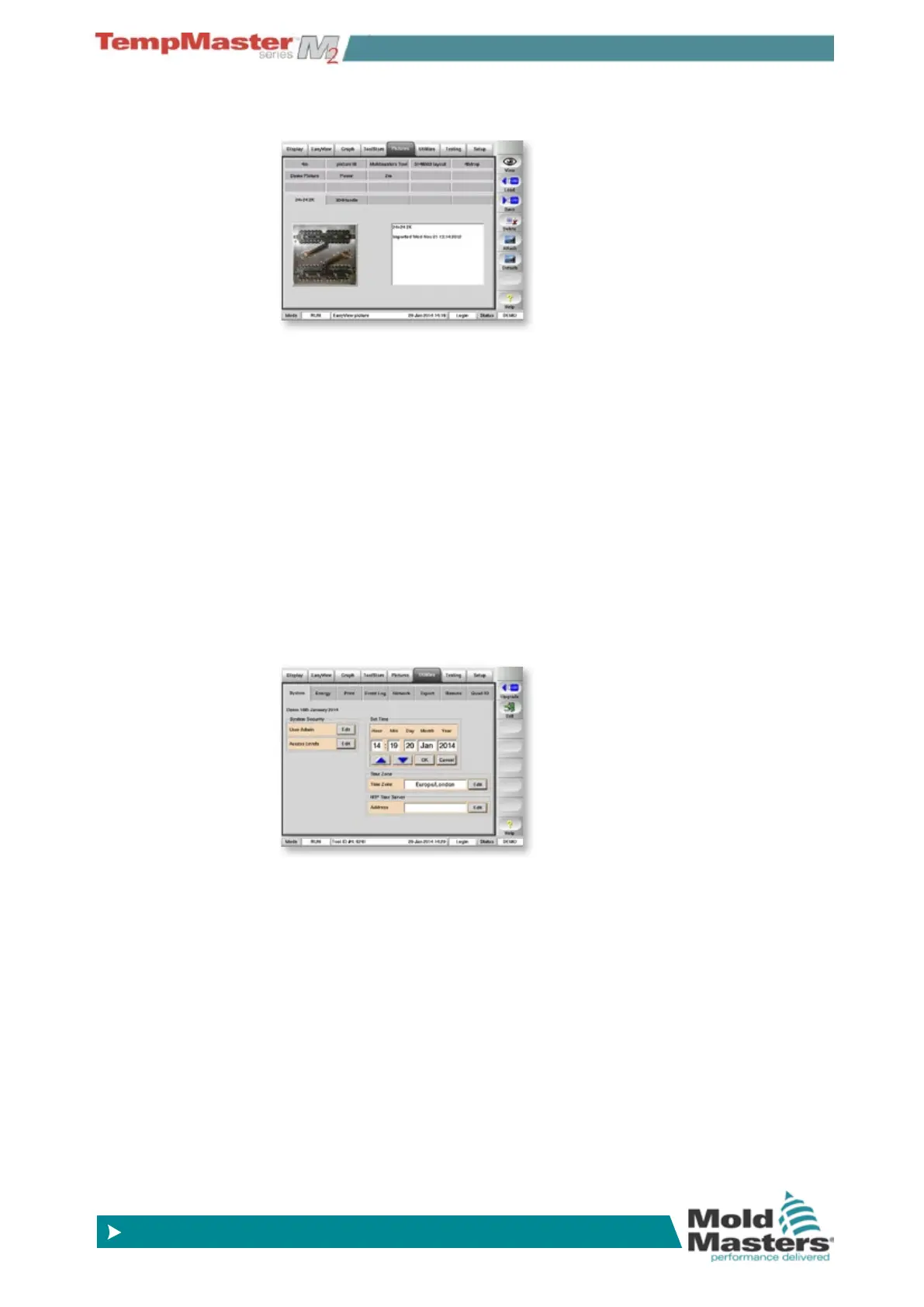
4.13.4 The Picture page
Save, and display, up to 20 drawings or pictures.
4.13.5 The Utilities page
Contains several sub pages:
a) System- change the passwords and the system clock.
b) Energy - display of recent energy consumption over time.
c) Printer - select a driver for your printer.
d) Event Log - to nd changes that have been made to the con-
troller settings.
e) Network - set up the Controller to communicate over a net-
work.
f) Export - obtain historical performance data for any zones over
the last 24 hours.
g) Remote - view any other networked computer via a Virtual Net-
worked Computer (VNC) protocol and set up a remote Master
IP address.
h) Quad IO - set up Quad IO card Inputs and relay outputs.



 To Next Page