MAINTENANCE
© 2014 Mold-Masters (2007) Limited. All Rights Reserved.
Revised 1 Oct, 2014
7-5
7.3 Export Facility
You can extract the last 24 hours of zone performance data as a
zipped spreadsheet. This data is written in a CSV (comma separated
value) form, and then compressed into a zip le before exporting.
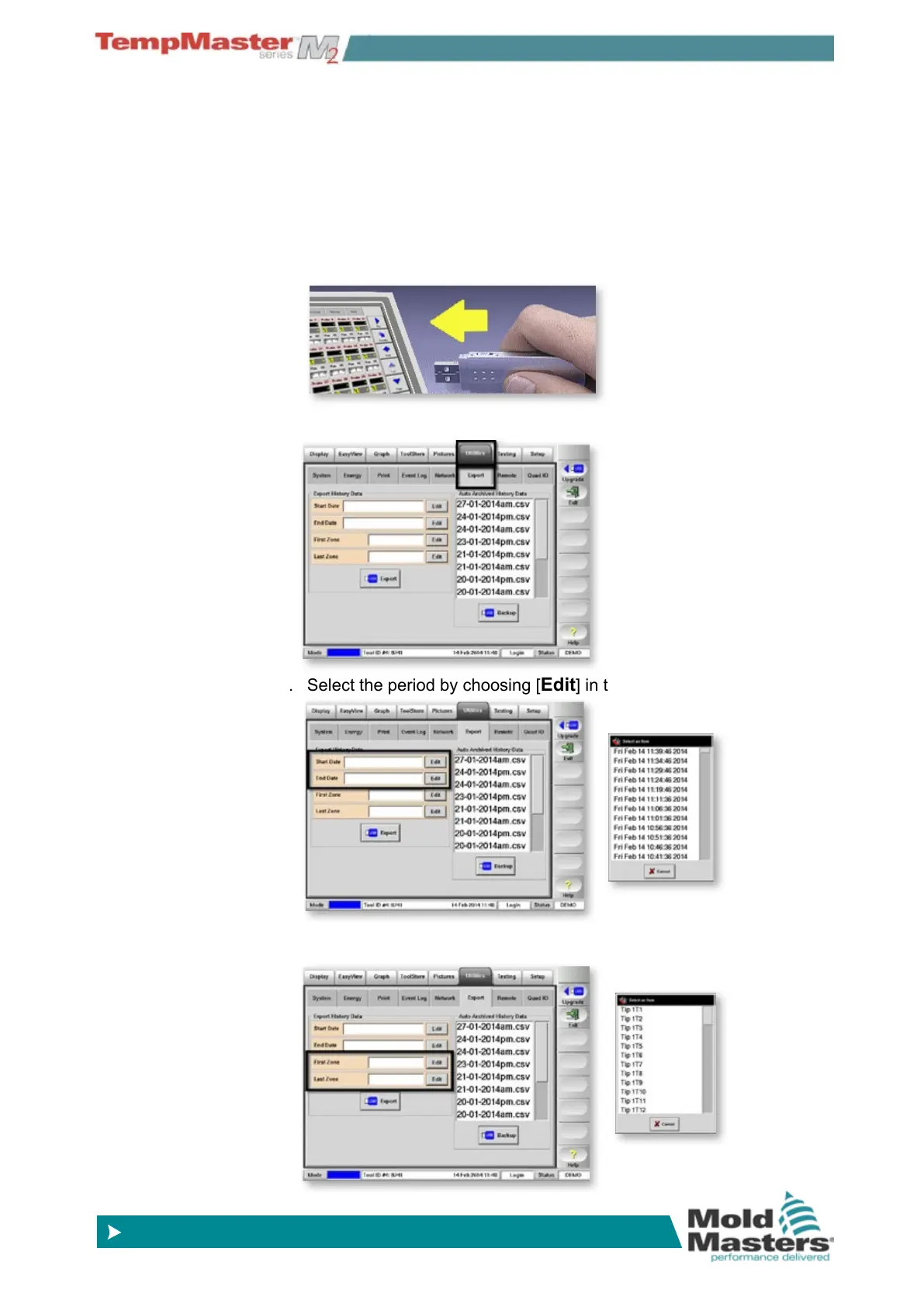
To extract the data:
1. Insert storage media then wait about 10 seconds until the USB
Memory is ready to use.
2. Select Utilities and Export page.
3. Select the period by choosing [
Edit] in the Start and End boxes.
4. Select the zones by choosing [
Edit] in the First and Last boxes.



 To Next Page