MAINTENANCE
© 2014 Mold-Masters (2007) Limited. All Rights Reserved.
Revised 1 Oct, 2014
7-8
7.5 How to Run a Self Diagnosis test
The diagnostic routine may be performed at any time that the control-
ler is connected to the tool, provided that it is not in use for production.
The other panels on the page give feedback about how the test is
progressing.
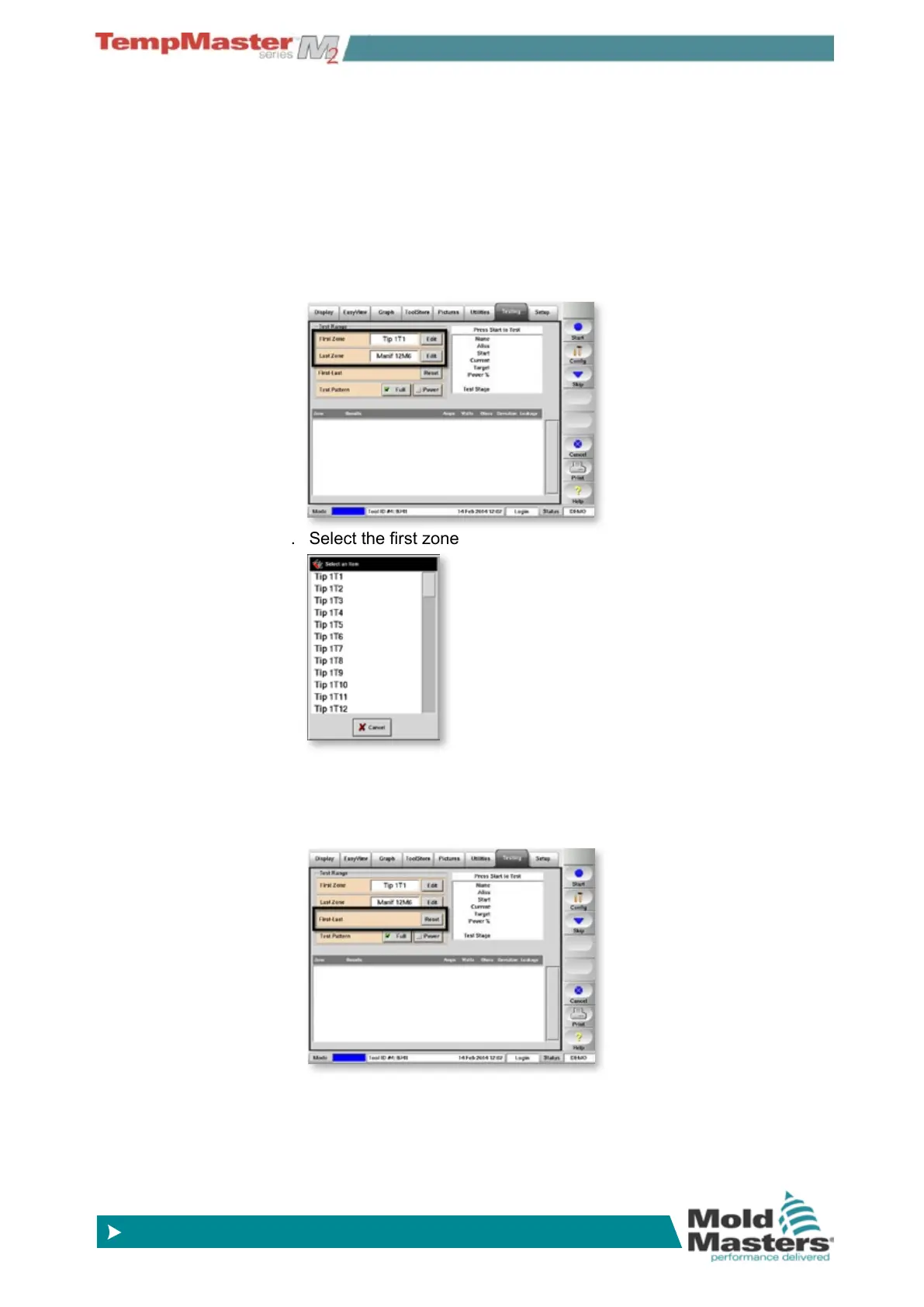
7.5.1 To select some zones
1. Choose [Edit] in the First Zone box.
2. Select the rst zone and the Last Zone.
7.5.2 To select every zone
1. Choose the First-Last [reset].



 To Next Page