OPERATION
© 2014 Mold-Masters (2007) Limited. All Rights Reserved.
Revised 1 Oct, 2014
6-42
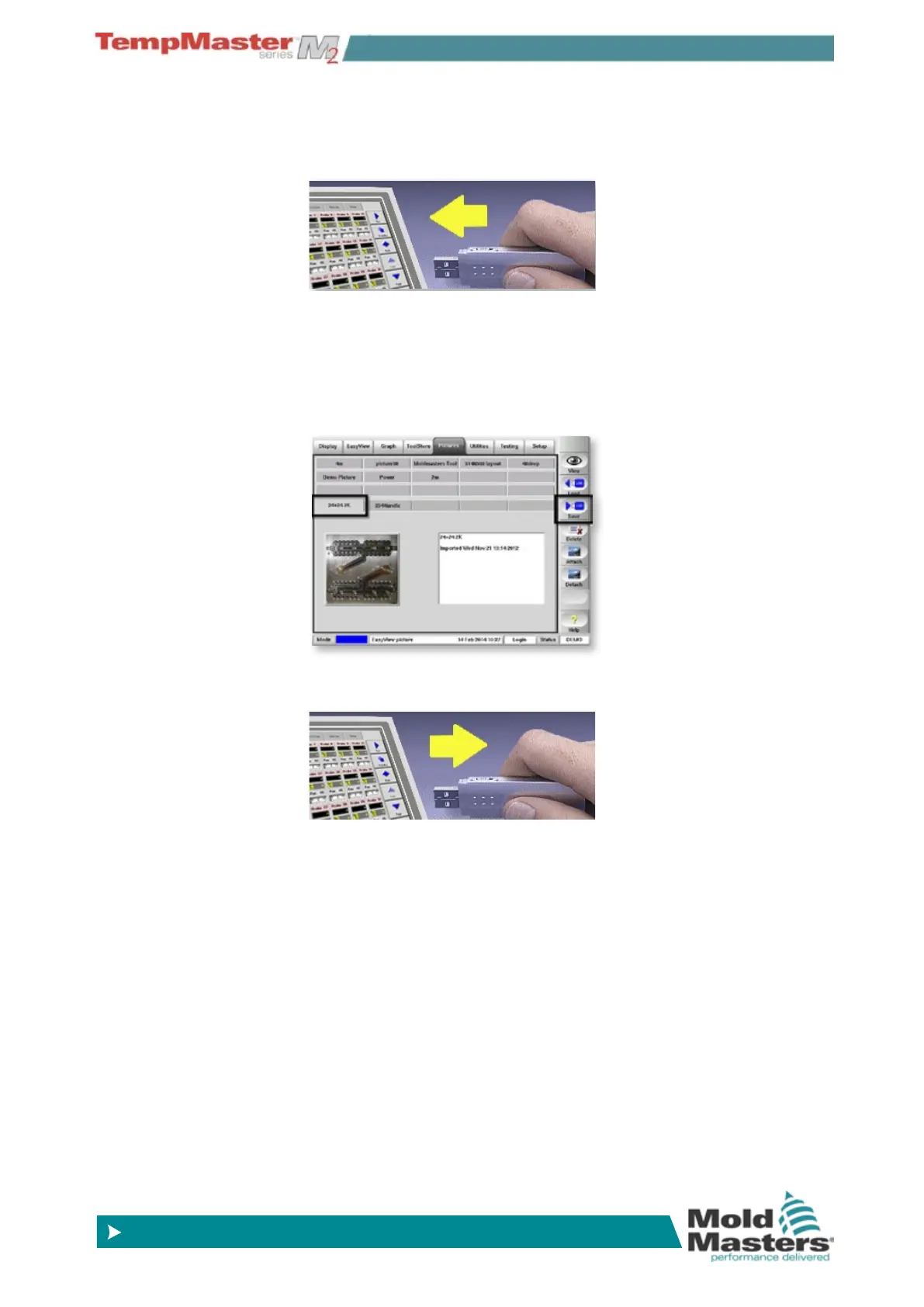
6.26.3 To save an image
1. Insert storage media then wait about 10 seconds until the USB
Memory is ready to use.
2. Select the required picture and choose [
Save]. Save more pic-
tures at the same time by selecting them and touching save. If any
picture has associated text, containing a title and description, it will
also be saved at the same time.
3. Wait about 10 seconds then remove storage media.



 To Next Page