MAINTENANCE
© 2014 Mold-Masters (2007) Limited. All Rights Reserved.
Revised 1 Oct, 2014
7-2
7.1 Print Out Facility (to Printer)
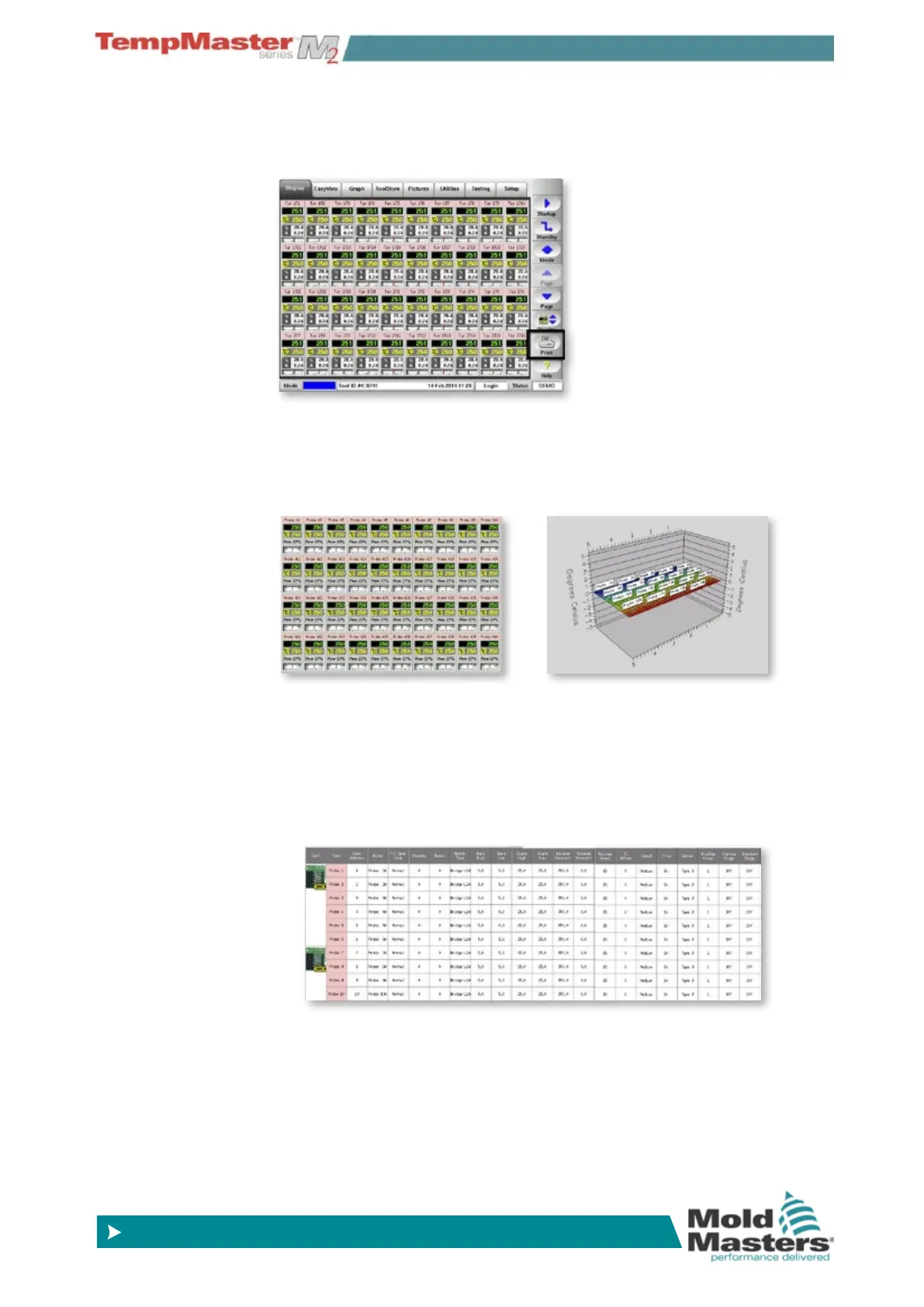
Choose [Print] to have a hard-copy record sent to your printer. The
output may be delivered in one of two optons.
7.1.1 Option 1 - A Screen Picture
This ocurrs if you select [Print] from eiether the Display page (includ-
ing Zoom view) or the Graph page.
7.1.2 Option 2 - Table format
This occurrs if you choose [Print] from any page where you need
tables and where the content frequently spreads beyound the immedi-
ate page.
A Table Print-out is delivered from the Setup page, the ToolStore page
and the Testing page.



 To Next Page