SETUP
© 2014 Mold-Masters (2007) Limited. All Rights Reserved.
Revised 1 Oct, 2014
5-12
5.8 Congure the Tool & System Settings
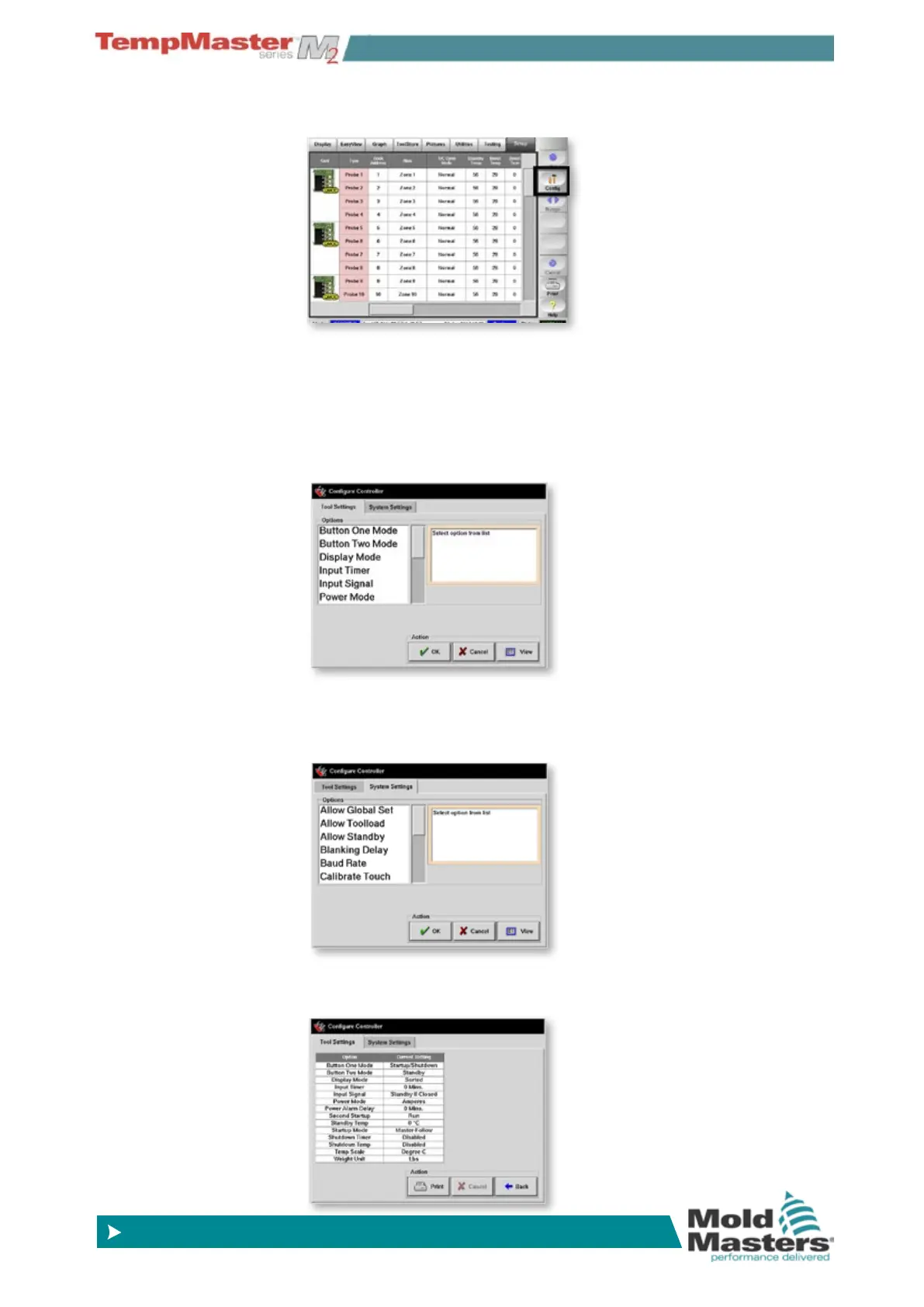
1. Choose [Cong] to view the Global/Console parameters.
2. The Congure Controller panel shows two tabs for Tools Settings
and System Settings with a brief description for each.
The Tool Settings are generally concerned with only those param-
eters which affect the selected tool. To keep the settings or chang-
es made here you must then go to the Tool page and choose
[
Save] to save everything within the ToolStore memory for the
selected tool.
3. System Settings are generally Global parameters and these are
applied to the whole system regardless of what tool has been
selected.
4. You can see an overview for each of the settings if you choose
[
View] in either tab.



 To Next Page