OPERATION
© 2014 Mold-Masters (2007) Limited. All Rights Reserved.
Revised 1 Oct, 2014
6-21
6.16 Training and Demonstration Mode
Your controller has a “Demo Mode” that can be used for training or
demonstration purposes. While this mode is engaged, the controller
will not communicate with the associated Controller Cabinet therefore
we recommend that you ensure that the system is idle before using
the Demo Mode Facility.
6.16.1 About Demo Mode
Demo Mode feeds every zone, within the selected tool, with a stream
of pre-recorded temperature data. The Console appears to be working
and it gives a real trace when Graph page is selected.
6.16.2 Select Demo Mode
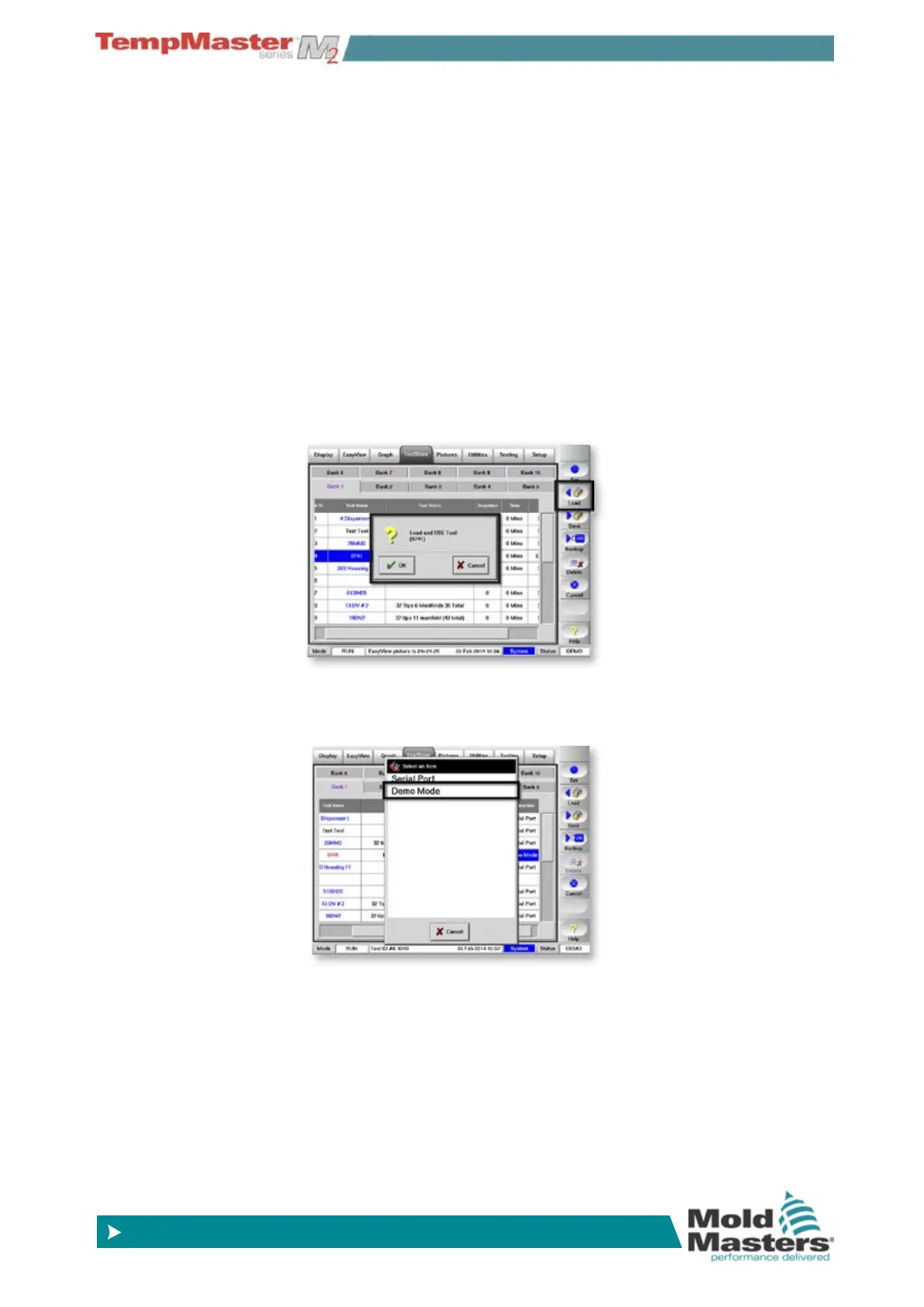
1. Open the Tool Page to select and load any tool.
(Note its current Connection setting.)
2. Choose [
Connection] and then [Set].
In the Select-Item option choose [
Demo Mode].



 To Next Page