SETUP
© 2014 Mold-Masters (2007) Limited. All Rights Reserved.
Revised 1 Oct, 2014
5-23
Set Operating Parameters - contd.
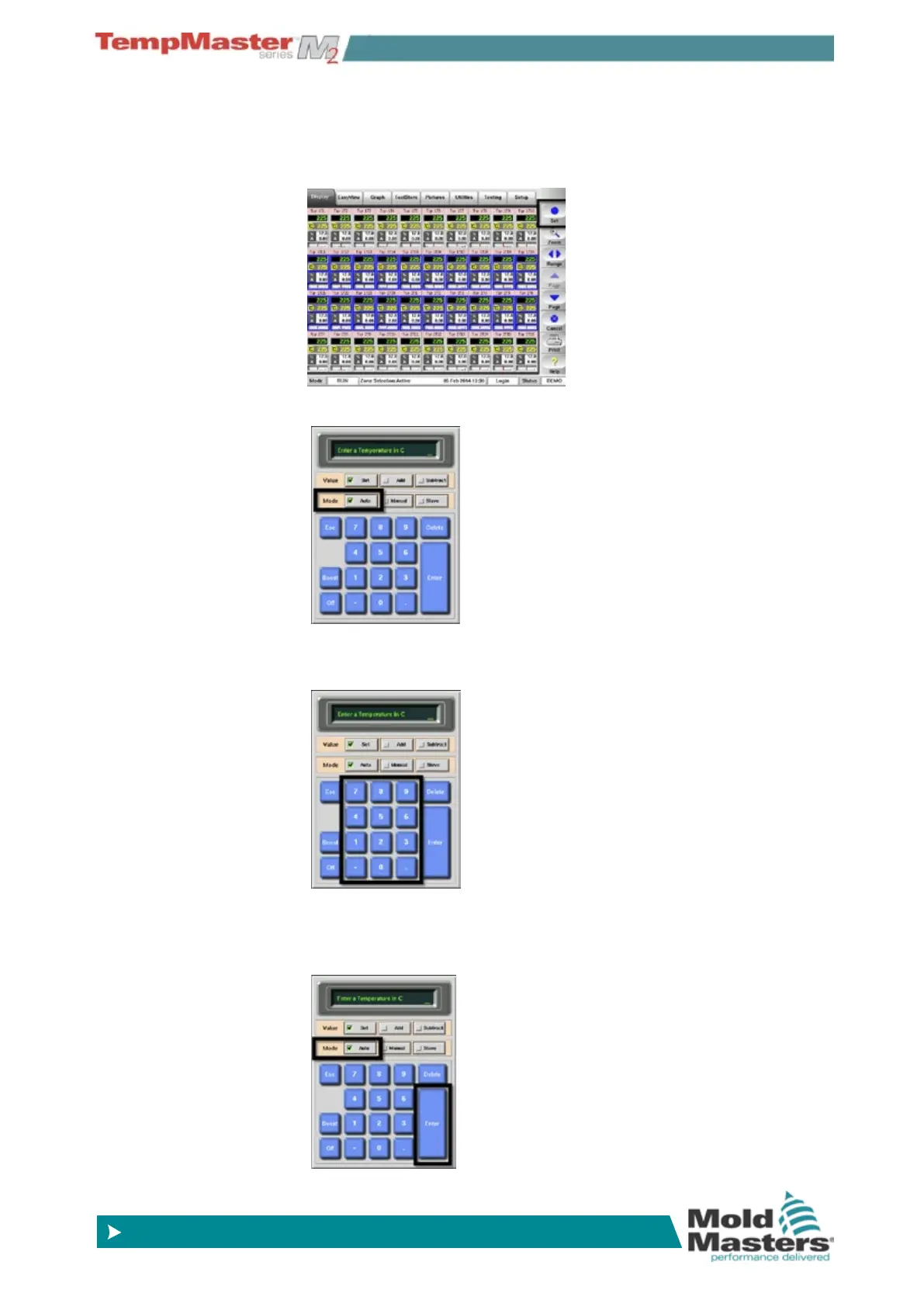
5.11.2 To set Probe and Manifold temperatures
1. Choose [Set].
2. Choose [
Auto] .
3. Choose the Temperature Value.
(Choose [
Delete] to undo any last entered gure.)
3. Choose [
Enter] to conrm your settings, or [Esc] to return to the
main page without accepting the new choice and values.



 To Next Page