OPERATION
© 2014 Mold-Masters (2007) Limited. All Rights Reserved.
Revised 1 Oct, 2014
6-40
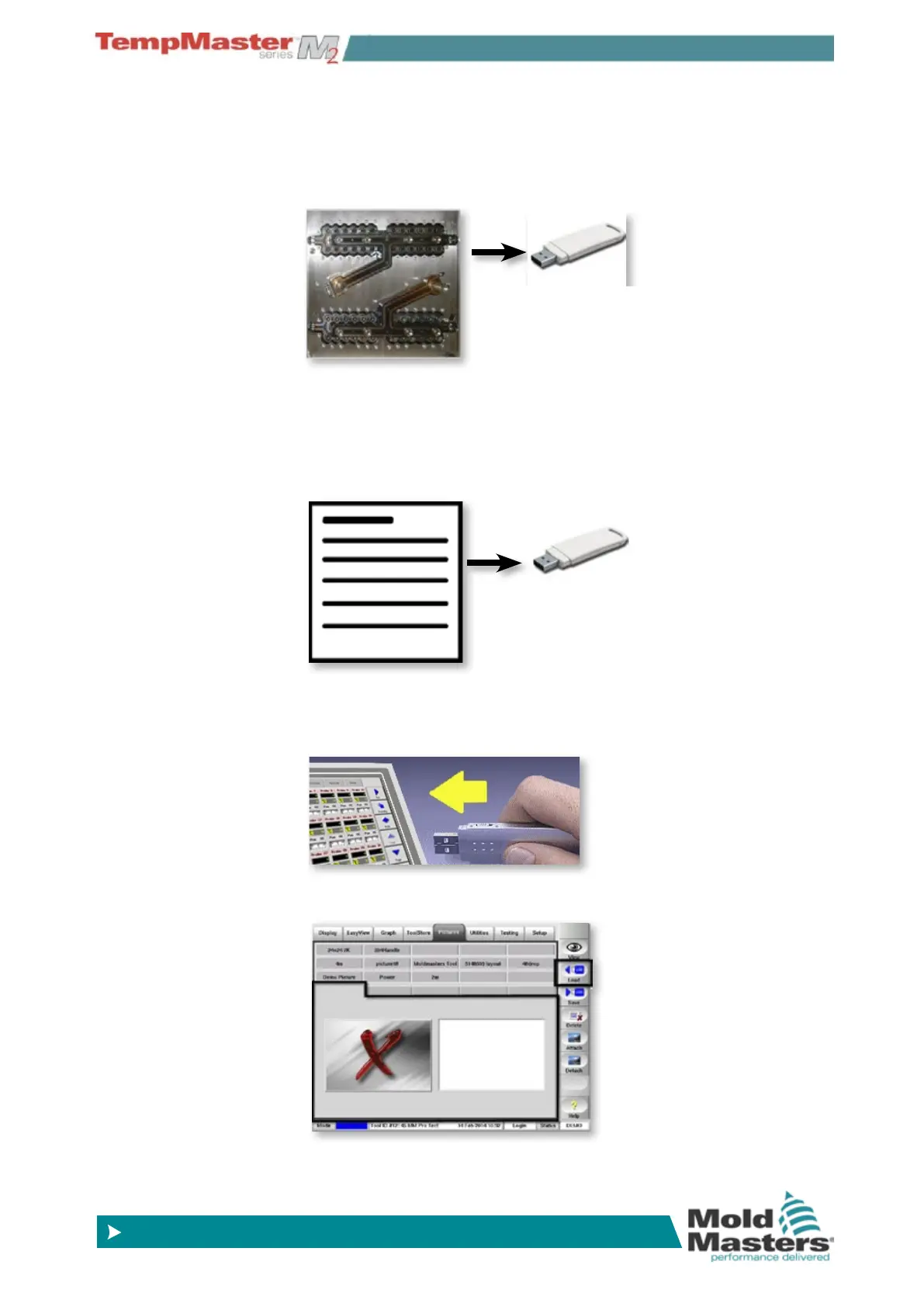
6.26.2 To load a new image
1. Save one or more pictures onto a USB Memory Stick. The Con-
sole can recognise most common raster image les such as jpg,
gif, tif, or png.
2. Create associated text for each picture with a title then a blank line
and then up to 150 words as extra descriptive text. Save them to
the same memory stick as a txt, doc, or odt les with the same
name as used for each picture. The console will automatically
associate same named picture and text les.
3. Insert the USB Memory into the console then wait about 10 sec-
onds until it is ready to use.
4. Select an empty picture tab and choose [
Load].



 To Next Page