OPERATION
© 2014 Mold-Masters (2007) Limited. All Rights Reserved.
Revised 1 Oct, 2014
6-35
6.24 Restore tool settings
If there is any information stored in a selected tool bank or slot then
this process over-writes new information into that position.
There is an option within this sequence to restore either all of the
stored tools or just one selected tool.
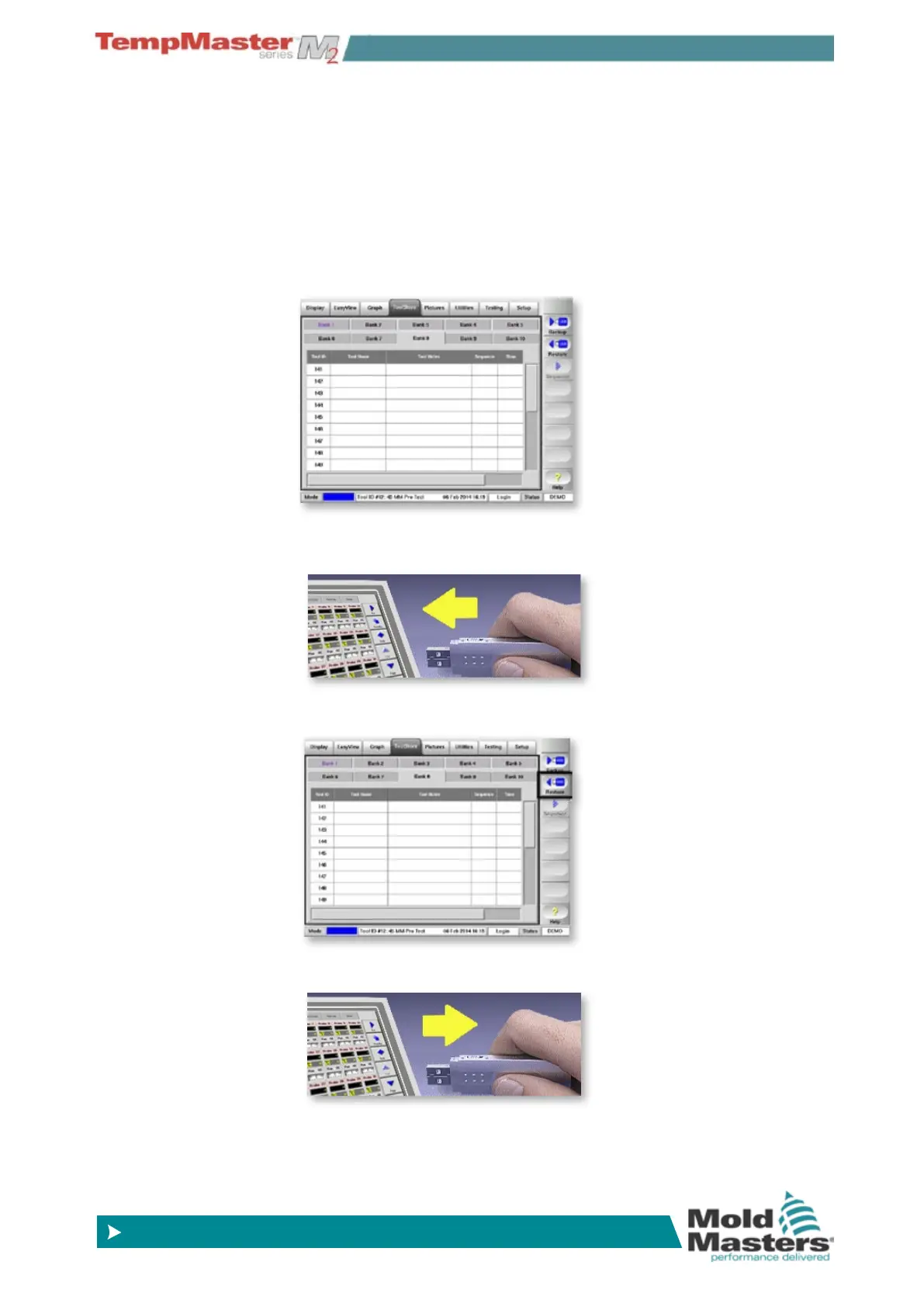
6.24.1 To Restore all the Tools
1. Open the ToolStore page.
2. Insert the storage media with the data then wait about 10 seconds
until the USB Memory is ready to use.
3. Choose [Restore].
4. Wait about 10 seconds then remove storage media.



 To Next Page