OPERATION
© 2014 Mold-Masters (2007) Limited. All Rights Reserved.
Revised 1 Oct, 2014
6-15
6.12.2 Inspecting the last 24 hours
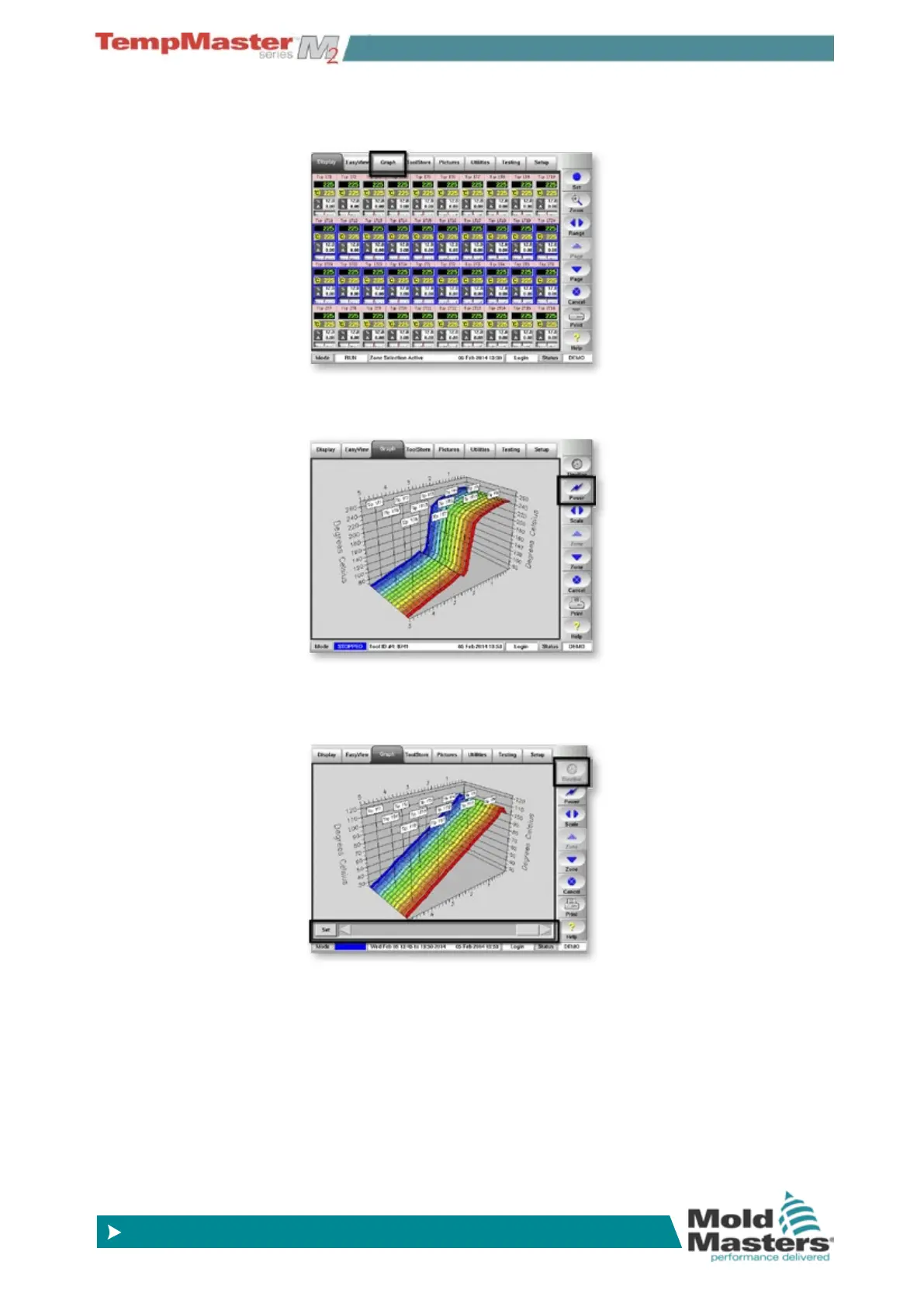
1. Select up to 20 zones and choose the [Graph] page.
2. Use [
Pow/Temp] button to toggle the display to show a recent
trace of either temperature or power.
3. Choose [
Timeline] to activate the slider bar at the bottom of the
page.
Scroll to select time and date (which is displayed in Message bar).



 To Next Page