OPERATION
© 2014 Mold-Masters (2007) Limited. All Rights Reserved.
Revised 1 Oct, 2014
6-12
6.10 Purge Sequence
The purge mode is only available while the tool is in Run Mode and
has two different modes.
6.10.1 Mechanical
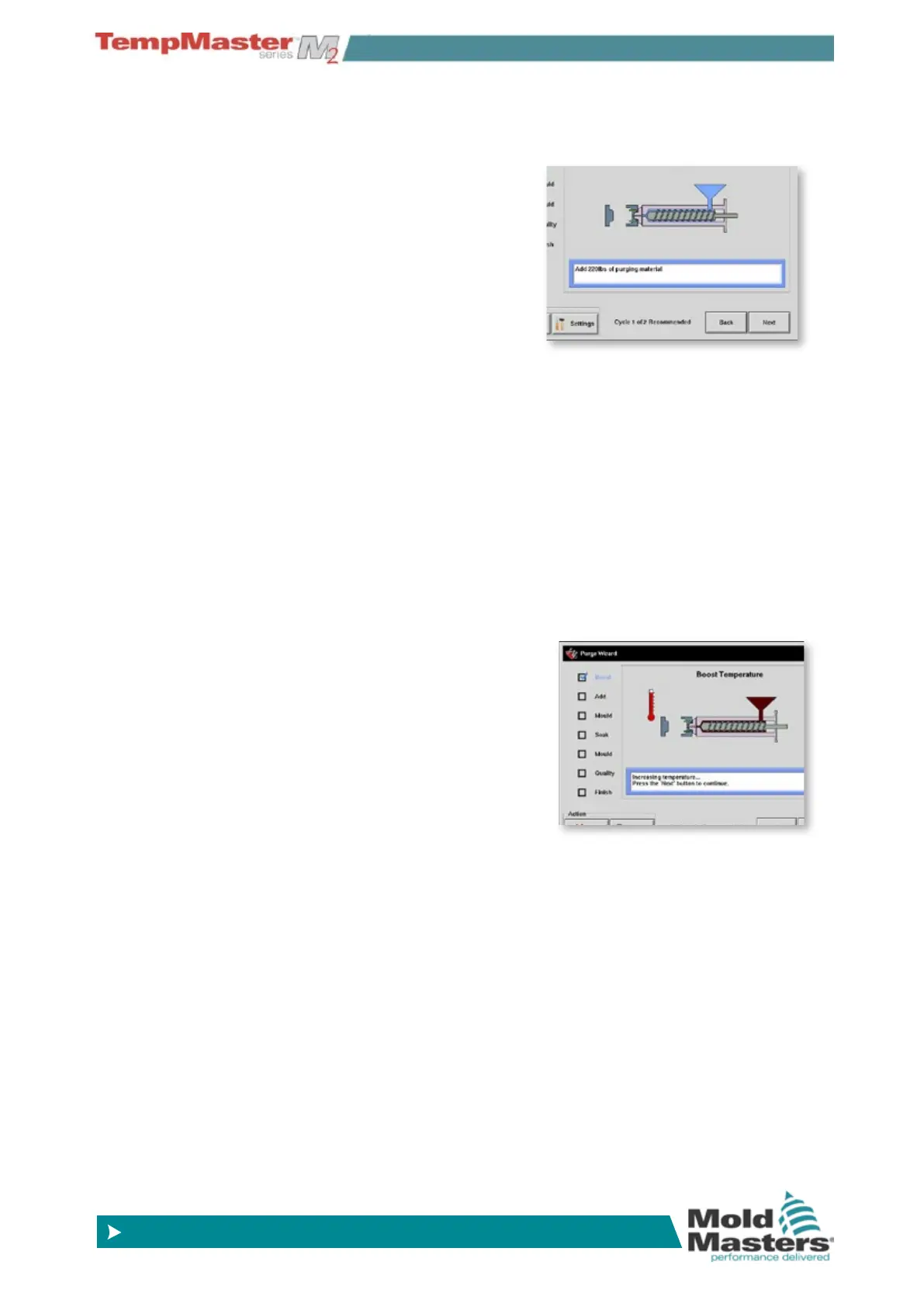
Mechanical purge is a passive
sequence that gives the operator
four programmed steps to expel
one colour and then introduce a
new different colour.
After you choose [
Purge] from
the [
Mode] drop-down, the
screen changes and guides you
through the four steps. Each step tells you to perform a pre-set ac-
tion after which you can choose [
Next] to move on to the next stage.
Eventually it asks whether the quality of the new colour is acceptable.
Choosing [
No] takes you back to the beginning to run the sequence
again.
Choosing [
Yes] closes the purge screen and returns you to the main
Display page.
In order to leave the Purge wizard at any time choose [
Exit] at the
lower left of the Wizard screen.
6.10.2 Chemical
Chemical purge is a combination
of active and passive sequence. It
is a preferred sequence to use a
proprietary purge agent.
After you choose [
Purge] from
the [
Mode] drop-down, the screen
changes and guides you through
the seven steps.
It goes to ‘Boost’ temperature as soon as the purge sequence is start-
ed and overrides the normal Boost Time and holds the Boost temper-
ature until you choose [
Next].
The next two steps or ‘Add’ and ‘Mould’ are passive and wait until you
complete each action and choose [
Next].
The ‘Soak’ stage is active and the controller will hold the mould at The
‘Soak’ stage is active and the controller will hold the mould at tem-
perature for at least that pre-set ‘Soak’ time during which the [
Next]
and [
Back] buttons are faded and inoperable. Once the timer expires
you can choose [
Next] and continue with the nal ‘Mould’ and quality
checks.
In order to leave the Purge wizard at any time choose [
Exit] at the
lower left of the Wizard screen.



 To Next Page