OPERATION
© 2014 Mold-Masters (2007) Limited. All Rights Reserved.
Revised 1 Oct, 2014
6-7
6.5 Use the Display page to change Modes
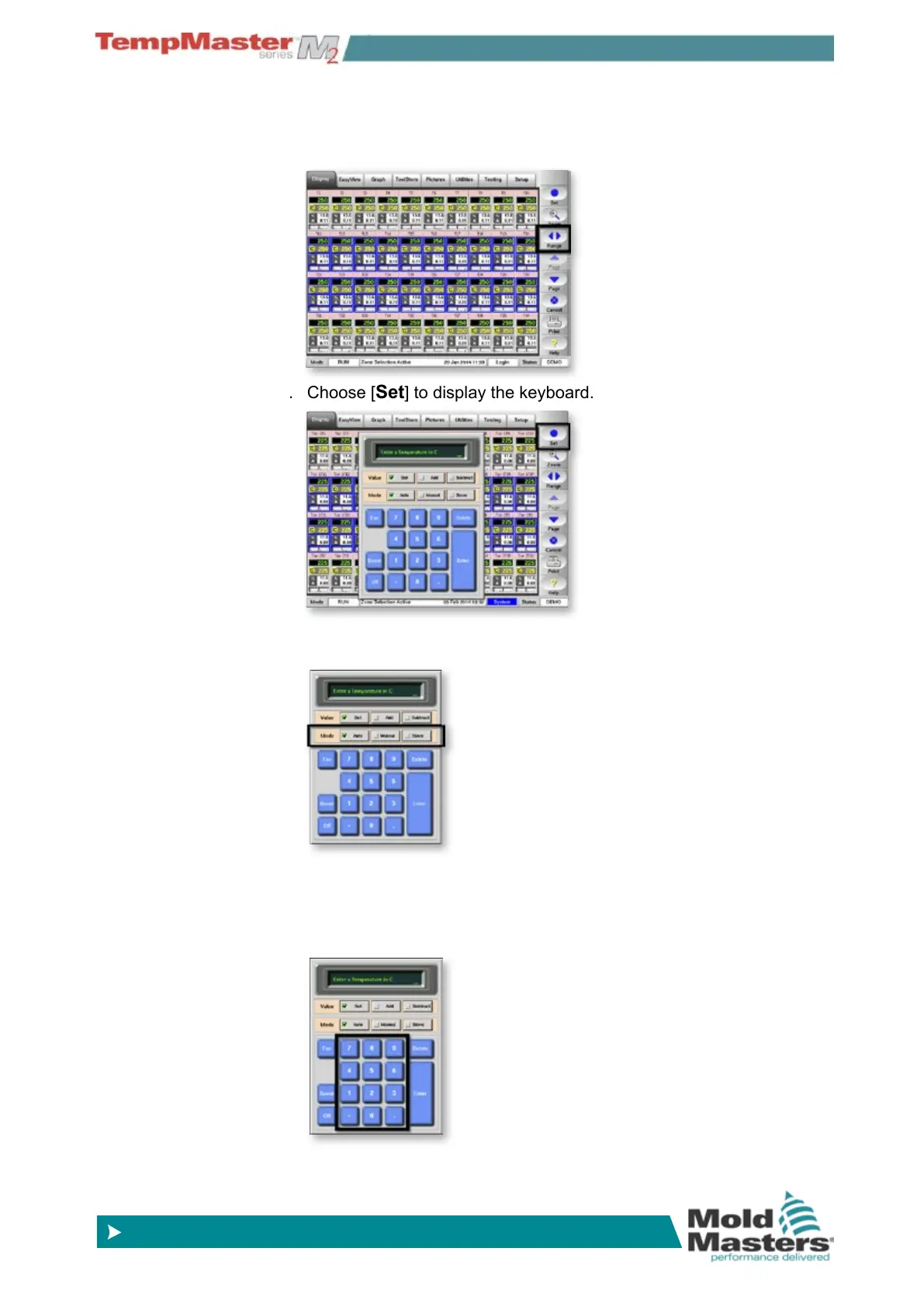
1. Select the desired zones, this automatically changes the function
keys from Global to Zone.
2. Choose [
Set] to display the keyboard.
3. Choose the working mode which may be Manual (open loop
working) Auto (closed lop working), or slaved to a different zone.
4. Finally type in the value:
a) for Manual, enter the Percentage power.
b) For Slaving, select a similar master zone from the Zone list.
c) For Auto, enter the required zone temperature.
5. Choose [
Enter] to make the setting or [Esc] to defer the action.



 To Next Page