OPERATION
© 2014 Mold-Masters (2007) Limited. All Rights Reserved.
Revised 1 Oct, 2014
6-23
6.17 Tool Store page
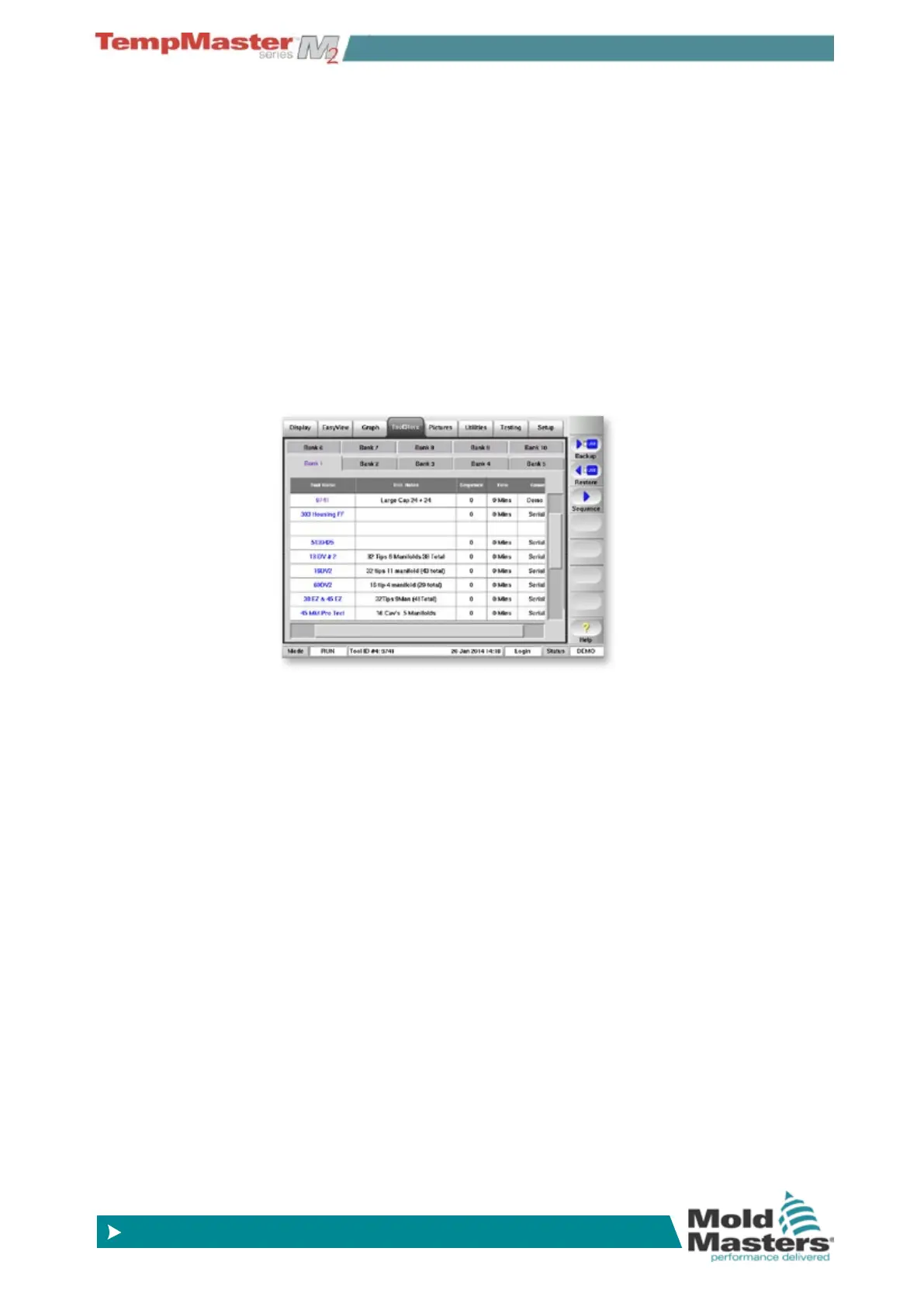
Two rows of Tool Bank buttons allow you to select 10 different tool
banks, each of which contains twenty tool slots; this gives a capacity
for up to 200 different tool settings.
Note that the tools are numbered from 1 – 200 sequentially through
the pages. This ensures that individual tools can be identied when
called for remote loading. This is detailed in the IO5 card description
on page 6-48.
The lower window shows the following details for the tools.
Tool - the tool number (not user-congurable).
Name - a user congurable text eld for tool name.
The colour of the name is a key that shows the state of tool:
black - a tool store that has been named, but holds no settings.
blue - a tool that has been saved and named, but is not in current
use.
purple - the tool that is currently in use and that has no changes to
any settings.
red - the tool that is in current use but which has been changed
from its stored settings.
Description - a user-congurable text eld that may be used to hold
an expanded description of the tool.
Sequence – a sequential order that allows you to run a series of
tools or tool settings in a pre-set and set duration sequence. When
Tool Sequencing is not used then it defaults to 0 to be non-active.
Time – is used as part of the sequence conguration to set the time
for which any sequence step is held. See page 6-37 more detailed
information on these two parameters.
Connection - this normally defaults to Local Serial which indicates
that the tool settings are stored locally within the console memory.
The Connection column also provides a demo facility as described on
page 6-21.



 To Next Page