SETUP
© 2014 Mold-Masters (2007) Limited. All Rights Reserved.
Revised 1 Oct, 2014
5-41
5.17 Utilities - Energy Page
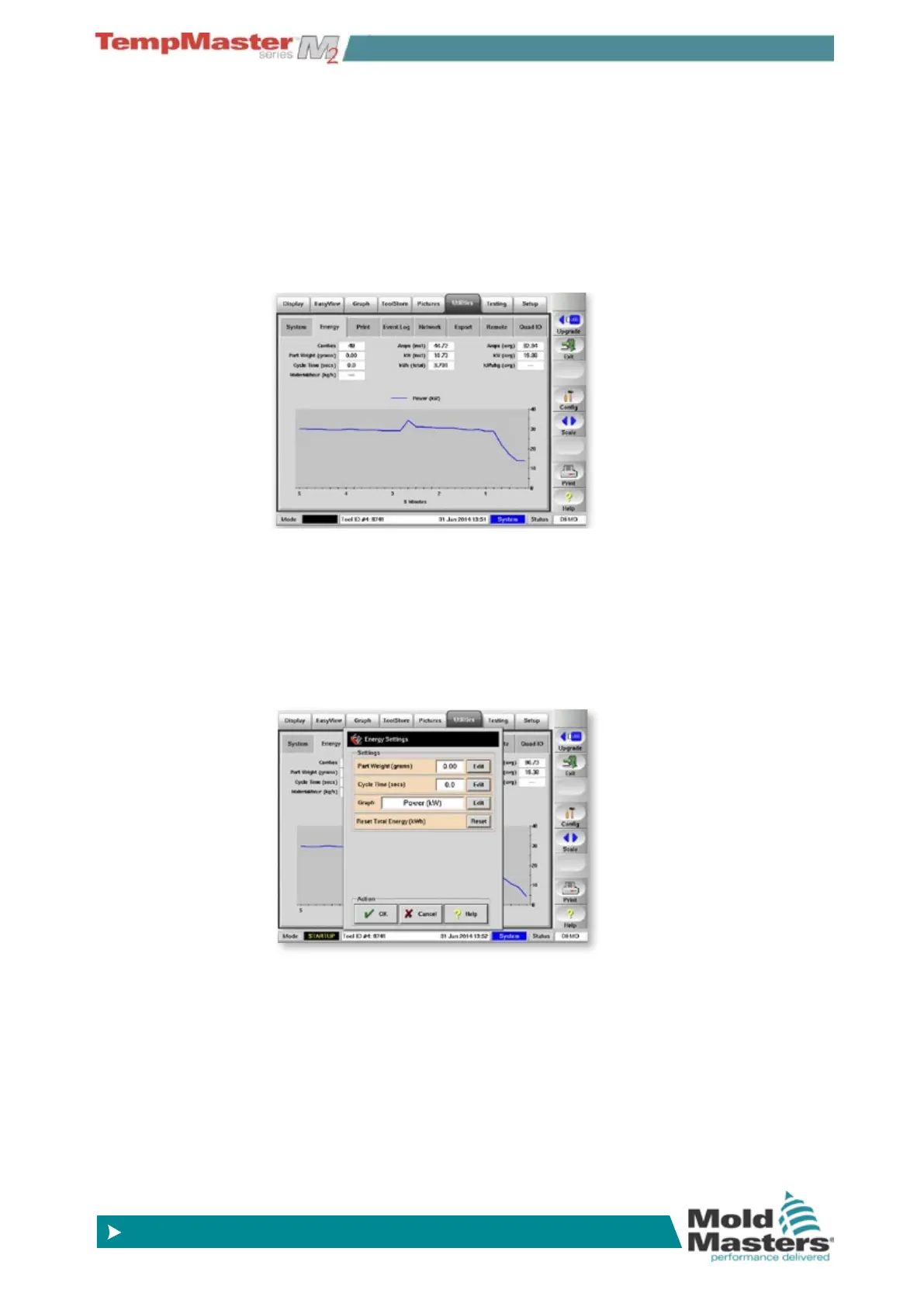
Within the Utilities section is a live energy monitoring page that reports
energy and material consumption. Choose [
Scale] to change the peri-
od viewed from 5 or 30 minutes to a full 24 hours.
The energy statistics are derived from:
• parameters that you can manually input and,
• from the actual current that the control cards measure.
Choose [
Cong] to open the Energy Settings panel. This has param-
eters for Part weight and Cycle time which will display material used
every hour.
The console calculates the Kilowatt gures from a product of actual
measured current against the stated supply voltage which you can set
in System Settings in the Setup-Congure options.



 To Next Page