OPERATION
© 2014 Mold-Masters (2007) Limited. All Rights Reserved.
Revised 1 Oct, 2014
6-4
Operation Available
by
Description
SHUT-
DOWN
Button One
or Mode
Button
Initiates a switch-off sequence that is
determined by the startup mode.
With the Startup Mode set to Master-Follow or
Master-Only:
Shutdown switches off the nominated
master zones then adjusts all other zones’
Set temperatures to the manifold Actual
temperatures. The whole tool then cools in a
homogeneous manner.
With the Startup Mode set to Staged:
Shutdown consecutively switches off the zone
groups in timed intervals and in the order as
nominated by Shutdown Stage conguration.
When the Shutdown sequence nishes then
the system goes to STOP mode.
BOOST
Button One
or Mode
Button
Temporarily raise the temperature of all zones
that have any Boost Temperature congured on
the Setup page.
When the boost period expires then zone
temperatures return to normal Set levels.
PURGE
Mode
Button
This is a pre-set Purge sequence to help you
change color in the mold tool. (For details about
this option read “Using The Purge Sequence”
on page 6-12.)
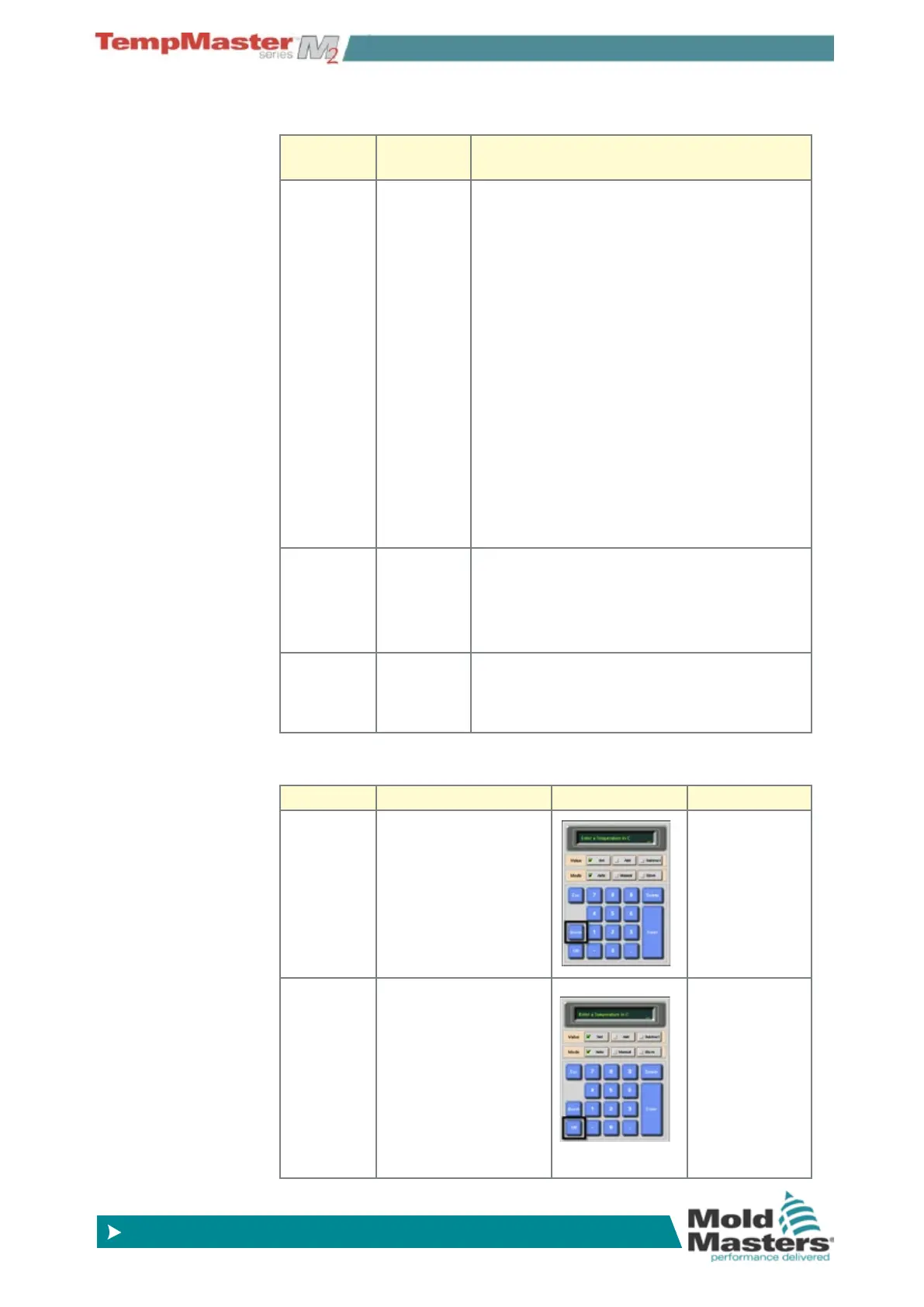
6.2.1 Control for individually selected zones
Operation Available by Description
STOP
1. Select Zone.
2. Choose [
Set].
3. On keypad,
choose [
OFF].
Switches off the
one zone.
BOOST
1. Select Zone.
2. Choose [
Set].
3. On keypad,
choose [
BOOST].
Temporarily
raises the
temperature of
the selected
zones until
Boost Time
expires.
Control Modes for all zones - contd.



 To Next Page