SETUP
© 2014 Mold-Masters (2007) Limited. All Rights Reserved.
Revised 1 Oct, 2014
5-40
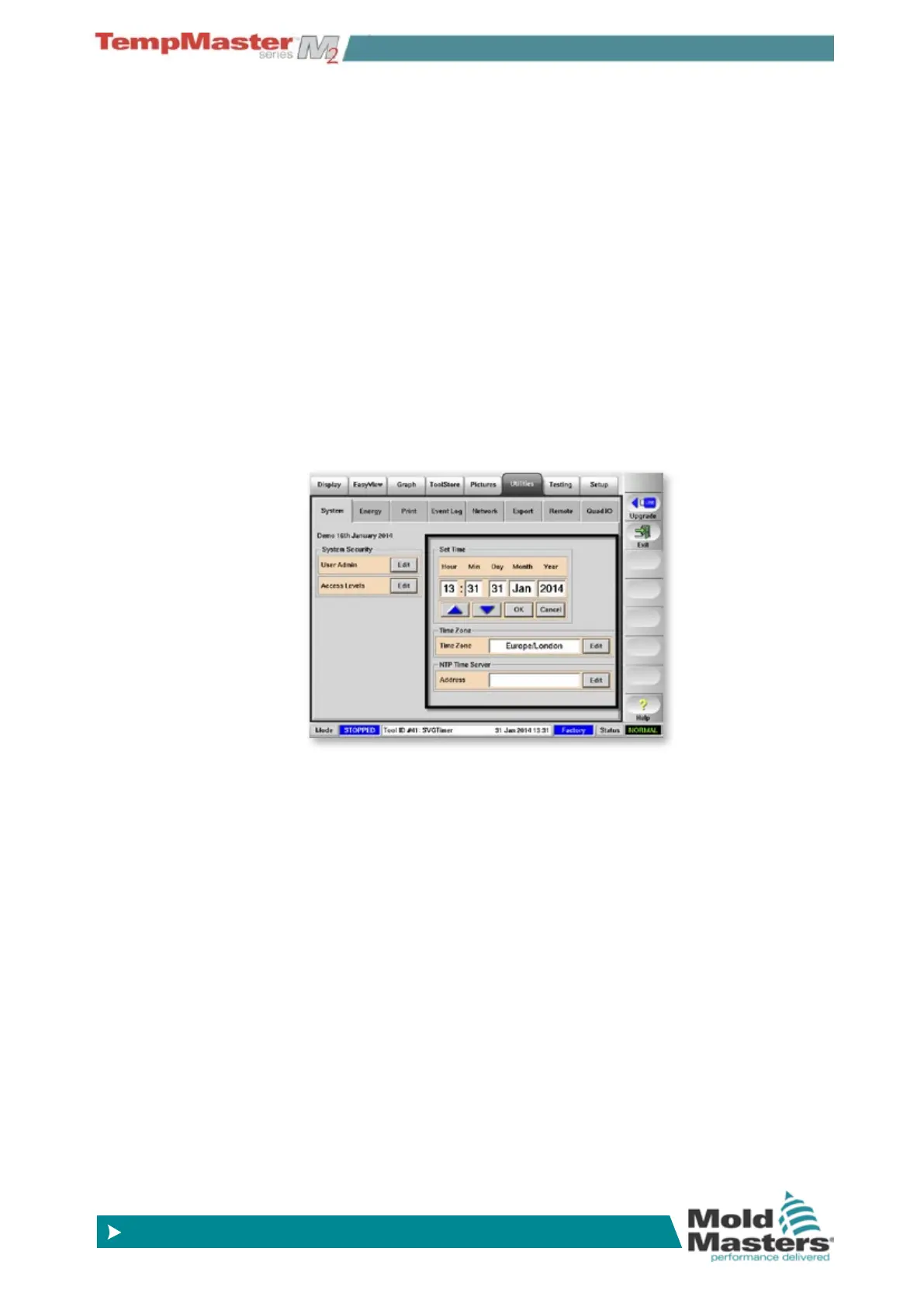
5.16 Set Time and Date
We recommend that you set the correct time and time zone so that
you may take full advantage of the software features that use the time
function.
1. Enter the Set time area by touching the System tab.
2. In the Set Time box, touch the time element that you wish to
change.
3. Use the [p] and [q] buttons to set the required value.
4. Choose [
OK] to save the new setting to the system.
5. Use [
Time Zone] to set your own Time Zone description if you
choose.
6. Use [
NTP Time Server] to synchronise many controllers to the
same time by inputting the local NTP Time Server address.



 To Next Page