SETUP
© 2014 Mold-Masters (2007) Limited. All Rights Reserved.
Revised 1 Oct, 2014
5-39
Conguring Auto Leakage action
As leakage detection is set to Auto by de-
fault then when any zone Power level raises
enough to trigger a 2nd stage Alarm it acti-
vates Console Alarm with Beacon and sends
an Injection Disable output.
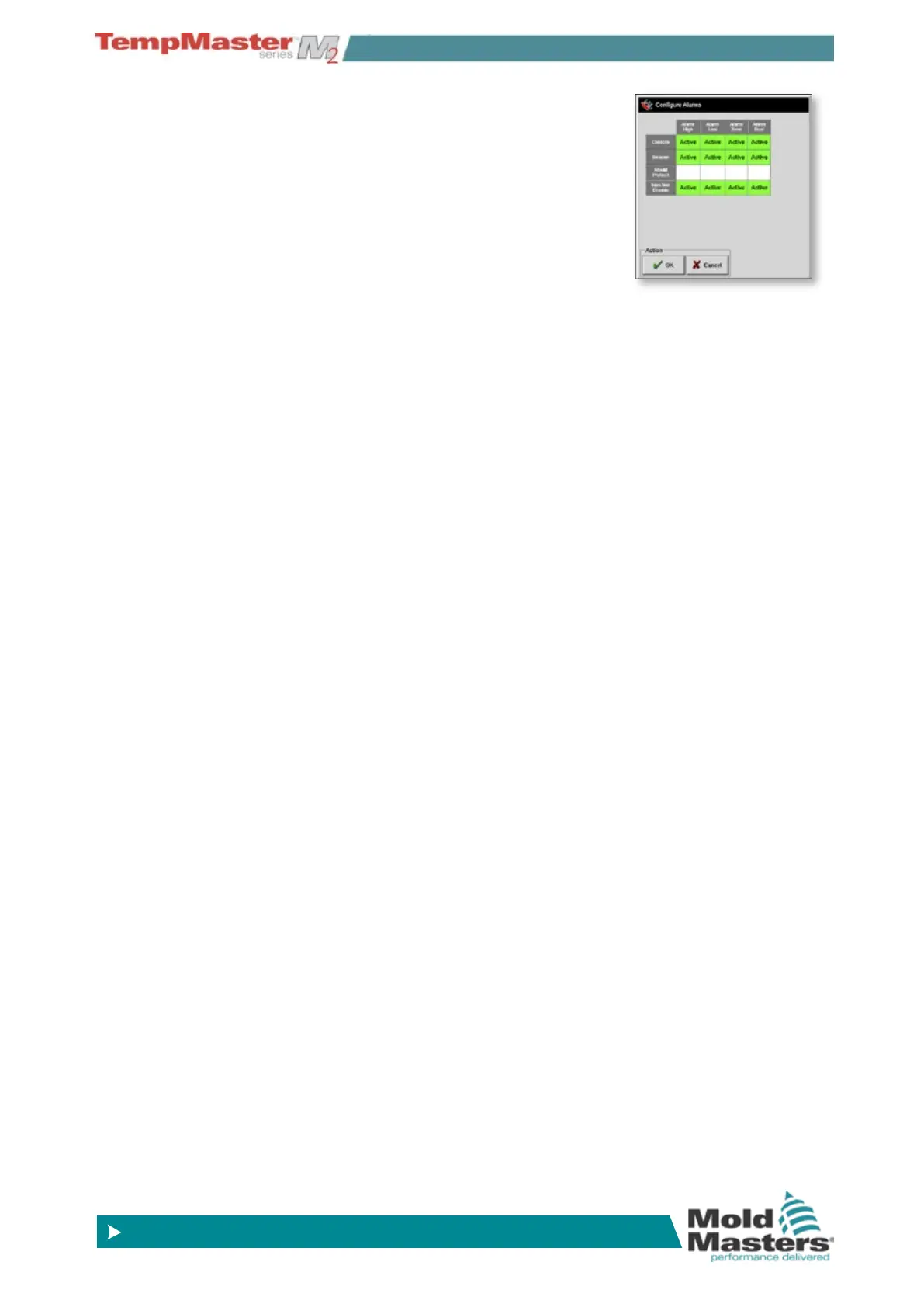
These can be set in the Alarms Active column
on the Setup page which opens an Alarm box
as shown here.
Auto Leak Display
The settings for Auto Leak appear is several places.
Display “data” page - shows two new columns “Average Power”
which shows the current average power being consumed, where as
Alarm Power shows “Sampling” during the initial checking time, after
which it shows the calculated gures for 1st and 2nd stage alarms.
Display Zoom page - also shows “calculating” initially then shows
gures for 1st and 2nd stage alarms.
Setup page - has a new column that shows “Auto” within the “Alarm
Power” column.
Setup page - when you select “Alarms Active” there is a small matrix
to set what conditions trigger what events. Within this matrix, Alarm
Power (which is the leakage detect parameter) may be set to initiate
any or all of the Console, Beacon, Mold Protect and Injection Disable
alarms.
Leakage detection events can always be seen in the Zone Windows
on the Display page. The % box normally displays in green when
reading are normal or healthy but changes to Amber if the measured
power exceeds 1st stage level and shows in Red if it exceeds the 2nd
stage level.
Any other displays such as the Status window and the alarm beacon
are dependant on the settings in Alarm Active as described immedi-
ately above.
Temporary disabling
Leakage monitoring and average power calculations are disabled
while the system is in Standby or Boost mode. However the average
calculation is not lost, but stored, and it all reverts to average monitor-
ing when the system returns to normal mode.
If any zone temperatures are changed or if the console is stopped
then all average power calculations are reset. In each case there will
be a delay unitil new avarage power levels are recalibrated and the
Leakage detection function is restored.



 To Next Page