SETUP
© 2014 Mold-Masters (2007) Limited. All Rights Reserved.
Revised 1 Oct, 2014
5-38
Set Up - More Features
5.15 Melt Leakage Detection
An automatic Leakage Detection System is available on the console
and it is set to Auto by default.
It monitors zone power levels to check that there are no undue chang-
es over any period of time. If a melt leak appears at any point then the
corresponding zones start to consume abnormal amounts of power. If
this call for extra power is seen over an extended time (by default 20
minutes) then it is assumed there is most likely some melt leak and
alarms are raised, and they can initiate a number of different events.
Leakage detect function has three options which are:
“Auto” - this is the default condition which gives you a warning at rst
stage and an Alarm condition at second stage. Both stages are auto-
matically calculated from the user-denable percent values.
“Manual” - you may choose to have a single power percent level
above which an alarm condition exists.
“Off” - the leakage detection and alarm outputs can be turned Off by
selecting this option.
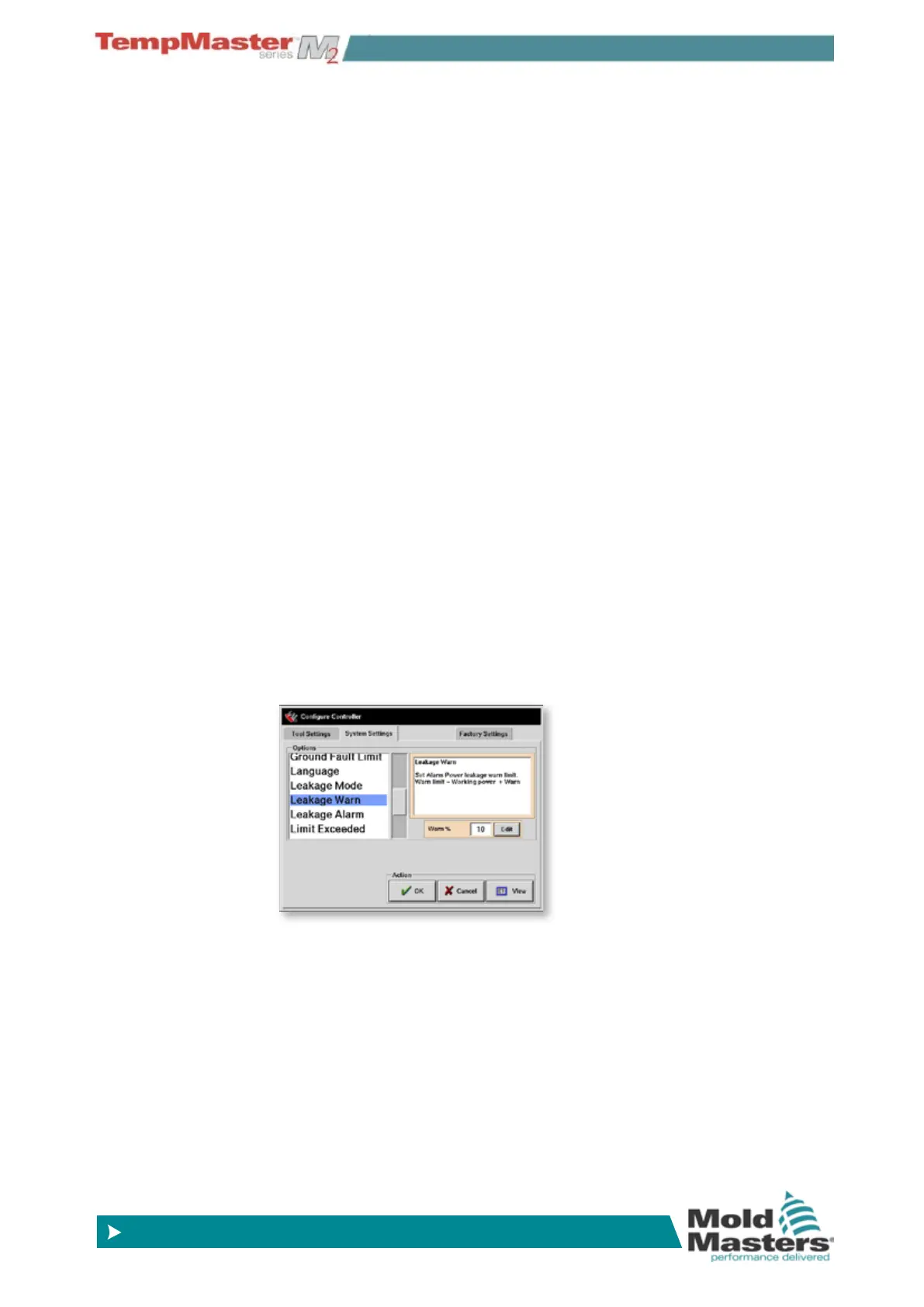
5.15.1 Conguring Auto Leakage Detection
Once leakage detection is set to “Auto” then only two further parame-
ters are required.
The rst stage or “Warn” level defaults to 10% above normal average
power while the second stage “Alarm” level defaults to 20% above the
1st stage setting. Both settings are user congurable.
If conditions are such that you want instant action and no “Warn” then
Set the “Warn” setting to 99% and the Alarm at the required percent-
age level. Similarly if you want “Warn only and no “Alarm” then set the
unwanted Alarm level to 99” so it is ignored.
Both of these values are set up within the System parameters, which
are accessed on the Setup page after choosing [
Cong].
Note that average power is an accumulated gure. It takes about 5
minutes of settled running until a steady average power is reached,
after which, it will sample actual power levels for the next 20 minutes
to get a realistic algorithm to use as average power. During all this
time the message in the Alarm Power column shows “sampling”.



 To Next Page