OVERVIEW
© 2014 Mold-Masters (2007) Limited. All Rights Reserved.
Revised 1 Oct, 2014
4-7
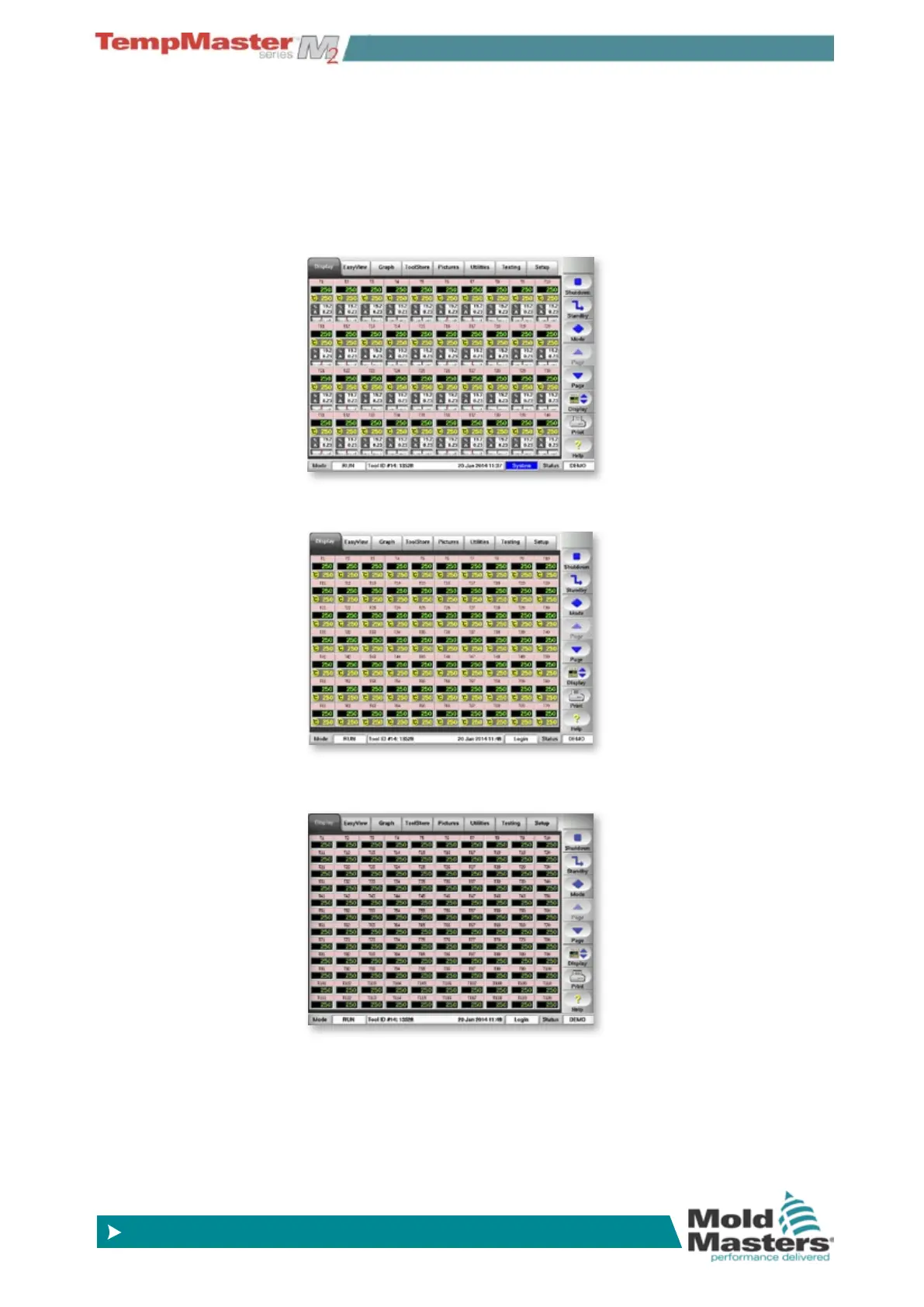
4.7 Display Page – Monitoring (KTS screen)
The basic page shows 40 zones where each zone shows:
Title, Actual, Set, Power, Current and Temperature Deviation.
To view more zones:
1. Use [
Page p] or [Page q] to scroll up and down to see other
zones.
2. Choose [
Display] button to show more zones 70 Zones - each
zone shows Title, Actual and Set .
3. Touch it again to show 110 Zones - each zone shows Title and
Actual.



 To Next Page