OPERATION
© 2014 Mold-Masters (2007) Limited. All Rights Reserved.
Revised 1 Oct, 2014
6-36
Restore tool settings-cont.
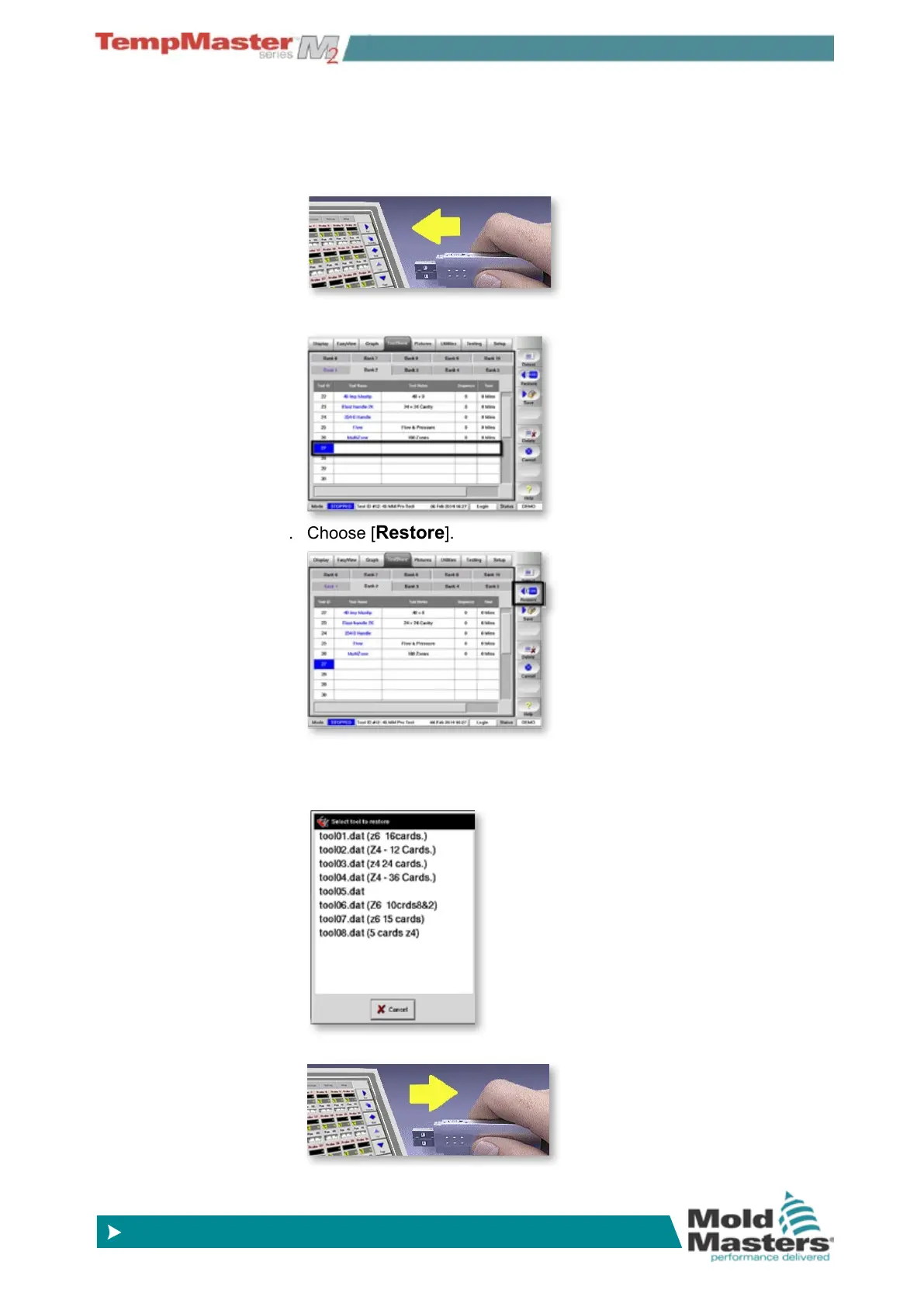
6.24.2 To Restore a single Tool
1. Insert the storage media then wait about 10 seconds until the USB
Memory is ready to use.
2. Select the tool tab.
3. Choose [
Restore].
4. If the console sees more than one tool setting on the memory card
it displays a “Select Tool” option for you to choose which particular
tool you require.
5. Wait about 10 seconds then remove storage media.



 To Next Page