OPERATION
© 2014 Mold-Masters (2007) Limited. All Rights Reserved.
Revised 1 Oct, 2014
6-45
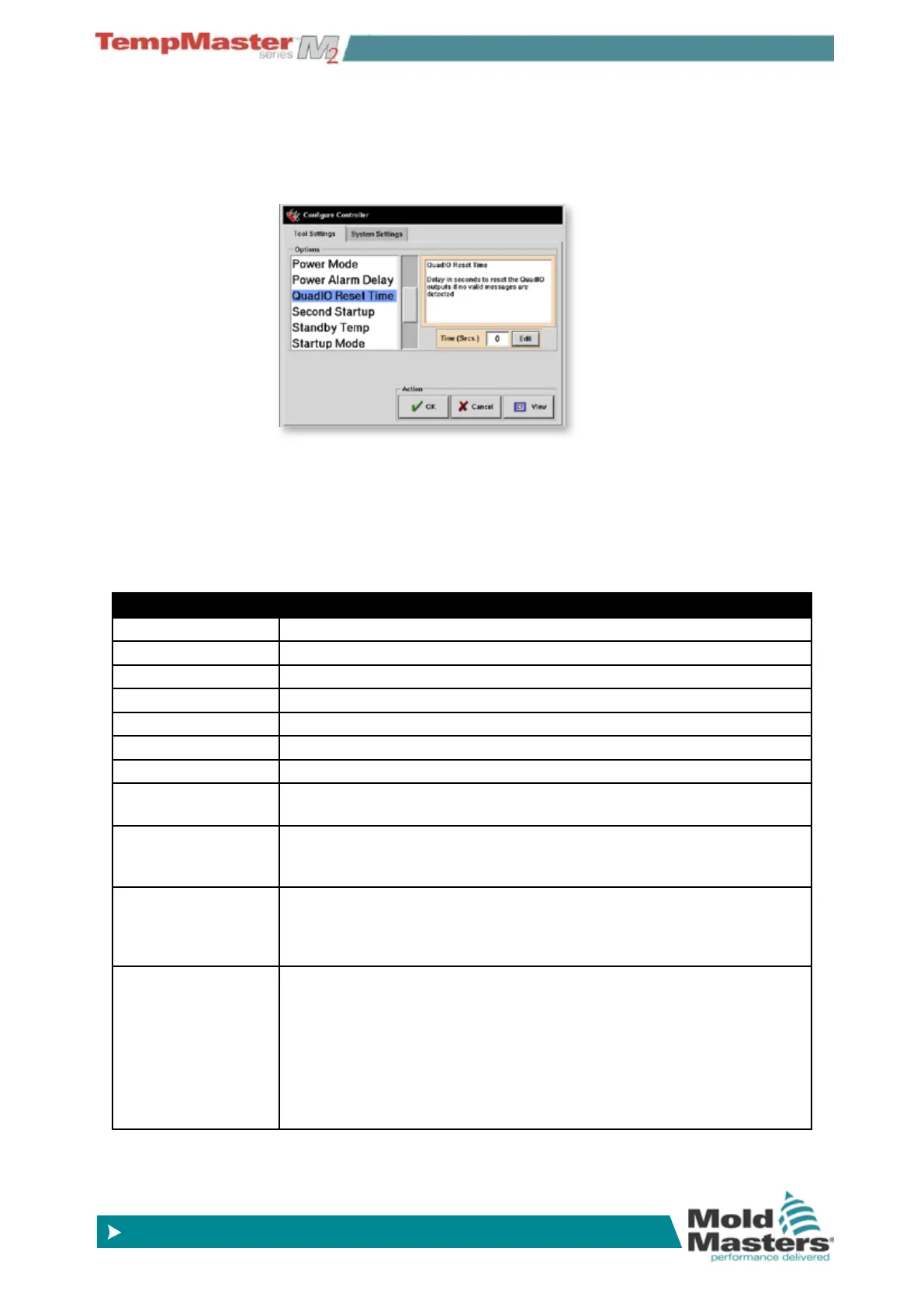
6.27.2 QUAD watchdog timer
The Quad IO Card has an internal reset mechanism which de-ener-
gizes all output relays if it loses communication with the console. An
option within the Cong Tool Settings allows you to set that timer to
respond according to your operating needs.
6.27.3 Inputs
Each Input circuit requires an incoming pair that is volt-free and nor-
mally open. The incoming pair must go to short circuit (or close) to
trigger the required command.
Optional inputs that may be selected are as follows:
Option Description
Inactive This input will not be used and remains inactive.
Run Puts the Controller into RUN mode.
Startup Puts the Controller into STARTUP mode.
Boost Puts the Controller into BOOST mode.
Standby Puts the Controller into STANDBY mode.
Shutdown Puts the Controller into SHUTDOWN mode.
Stop Puts the Controller into STOP mode.
Machine OK
When closed it allows console to go to Run or Startup Mode: If opened the
console is put into “Stop” mode with resultant Mould Protect.
Passkey
Responds to an external Card-Key reader which is used to simulate User-
level authentication. A Passkey input then allows any operation which
would normally require a low-level (User) password.
Inj Conrm
This input is used to conrm that Inj Disable is functioning correctly. If
Input is seen when no Inj Disable signal is given out then the system fails
safe until the fault is xed. A manual reset is then needed to unlock the
controller.
Sequence
This input can be used to initiate a sequenced startup, provided that one
has been congured and is currently selected. The sequence start input
needs only to be a couple of seconds Once an input has initiated the start
sequence, it may be removed.
However it is also possible by alternatively applying and removing input, to
force the sequence on to successive stages without waiting for the set time.
This may reduce the sequence for 30-40 minutes and condense it to a few
minutes which can be a useful for setup or test.



 To Next Page