OPERATION
© 2014 Mold-Masters (2007) Limited. All Rights Reserved.
Revised 1 Oct, 2014
6-38
6.25.1 Setting an example startup sequence for this
example
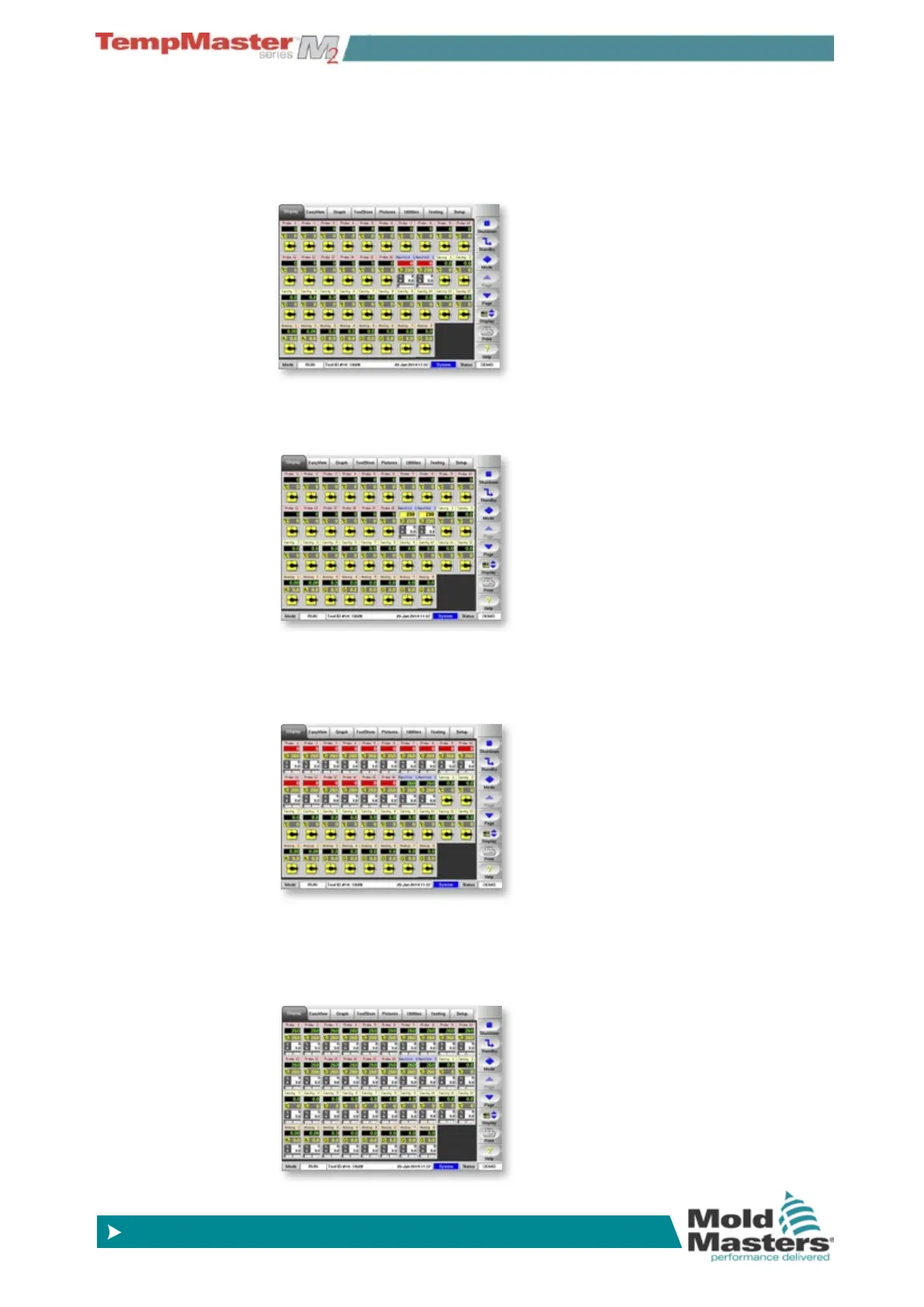
Sequence 1 -
The Tool l with manifold set at just below run temp and
all other zones turned off is loaded. The sequence timer holds this
condition for 60 minutes and then steps to next sequence.
Sequence 2 - All other zones remain off while manifold rise to
normal temperature. The sequence timer holds this condition for 10
minutes then steps to next sequence.
Sequence 3 - The Tool setting with Probe zones switched on set to
normal temp loads. The Probe zones start to heat up. The sequence
timer holds this condition for 15 minutes and then steps to next se-
quence.
Sequence 4 - The tool setting with all zones including cavity and
water temp monitoring switch on once the nozzle zones have had
enough time to reach normal temperature. The tool assumes “Run”
mode after last sequence has been engaged.



 To Next Page