OVERVIEW
© 2014 Mold-Masters (2007) Limited. All Rights Reserved.
Revised 1 Oct, 2014
4-4
4.4 Screen Layout and Navigation
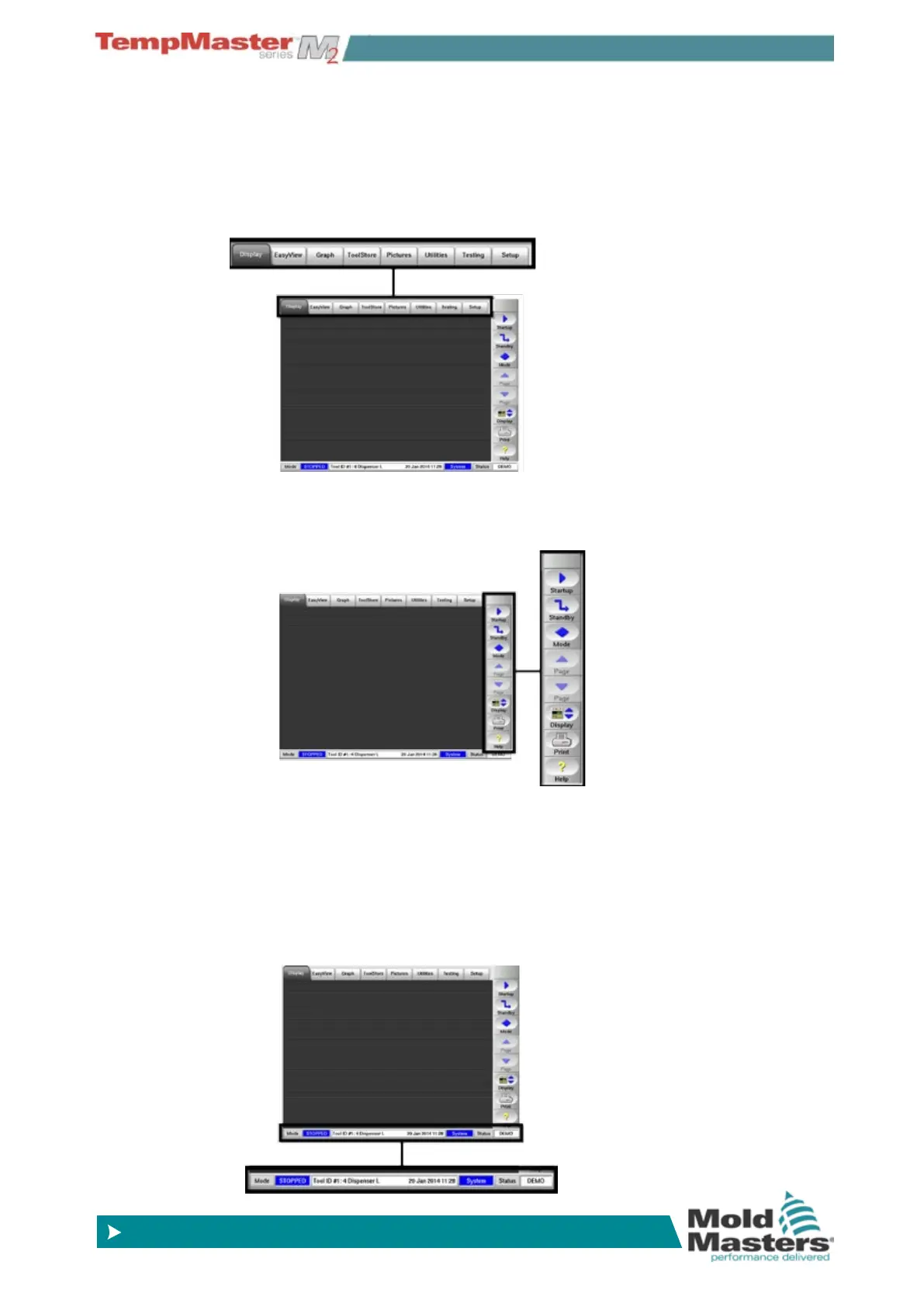
This page introduces the console to show what functions are available
and what information is given.
Navigation - Top of page
Top tabs to switch between the different pages.
Control - Side of page
Contains various command buttons that change from page to page.
Monitor & Information - Bottom of page
The lower left side shows Run Mode while the centre has messages,
such as prompts when a password is required.
On the right is operator name or admin-level, and lastly the controller
health status.



 To Next Page