MAINTENANCE
© 2014 Mold-Masters (2007) Limited. All Rights Reserved.
Revised 1 Oct, 2014
7-10
7.6 System diagnosis results
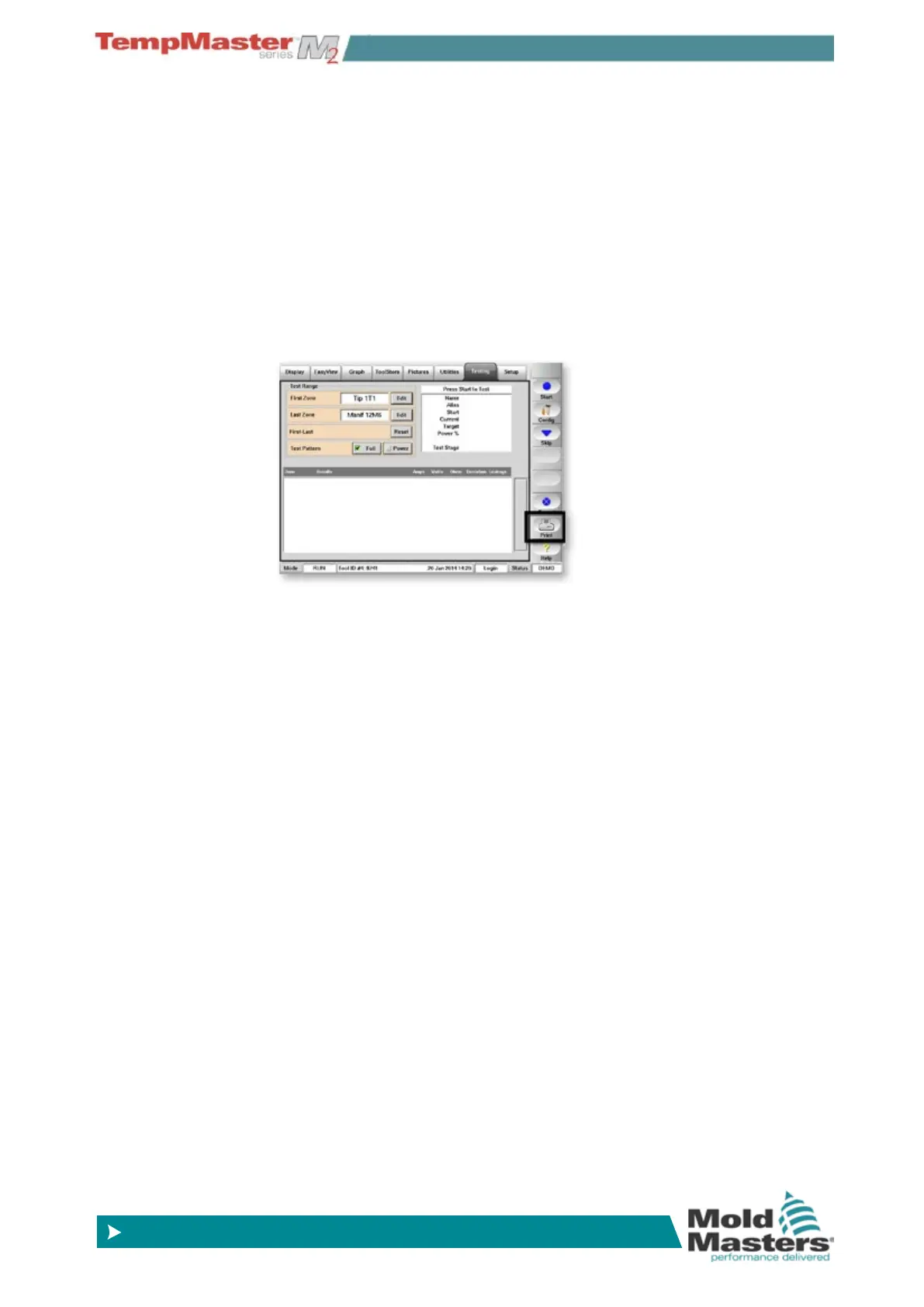
The Test page retains information about any test that is run. You can
scroll the screen to view all the results or you can choose to archive
the test results as hard or soft copy.
Choose [
Print] to save the current set of test reults; this opens a pan-
el where you have two options:
1. Choose [
Print] again to send the results directly to your printer as
a hard copy.
2. Choose [
Export] to send the test results to an external USB Mem-
ory stick as a CSV le.
7.7 How to Interpret the test results
A result is given for each zone tested as a table form which shows six
columns that are
1. Zone tested - shows which zone number for which the results are
applicable.
2. Test results –“Zone Test OK” tells you there were no problems de-
tected. Alternatively, it displays one of the messages listed below
to explain why the zone test was not good.
3. Measured Amps – shows how much current was measured as a
result of applying a set voltage.
4. Measured Watts and Ohms are derived from measured current
and the given system voltage.
5. Deviation – shows the difference between the current readings
and those that have been saved.
6. Leakage – shows if any leakage current to gound was measured.



 To Next Page