TROUBLESHOOTING
© 2014 Mold-Masters (2007) Limited. All Rights Reserved.
Revised 1 Oct, 2014
8-7
8.5 Other problems with the Tool
If you nd that the Controller is not running correctly and cannot re-
solve the problem with either the manual or on-line help then it may
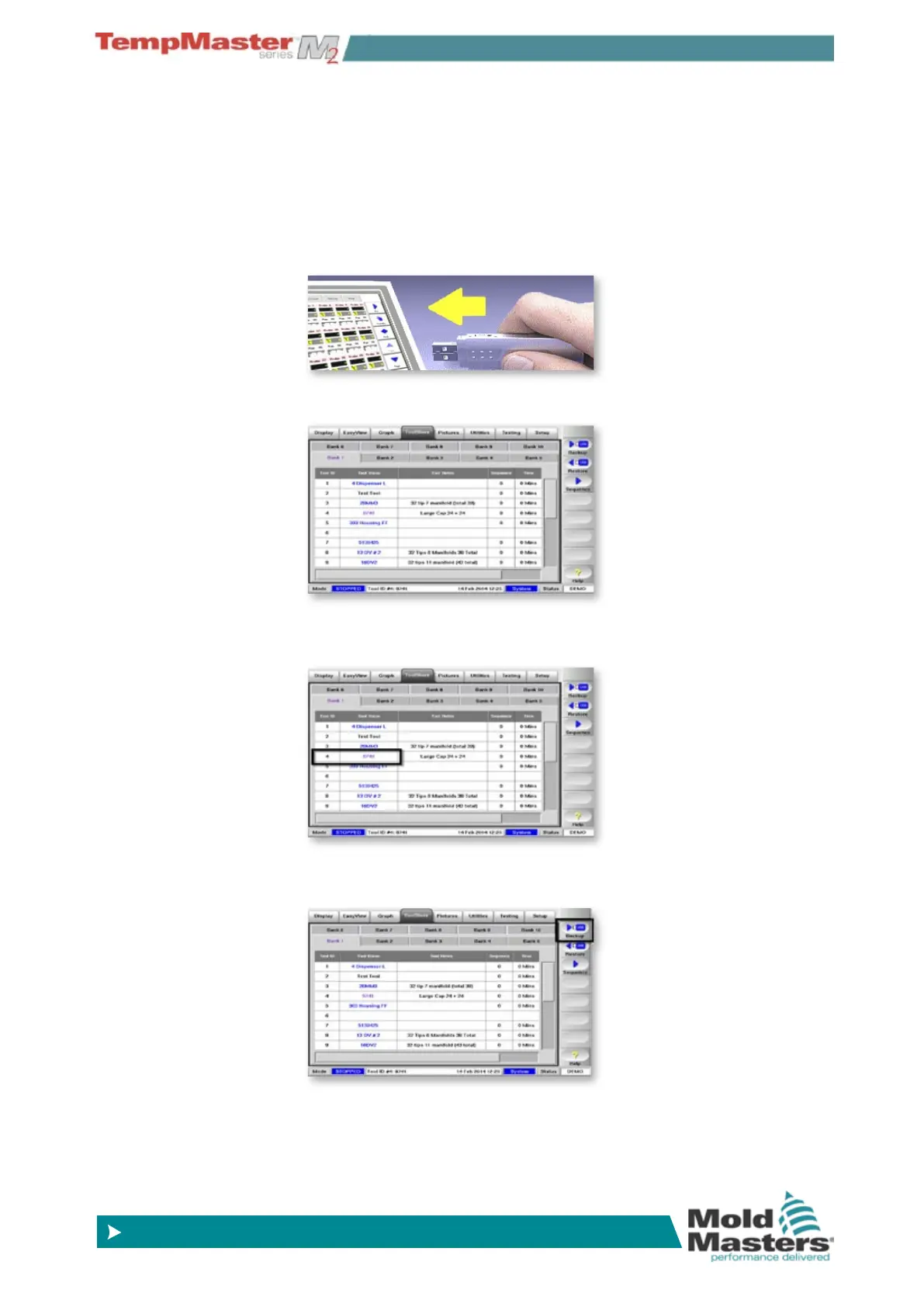
help us if we can see exactly how your system is congured.
1. Insert Media then wait about 10 seconds until the USB Memory is
ready to use.
2. Open the ToolStore page.
3. Select the tool.
4. Choose [
Backup].



 To Next Page