OPERATION
© 2014 Mold-Masters (2007) Limited. All Rights Reserved.
Revised 1 Oct, 2014
6-44
6.27 The 4-channel Input/Output Card:
The following input/output functions are available on IO3, IO4 and IO5
cards. Extra tool selection function is available only with the IO5 card
and is described on page 6-48.
This is a digital Input/Output card that offers up to four separate inputs
and outputs to facilitate remote interaction bewteeen the controller and
other equipment within the moulding machine unit.
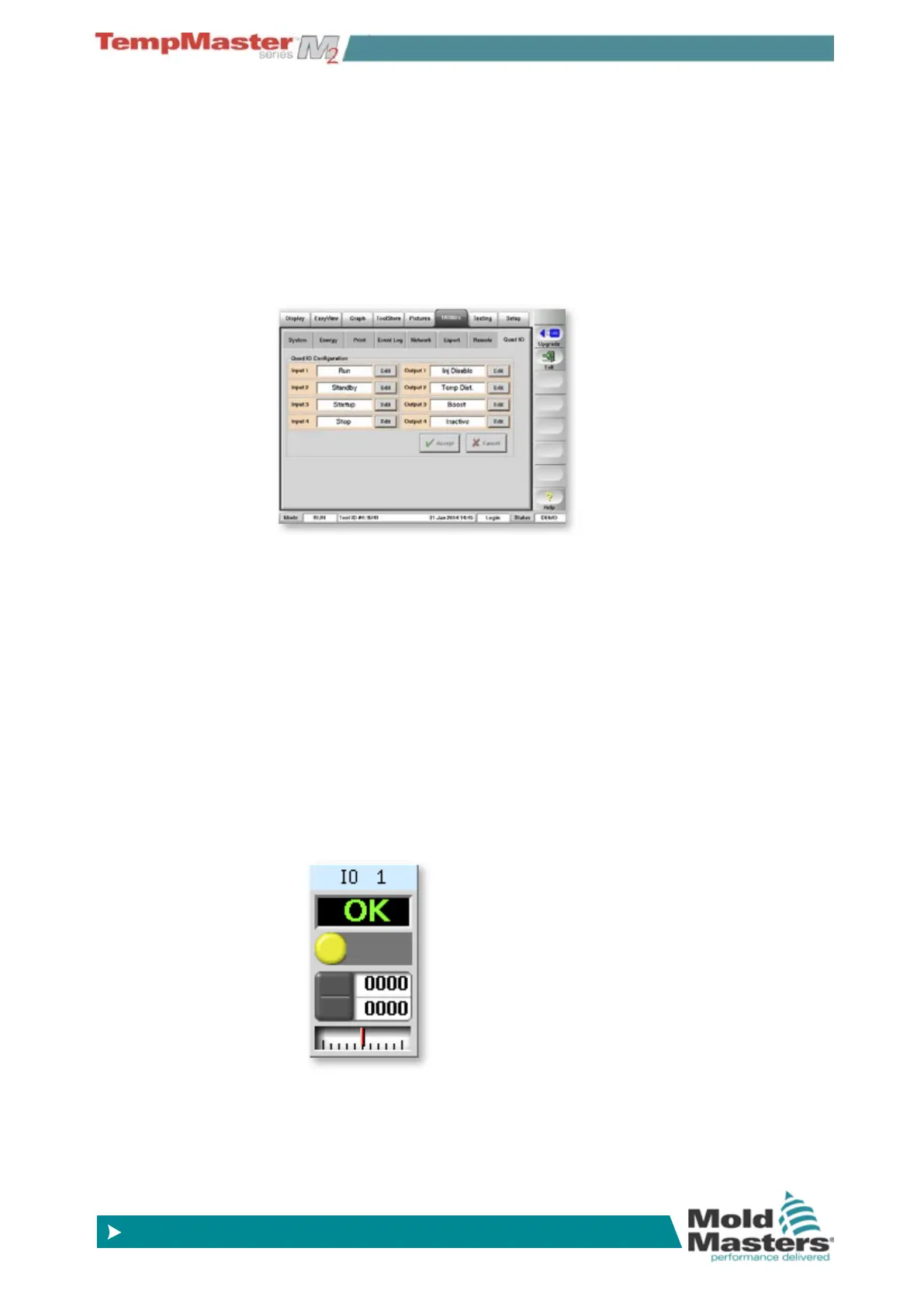
IO Card Setup is available on the Utilities page where you can choose
[
Quad IO] to see the four input and output options.
6.27.1 Display Page
The card has its own main page panel which show:
1. That it has healthy communications with the Console (shows N/Z f
communications fail) If the IO card TC input is being used to moni-
tor a temperature then it will be displayed here.
2. The set temperature is used as a monitor point rather than a con-
trol point. In this example the IO Input expects to see something
at 22°C. Warning and alarm settings as above and below this set
temperature.
3. The two digital numbers represent the state of inputs and outputs.
They are read from right to left with input above and output below.



 To Next Page