OVERVIEW
© 2014 Mold-Masters (2007) Limited. All Rights Reserved.
Revised 1 Oct, 2014
4-9
4.8 Display Page – Monitoring (TSA2 wide
screen)
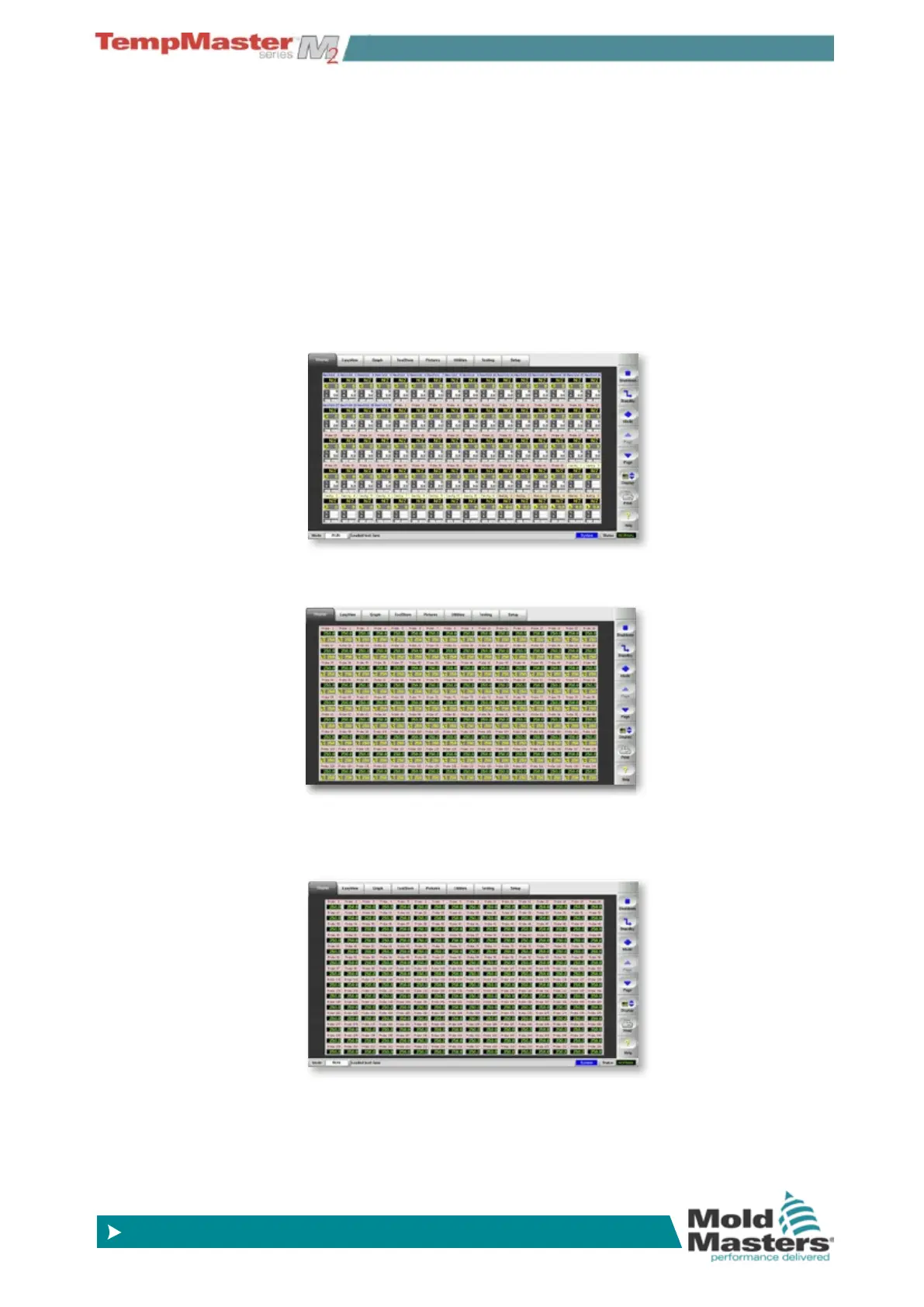
The TSA2 has a wide screen format which offers more zones on the
display page. Other pages appear similar to the standard format KTS
which are used throughout the rest of the manual.
The basic page shows 80 zones where each zone shows:
Title, Actual, Set, Power, Current and Temperature Deviation.
To view more zones:
1. Use [
Page p] or [Page q] to scroll up and down to see other
zones.
2. Choose [
Display] button to show more zones 144 Zones - each
zone shows Title, Actual and Set.
3. Touch it again to show 224 Zones - each zone shows Title and
Actual.



 To Next Page