OPERATION
© 2014 Mold-Masters (2007) Limited. All Rights Reserved.
Revised 1 Oct, 2014
6-22
6.16.3 De-select Demo Mode
Taking the console out of Demo mode is a simple reverse of the Se-
lection routine.
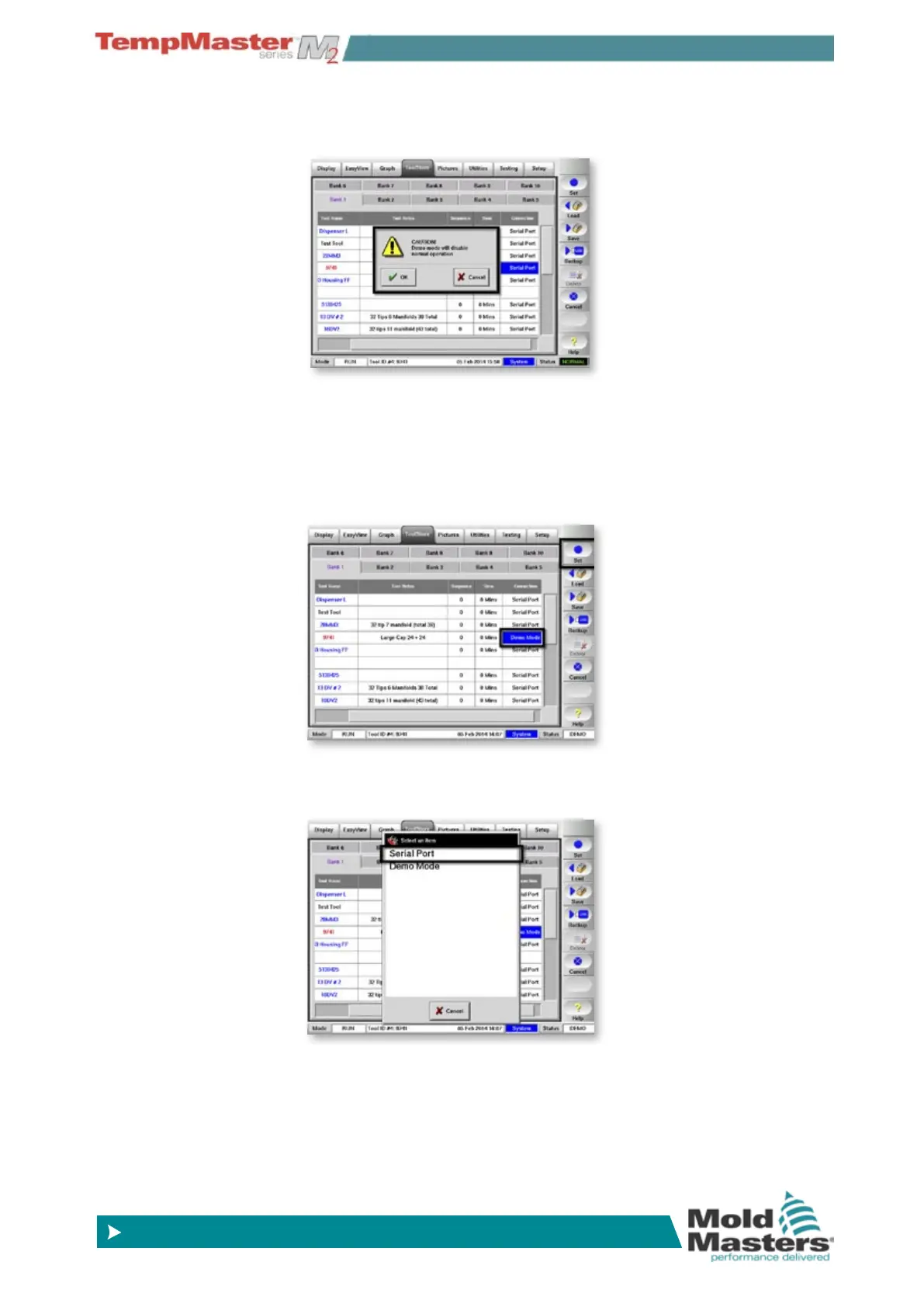
1. Select the current tool.
2. Choose [
Connection], and [Set].
3. Select the original setting that was noted at Step 2 while selecting
Demo Mode above.
Select Demo Mode - contd.
3. Accept the warning that this option will disable the Console.



 To Next Page